About this app
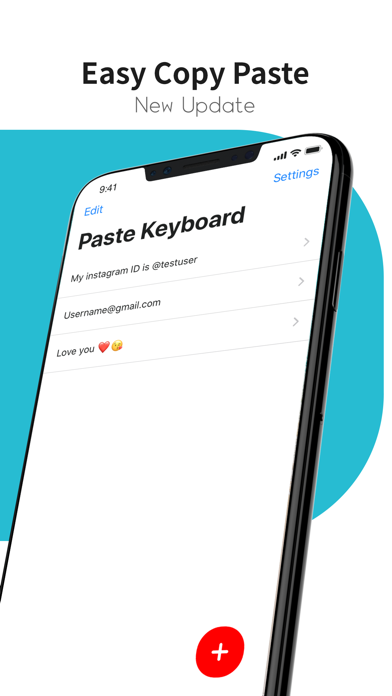
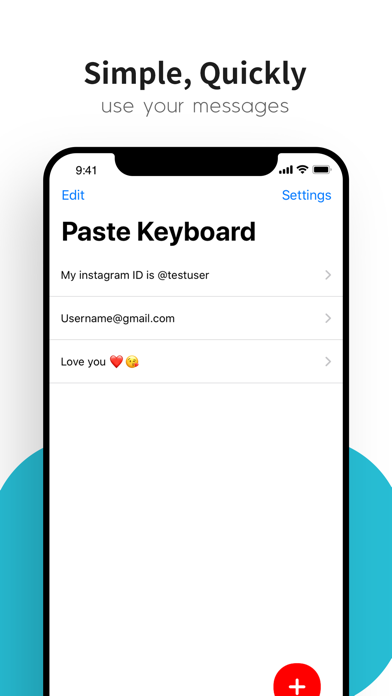
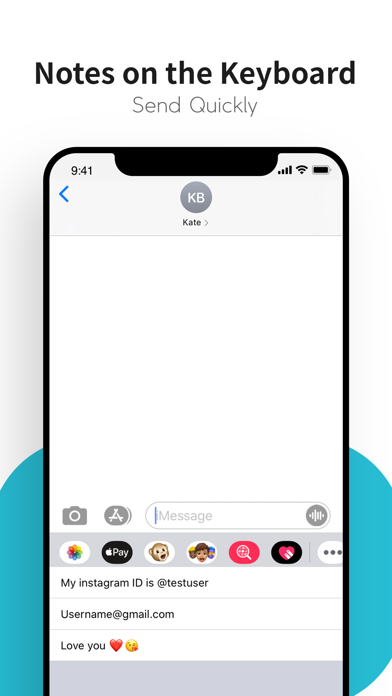
Sometimes we have to write long messages, emails, remember addresses, and create other large portions of text. Now you can use Paste Keyboard to quickly access stored notes and information to communicate faster! Paste Keyboard offers a seamless typing experience with quick access to your most frequently used phrases and emojis. Say goodbye to typing the same text over and over again! Key Features: - Custom Phrase Storage: Save and access your commonly used phrases with ease. - Quick Paste Functionality: Paste saved text snippets with a single tap. - Efficient Communication: Save time and increase your productivity. - User-Friendly Interface: Simple and intuitive design for easy use. With Paste Keyboard, you can streamline your communication and focus on what matters most. Whether you’re writing emails, chatting with friends, or jotting down notes, Paste Keyboard makes it faster and easier. Enjoy! Privacy Policy : https://bit.ly/3yexPaM Terms of Service : https://bit.ly/46kz9p6
Latest release
What’s New
- Bug Fixed
Audience growth
Ratings growth
Baseline captured. Growth appears after the crawler observes a changed rating count.
Momentum comes from crawler snapshots for the tracked storefront. “Viral growth signal” means unusually fast recent rating gains; it is an indicator, not download data.
Price tracking
Price intelligence
First snapshot captured. The trend line starts after the next crawler price observation.
- First observed Sep 4, 2026 · 4:32 AM Free
Screenshots