About this app
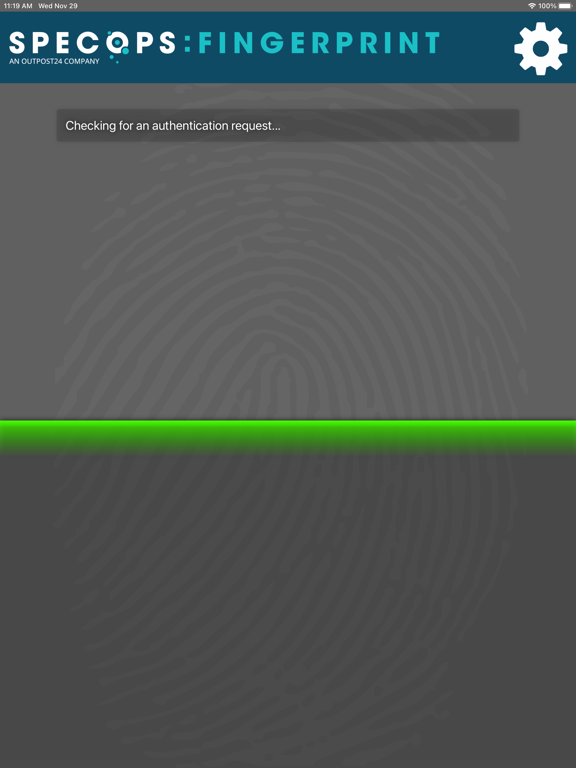
***** Note: This is a corporate application and can only be used if your organization uses Specops uReset. ***** The Specops Fingerprint app allows you to authenticate to the Specops uReset password reset service using the fingerprint recognition feature integrated into your iOS device. The Specops Fingerprint app is considered a high trust security device as it uses multifactor authentication: mobile (what you have), and a biometric verification (what you are). Before you can use the Specops Fingerprint, you must enroll with the service. To get started, follow the below steps: 1. Download the application on your device. 2. Register the app by scanning the QR-code found on the uReset enrollment web page in the App. 3. Click Save. 4. You will be prompted to provide your fingerprint by placing it on the sensor. 5. If your fingerprint is accepted, you will be enrolled. Once you have enrolled with the service, your fingerprint can be used to authenticate your identity during a password reset.
Latest release
What’s New
We make changes and improvements to Specops Fingerprint regularly in order to improve your experience. Keep your Updates turned on to ensure you don’t miss anything.
Audience growth
Ratings growth
Baseline captured. Growth appears after the crawler observes a changed rating count.
Momentum comes from crawler snapshots for the tracked storefront. “Viral growth signal” means unusually fast recent rating gains; it is an indicator, not download data.
Price tracking
Price intelligence
First snapshot captured. The trend line starts after the next crawler price observation.
- First observed Sep 4, 2026 · 3:18 AM Free
Screenshots