About this app
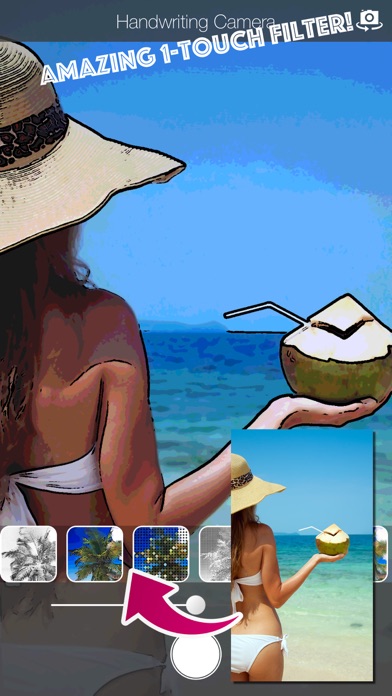
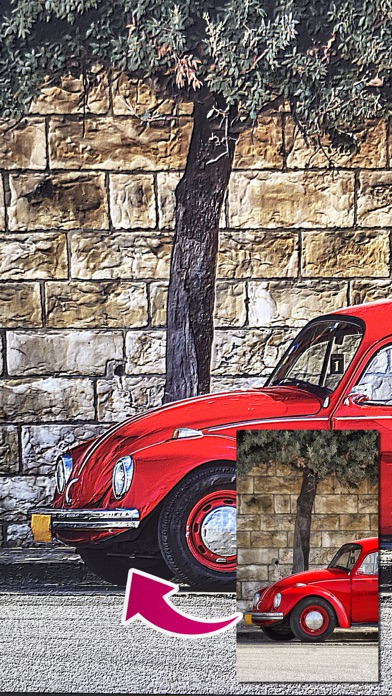
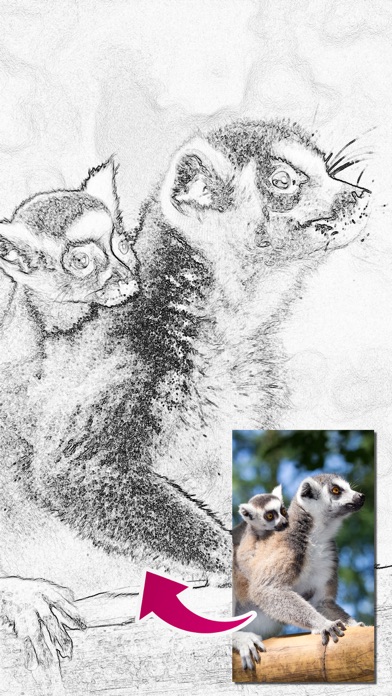
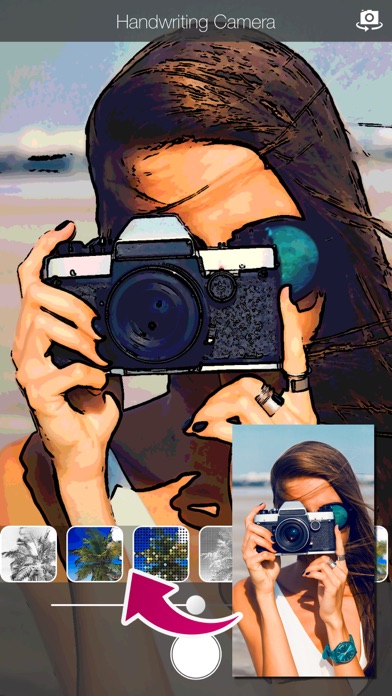
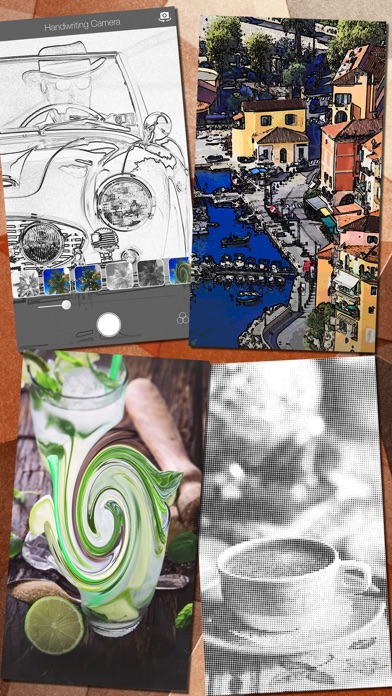
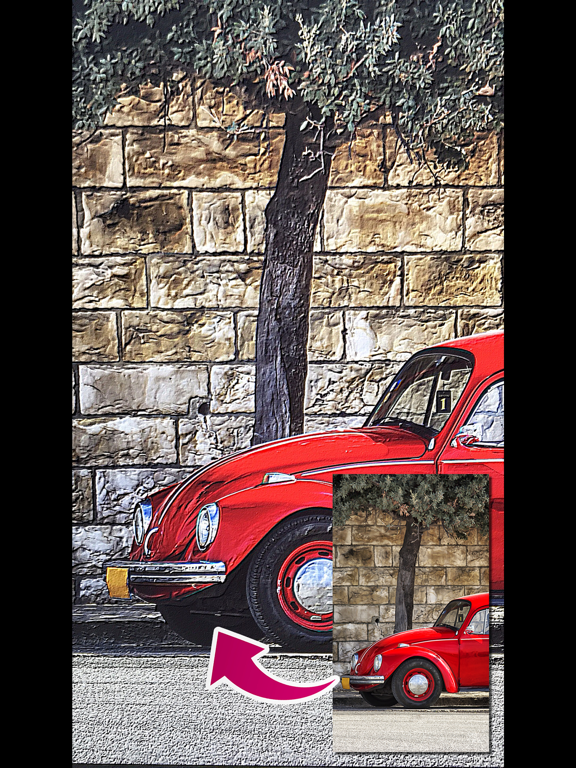
*** One of the BEST camera app on App Store! *** Everybody can create handwriting style photos in a few taps! If you take a photo of your ordinary familiar scenery, it becomes the stunning landscape painting. The app include 8 unique camera filters such as Sketch, Cartoon, Dots, Halftone, Crosshatch, Swirl, Pixellate and Emboss. These tools will change your photo to the creative artwork quickly. Of course, you can share photos on Facebook, Twitter or other SNS. And also you can send photos to your friends by email. How to use: 1. Select a effect. 2. Take a shot. 3. Save or share it. That's it! Features: -> Amazing 8 effects: Sketch, Toon, Dots, Halftone, Crosshatch, Swirl, Pixellate and Emboss -> Easy-to-use single tap effects -> Share photos via Twitter, Facebook, Instagram or other SNS -> Save photos to Photo Library -> Print photos Have a fun!
Latest release
What’s New
- Support iOS 14 - Improved user interface for intuitive operation - Fixed ad layout that rarely interferes with user interaction
Audience growth
Ratings growth
Baseline captured. Growth appears after the crawler observes a changed rating count.
Momentum comes from crawler snapshots for the tracked storefront. “Viral growth signal” means unusually fast recent rating gains; it is an indicator, not download data.
Price tracking
Price intelligence
First snapshot captured. The trend line starts after the next crawler price observation.
- First observed Sep 9, 2026 · 2:22 AM Free
Screenshots