About this app
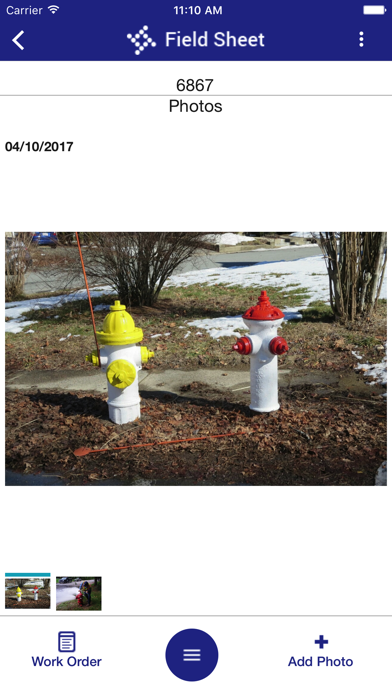
Field Sheet provides a paperless work order solution when your users are working out in the field. Users can view and update basic work order details based on configurations such as assigned user, status, departments and days. Users can add time/inventory/equipment/supplies, upload and attach photos, mark checklist items as complete, and provide comments so users can move from work order to work order quickly and easily in the field. This app seamlessly delivers real-time data back to the office whenever an Internet connection is available. Field Sheet is for use with Tyler Technologies' Munis (version 11.1 and above) and Tyler EAM (version 2018.1 and above). Contact Tyler Technologies support for further assistance.
Latest release
What’s New
On WO Add, UB Activities will only be available to select if the user has selected a UB Servicing Department. UB Activities will not be subject to filtering based on the selected Requesting Department, as UB Activities do not have designated Requesting Departments.
Audience growth
Ratings growth
Baseline captured. Growth appears after the crawler observes a changed rating count.
Momentum comes from crawler snapshots for the tracked storefront. “Viral growth signal” means unusually fast recent rating gains; it is an indicator, not download data.
Price tracking
Price intelligence
First snapshot captured. The trend line starts after the next crawler price observation.
- First observed Aug 24, 2026 · 9:20 PM Free
Screenshots