About this app
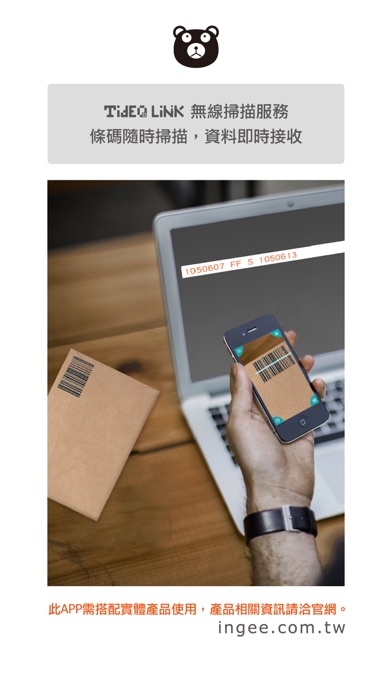
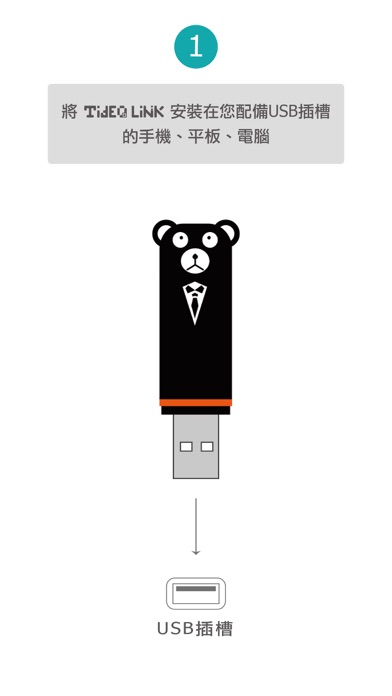
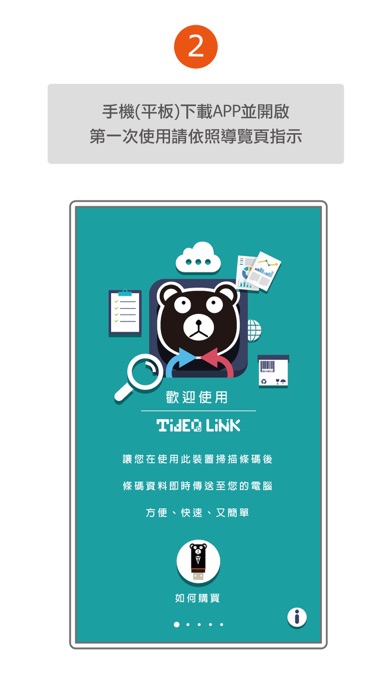
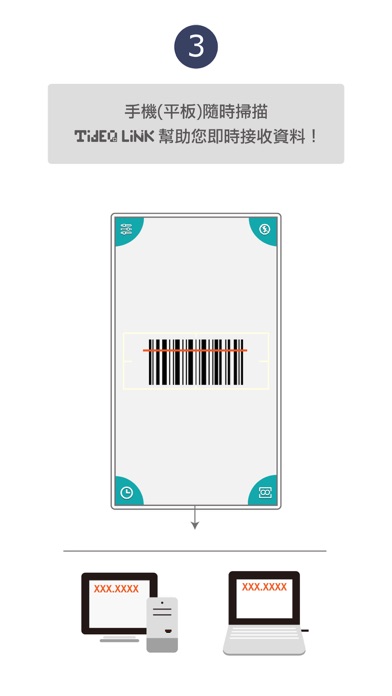
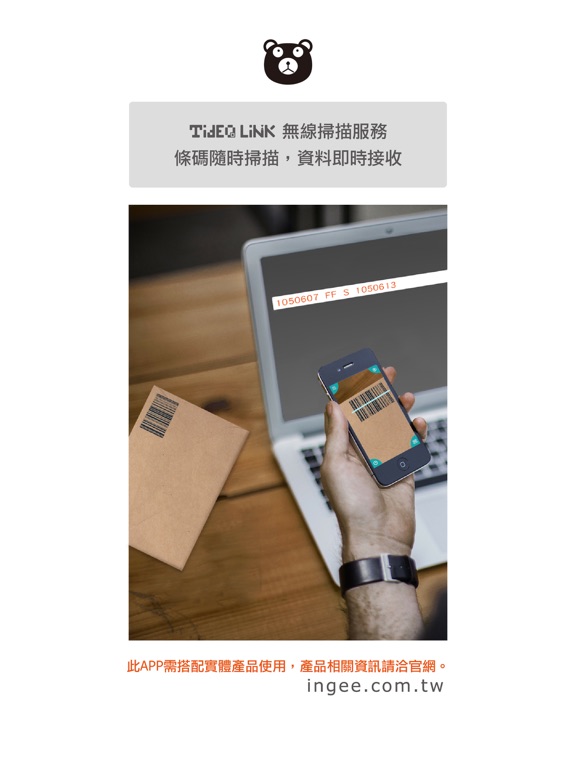
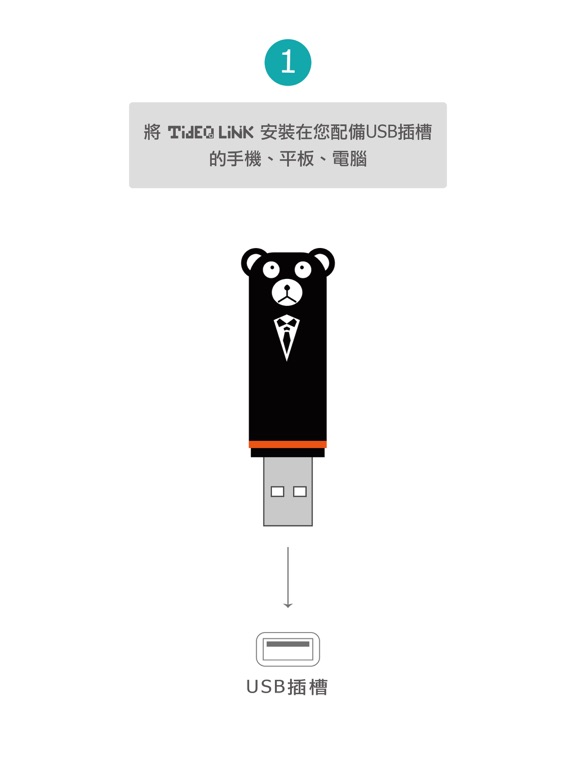
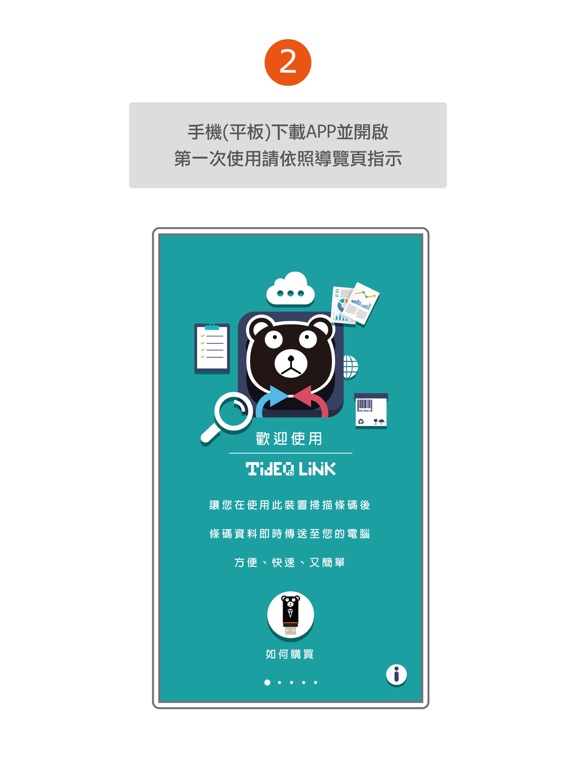
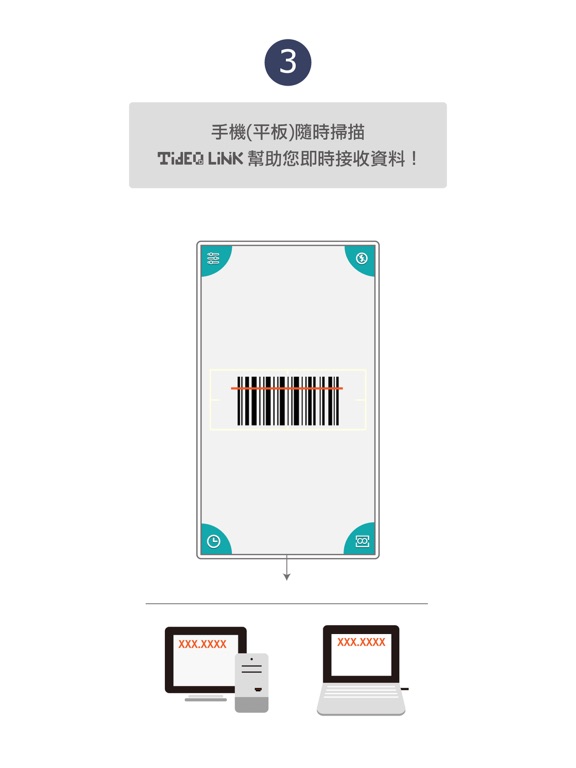
TideQLink 行動掃瞄、遠端接收,一次達成! 步驟一:購買TideQLink實體產品 步驟二:下載TideQLink 手機(平板)App 步驟三:將TideQLink產品插頭連結接收裝置(手機/電腦/平板)的USB插槽 開啟App依照導覽頁指示操作,即可開始使用。 功能: 1.條碼資料遠端接收(約10-15公尺無障礙空間) 2.設定大小寫 3.設定相同條碼重複掃描次數 4.設定掃描後動作(空白鍵/TAB/確定鍵) 5.設定條碼長度限制區間(最短1字元,最長225字元) 6.設定提示聲 7.設定條碼偵測類型,總共提供13種條碼類型。 8.回復原始設定 9.前往導覽頁 注意事項: 條碼接收接為ASCII字元。 切換輸入法至英文模式。 支援條碼如下: Code 39 Code 93 Code 128 Code 39 mod 4 EAN8 EAN13 UPCE QR Code AZTEC Code PDF417 ITF14 Data Matrix Code Inter Leaved 2 of 5
Latest release
What’s New
Add iPhone XR, XS, XS MAX.
Audience growth
Ratings growth
Baseline captured. Growth appears after the crawler observes a changed rating count.
Momentum comes from crawler snapshots for the tracked storefront. “Viral growth signal” means unusually fast recent rating gains; it is an indicator, not download data.
Price tracking
Price intelligence
First snapshot captured. The trend line starts after the next crawler price observation.
- First observed Sep 27, 2026 · 5:33 AM Free
Screenshots