About this app
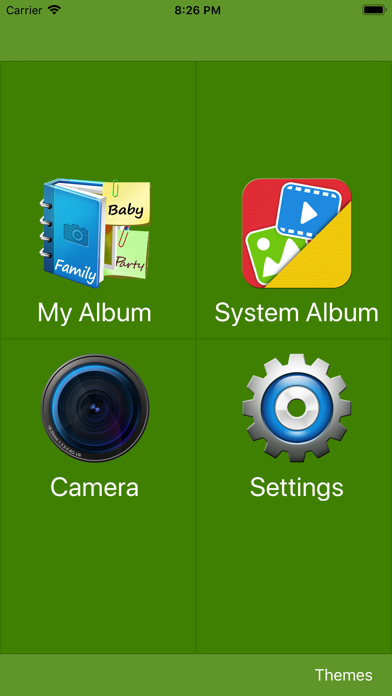
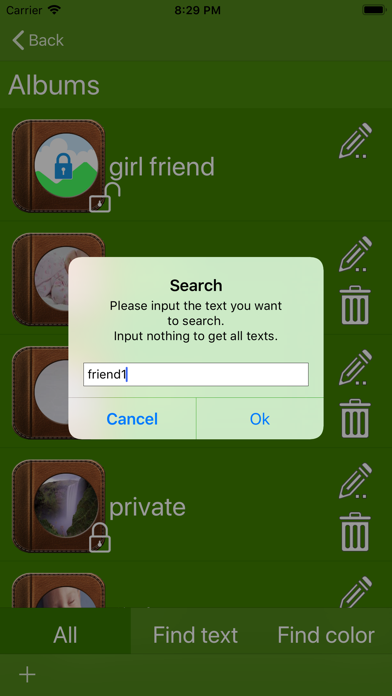
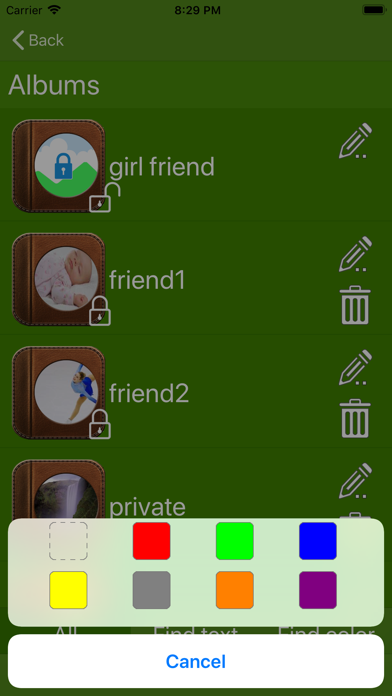
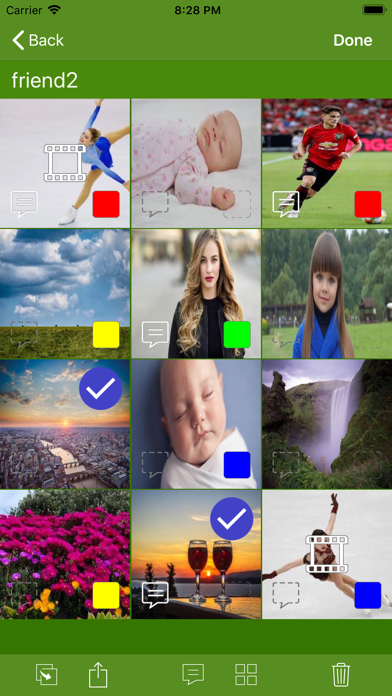
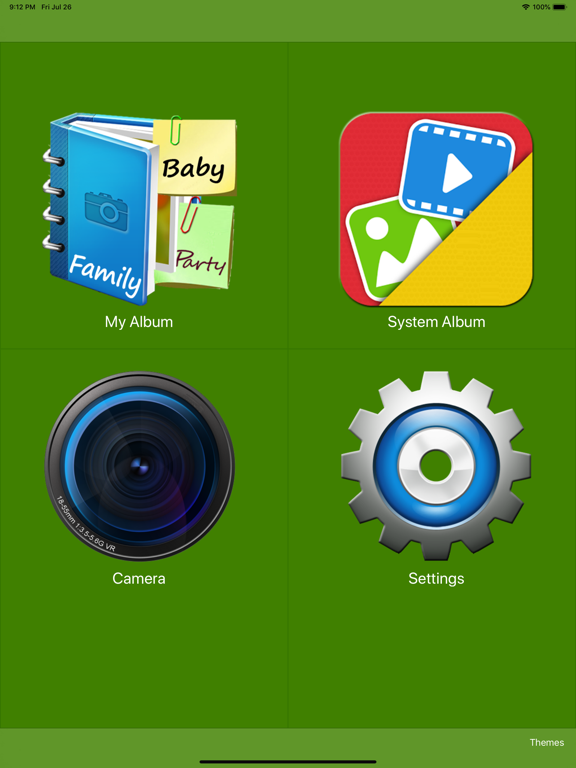
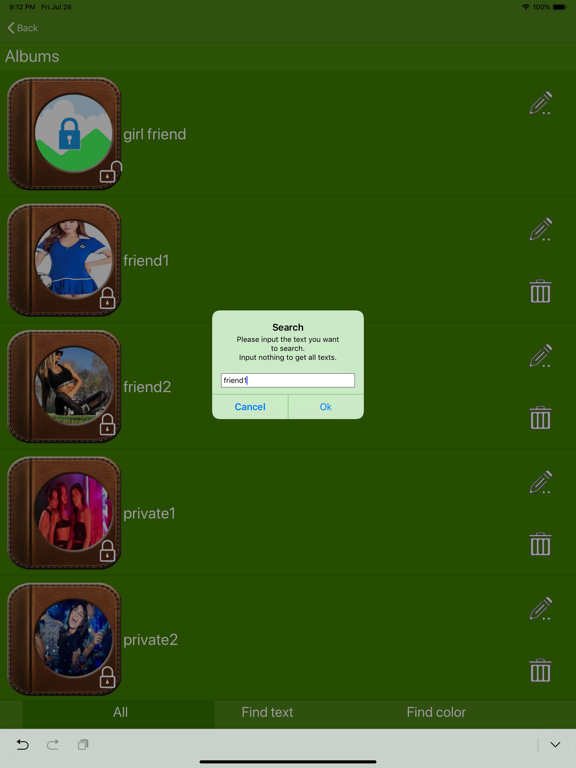
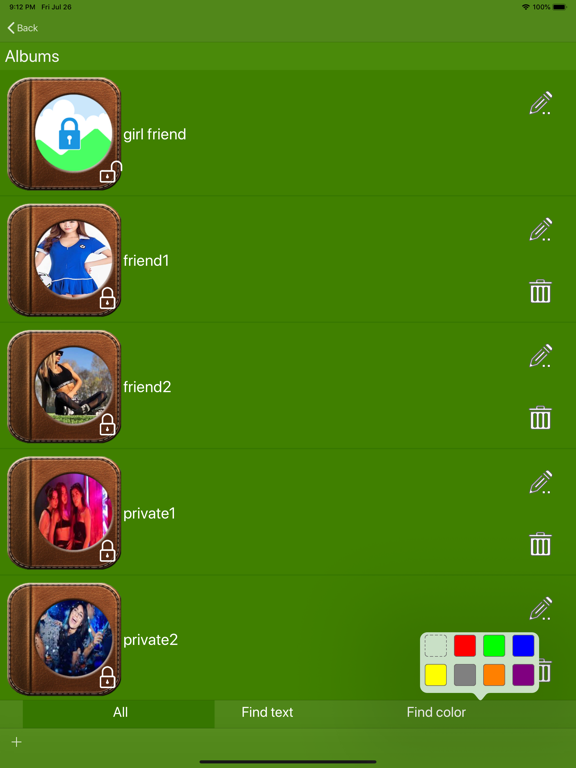
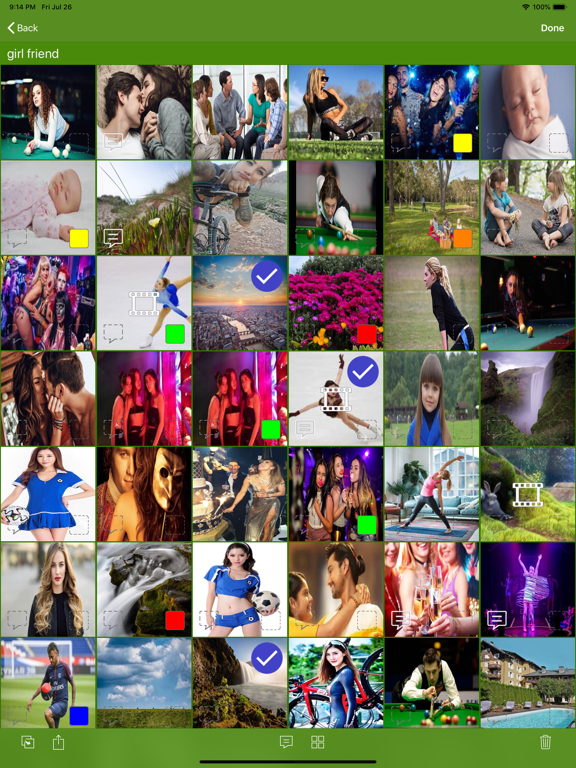
This is an interesting and useful photo album tool. You can: 1) Lock albums. Only ones who know the password can enter locked albums. 2) Give your photo a text memo, also a color tag. This way, you can easily find out your photo or video. Function description: (1) Photos are organized by albums. You can lock/unlock each album. You can also name each album, and put related photos in it. For example: 1) Add an album named "Myself" and lock it with password. Only you can enter this album. 2) When taking photo, select "Myself" album, then, all photos/videos will be put inito "Myself" album automatically after taking. (2) When taking photo or recording, you can set current text memo or color tag. With this, photos you captured will have their own text memo or color tag. For example: 1) You are attending a party with classmates, you can note it as "classmates party". So, in the future, when you input "classmates party", or "classmates", or "party", you will get all photos of this party. 2) You are playing with your kids in a park, you can tag it as "red" when taking photo. So, when you enjoy your photos, just select "red" tag, all photos about your kids will be listed out. (3) When enjoying photos, you can note them or tag them with color. For example: 1) When you classify photos of your kid, you can note them as "baby 1 year 1 month". So, you can input "1 year", or "1 year 1 month", or "baby 1 year", and so on, to get all photos when your baby is 1 year old. 2) When watching photos, you can give all photos related to your work a "blue" tag. Then, you can select "blue" tag to get photos about your work or your colleagues. Ok, that's all, enjoy it, totally free!
Latest release
What’s New
1) Add Share function, you can share your private photos with the person you want to share with. 2) Improve photo thumbs displaying quality.
Audience growth
Ratings growth
Baseline captured. Growth appears after the crawler observes a changed rating count.
Momentum comes from crawler snapshots for the tracked storefront. “Viral growth signal” means unusually fast recent rating gains; it is an indicator, not download data.
Price tracking
Price intelligence
First snapshot captured. The trend line starts after the next crawler price observation.
- First observed Aug 31, 2026 · 3:08 PM Free
Screenshots