About this app
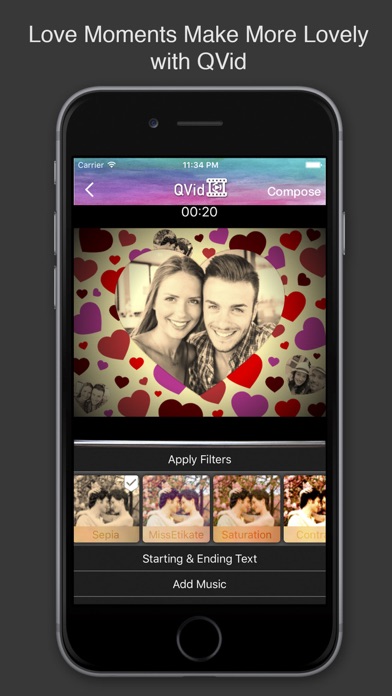
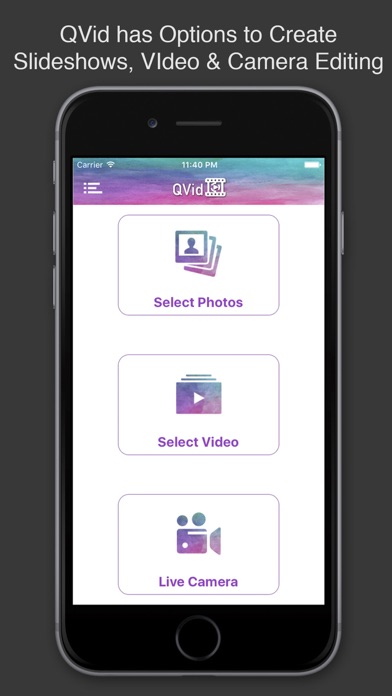
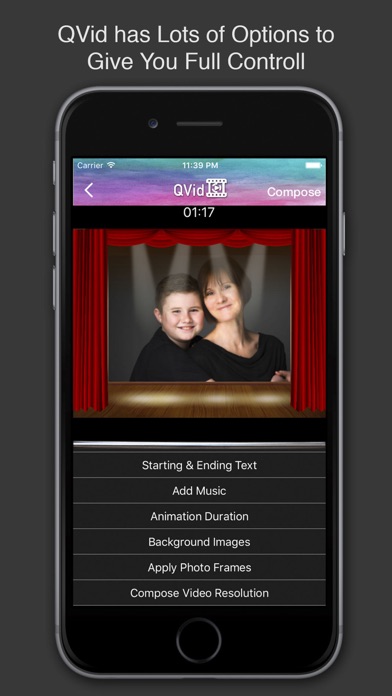
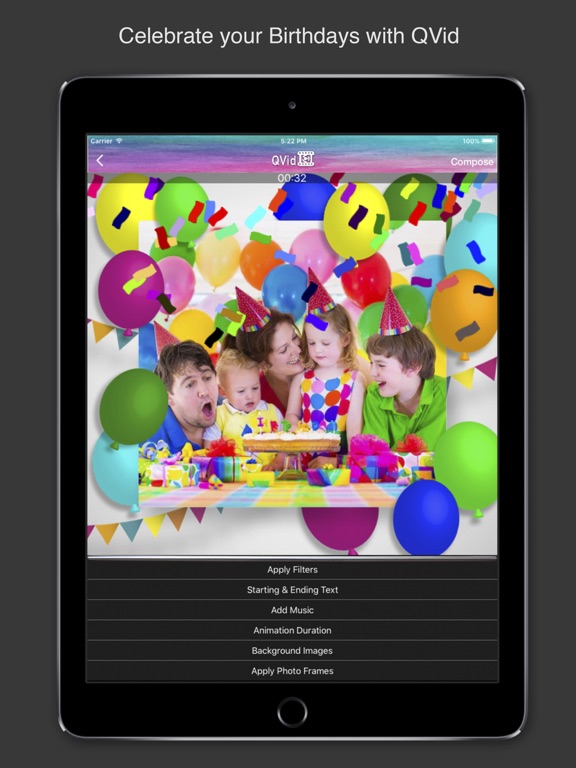
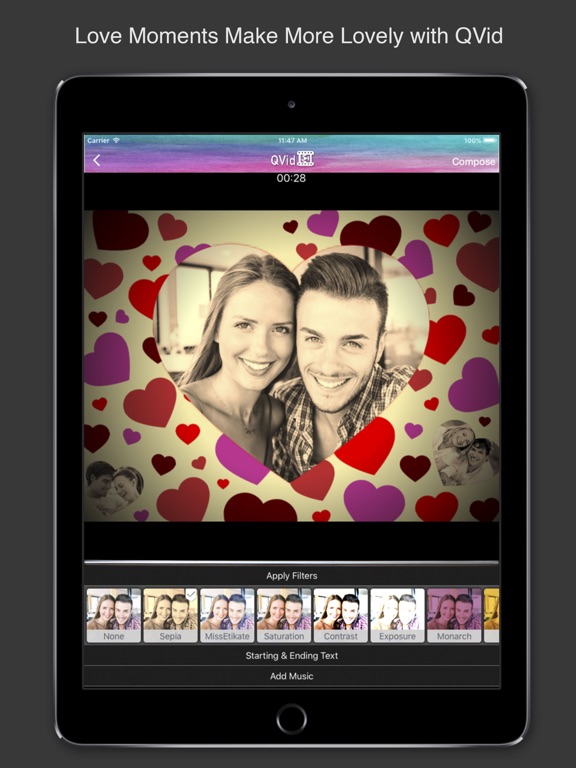
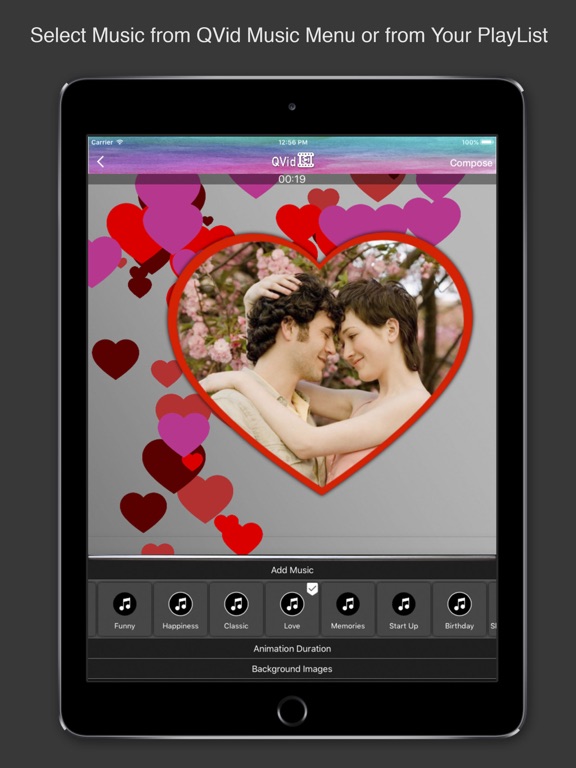
QVid create cool slideshows from your photos for your events. You Just select the photos and event what you want the rest QVid will do for you. QVid also videos and live camera editing option with animations and background music video filters and lot more. QVid is very easy to operate and extremely user friendly. FEATURES: - Text with video. - Lot of beautiful themes. - Live camera filters and overlay animations. - High resolution video rendering. - Video and photos filters. - Long Duration movie making. - Add background music. - Add mask to photos. - Preview and Save to Camera Roll share to Instagram, Twitter, Facebook, etc. Let us know if you have any problem with the app using Feedback feature built-in the app. Thank you!
Latest release
What’s New
This app has been updated by Apple to prepare for watchOS 27 compatibility. No new features are included. Add New Features. Minor Bug Fixes.
Audience growth
Ratings growth
Baseline captured. Growth appears after the crawler observes a changed rating count.
Momentum comes from crawler snapshots for the tracked storefront. “Viral growth signal” means unusually fast recent rating gains; it is an indicator, not download data.
Price tracking
Price intelligence
First snapshot captured. The trend line starts after the next crawler price observation.
- First observed Sep 4, 2026 · 5:47 AM Free
Screenshots