About this app
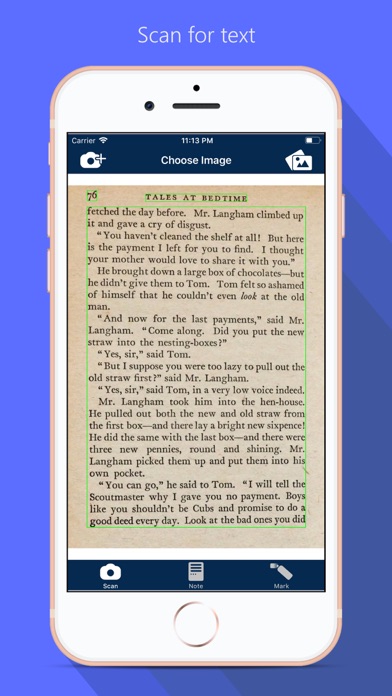
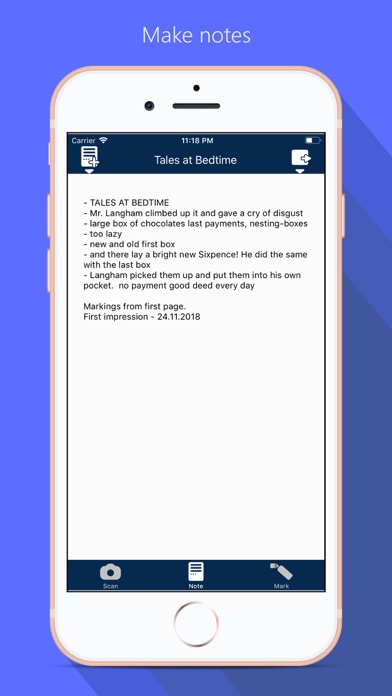
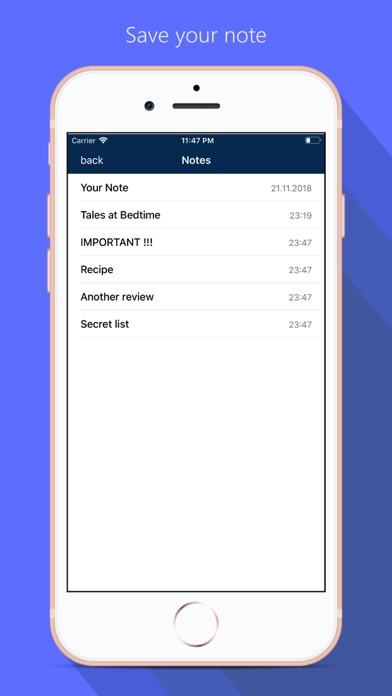
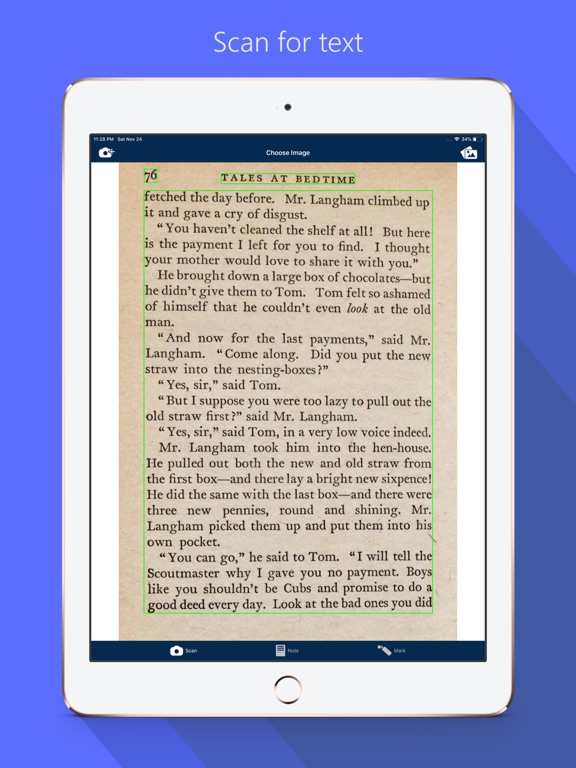
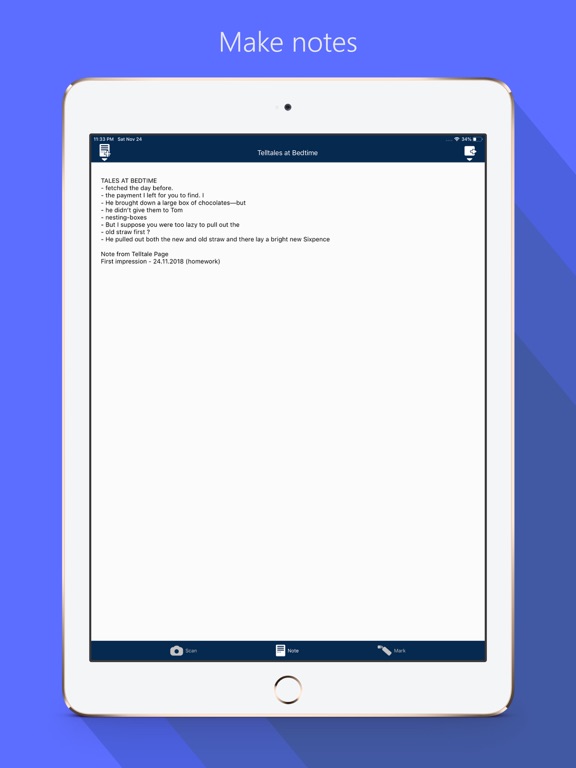
A text from a book can be handled as a message and can be shared. It also contains marking and writing tools to make learning and working more efficient. No pen and paper is required anymore. Attention: Optical Character Recognition (OCR) is a complicated task, but we are working on improving our technology steadily. We ask for understanding that special cases, crazy fonts, different languages, weak light conditions, etc. will be supported step by step via prospective updates. If there are unsatisfying results which our dev-team should focus at, feel encouraged to send us the targeted photo and/or a short explanation of your topic via mail at: contact@flooki.de [ How to use ] - open a new or an existing note from your local savings - take a photo via camera or library - extract the text - mark informations from the extracted text you want to keep (yellow marks) - when one headword is complete, tap button to move it to your personal note (yellow marks become grey) - on your personal note, you will find the gathered informations in a headword format like "- ..." - these headwords can be edited, saved and shared Important: Pictures are only saved temporarily. But the extracted text and note sheet can be saved locally. [ Setup OCR language ] The app notices your prefered operating system language and scans for this. To change the language to scan for you have to change your operating system language in your device settings. [ Best results ] - supported languages before iOS14: english, french, german - new supported languages since iOS14: chinese, portuguese, spanish, italian - latin alphabet in general is supported, but the best results are achieved with the languages described above - standard fonts - horizontal text orientation - consistent light conditions - dark font on lighter background - best results on common book pages
Latest release
What’s New
The new big step in the OCR technology has arrived! The scanning time is reduced and the quality of the scanning results is improved massively. Great progress has been made, especially in French and German. This app also can scan for more languages: Chinese, Portuguese, Italian and Spanish The latest apple OCR technology is available since iOS14. To get the maximum of benefit out of this app you have to update your devices operating system. The app checks your prefered language of your operating system and scans for this. If you want to scan in another language (English, Chinese, Portuguese, French, Italian, German and Spanish available) you have to change your operating system language in your device settings. Stay healthy!
Audience growth
Ratings growth
Baseline captured. Growth appears after the crawler observes a changed rating count.
Momentum comes from crawler snapshots for the tracked storefront. “Viral growth signal” means unusually fast recent rating gains; it is an indicator, not download data.
Price tracking
Price intelligence
First snapshot captured. The trend line starts after the next crawler price observation.
- First observed Aug 27, 2026 · 12:50 PM $1.99
Screenshots