About this app
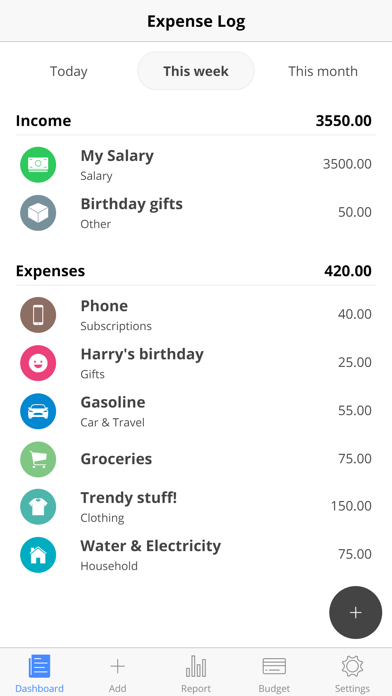
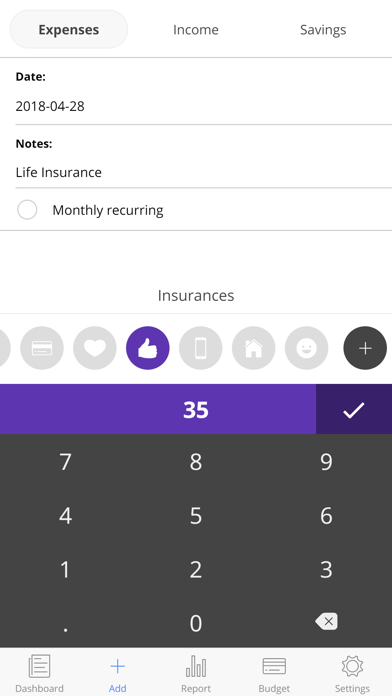
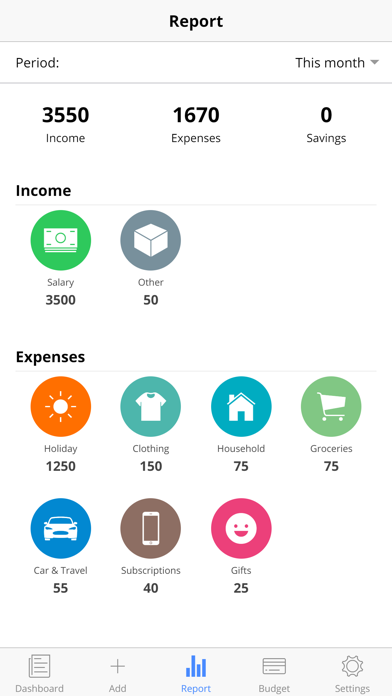
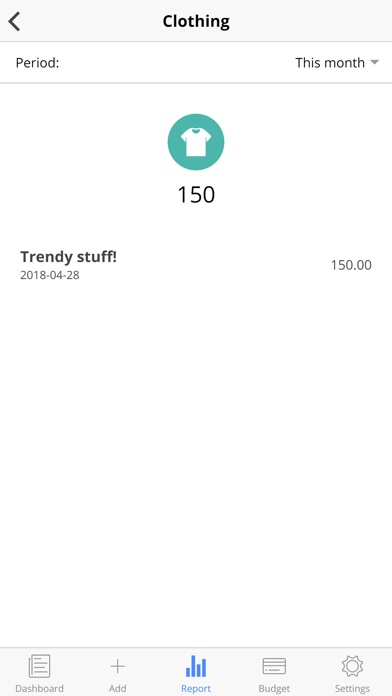
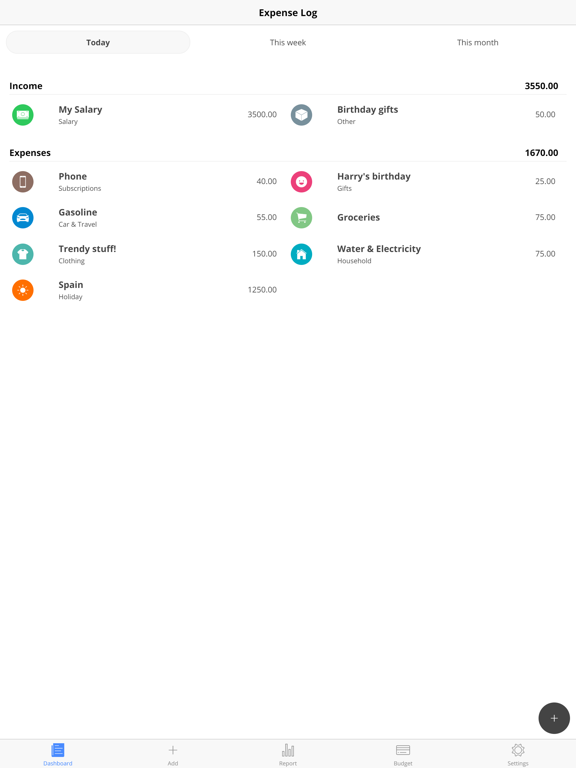
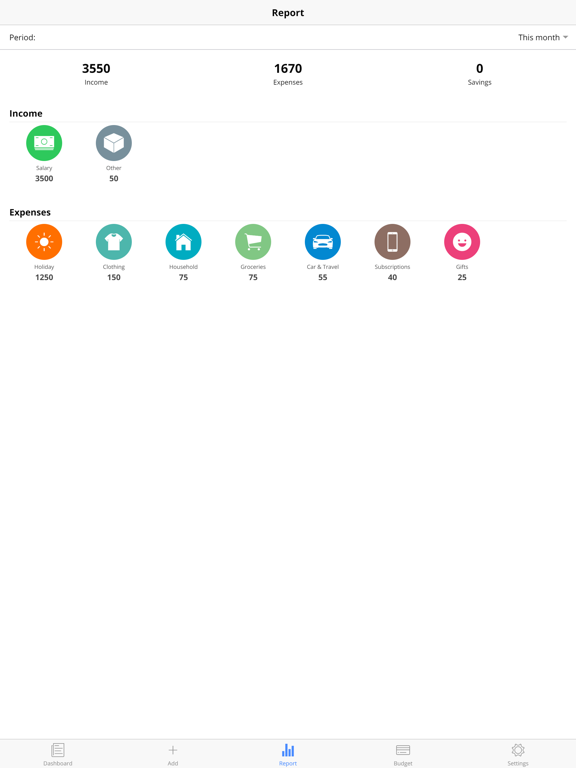
This Expense Log provides a quick, easy and flexible way to track your expenses and incomes so you can see where your money is going or coming in. Tracking your expenses is one of the key factors in making your budget work for you. If you do not know how much you have spent each month, you cannot tell when you have overspent. Even the small expenses can cause you to blow your budget. When you think of tracking your expenses, what comes to mind? Maybe you’re curious about where your money is going. Or do you dread the thought of having to write down every penny you spend? Most people only track their spending for a couple of weeks so that they can see where their money is actually going. Other people only track certain types of expenses, like where they spend their cash. Tracking your spending can be as easy or as hard as you make it, but when you're trying to get on top of your money and debts, the pay off for doing so is huge!
Latest release
What’s New
This app has been updated by Apple to prepare for watchOS 27 compatibility. No new features are included.
Audience growth
Ratings growth
Baseline captured. Growth appears after the crawler observes a changed rating count.
Momentum comes from crawler snapshots for the tracked storefront. “Viral growth signal” means unusually fast recent rating gains; it is an indicator, not download data.
Price tracking
Price intelligence
First snapshot captured. The trend line starts after the next crawler price observation.
- First observed Aug 31, 2026 · 8:51 PM Free
Screenshots