About this app
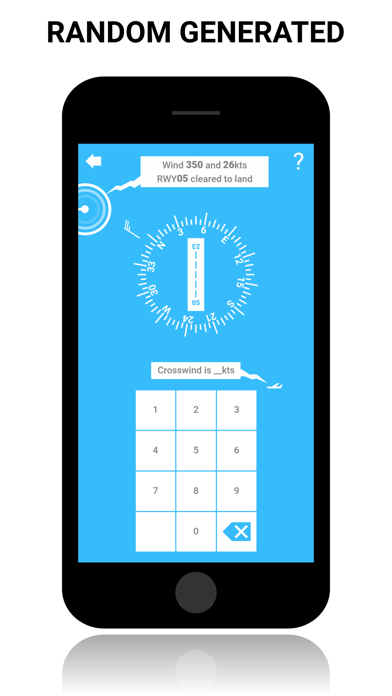
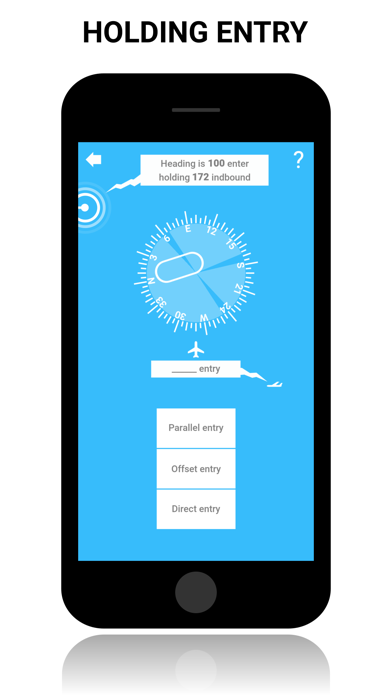
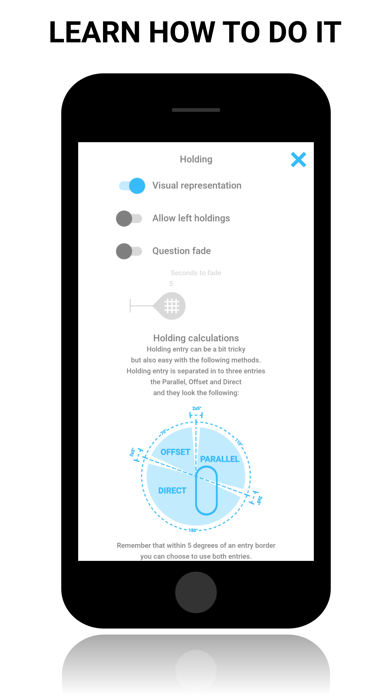
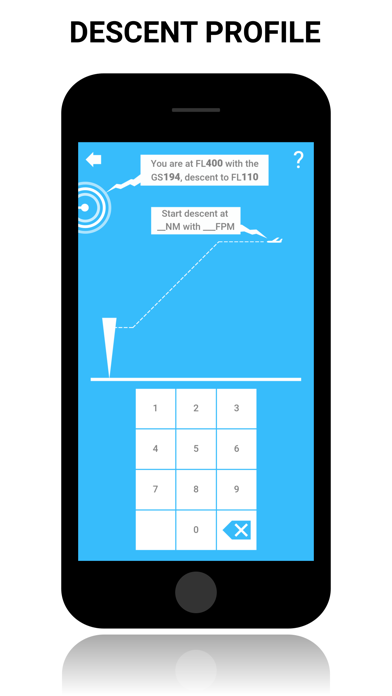
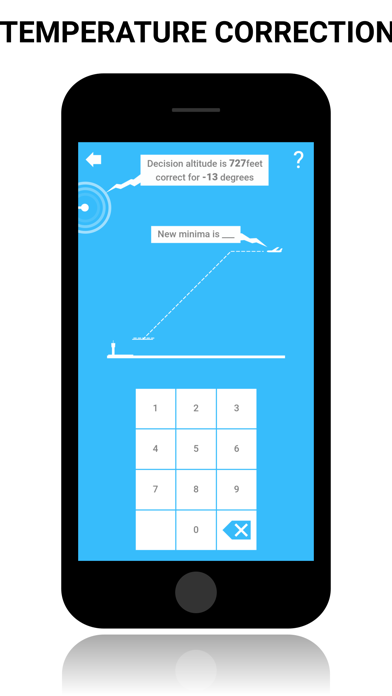
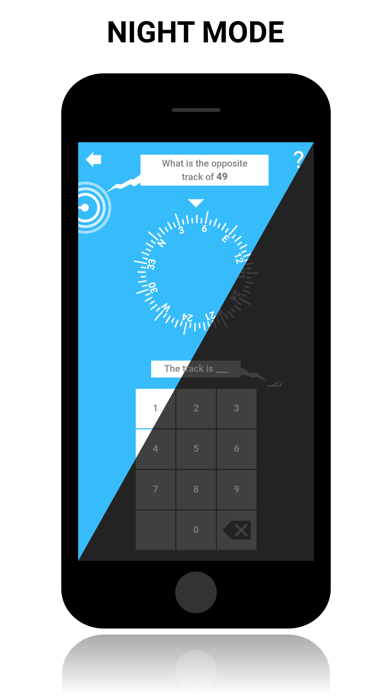
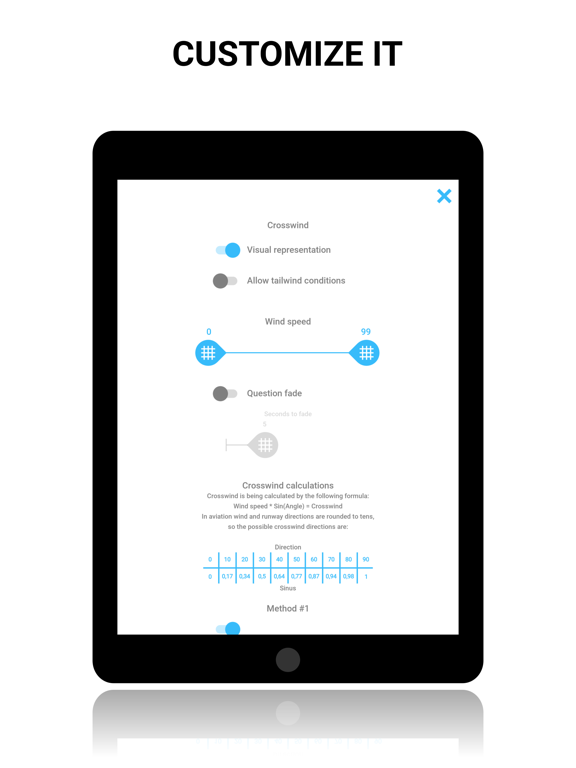
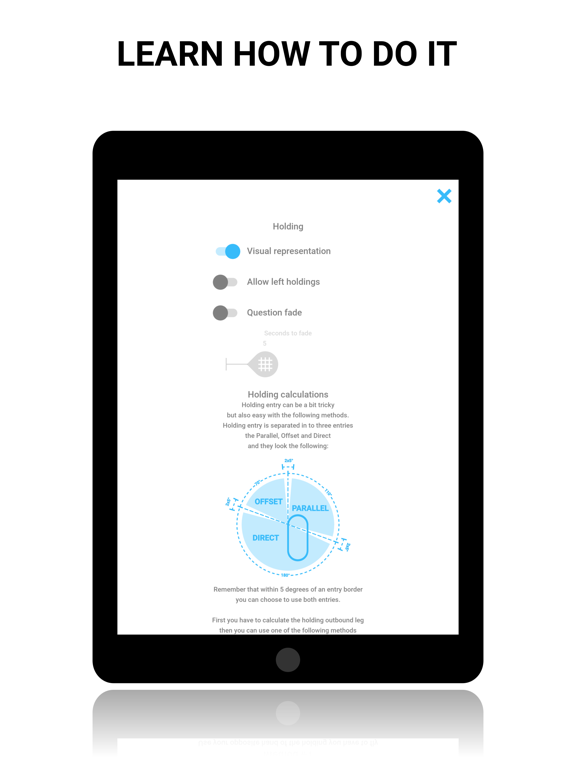
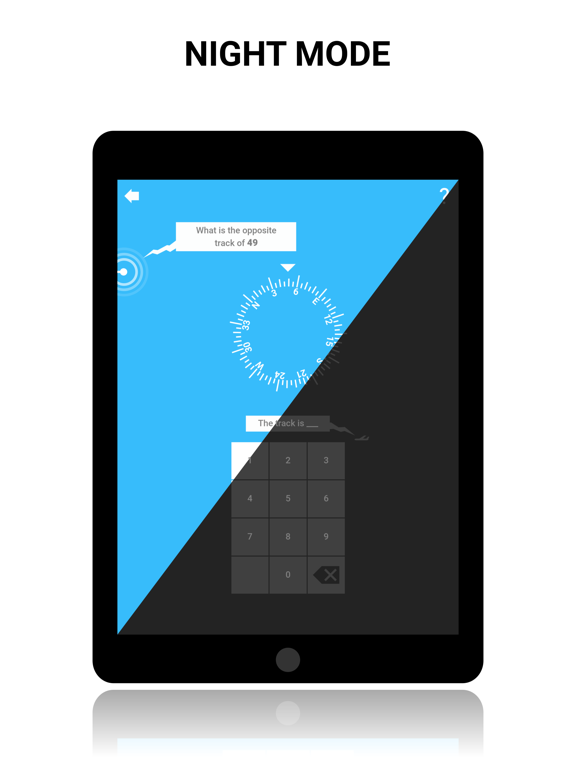
This is the app to directly calculate or practice the mental calculation challenges and flight planing tasks a pilot faces on a daily basis, be prepared for your sim session or school flights. Save money by doing this sessions on the ground, and not in the air or simulator, where you should spend time on refining your skills. Each section has a to the point explanation on how to do it, and then the practice area where you can do random generated questions. Several sections can be modified to fit your preferences, for the random generation. Learn how to become really good and fast at the following: CALCULATOR: CROSS/HEADWIND: ● Calculate your crosswind and headwind in an easy way. ● Create profiles for each RWYCC for your flap settings on multiple aircraft. ● See a visual representation of how far above/below you are on your flap limits. EASA ALTERNATE PLANNING MINIMA: ● An easy way of figuring out what alternate planning minima you need to work with. HOLDING ENTRY AND CORRECTION: ● Figure out what entry to fly. ● Calculate how many degrees and how much time to correct in to the wind. ● Supports both VOR Radial and inbound course, Right and Left holdings are also supported. TEMPERATURE CORRECTION: ● Calculate temperature correction for multiple points at once. DESCENT PROFILE: ● Calculate top of descent point and feet per minute. MDR: CROSSWIND: ● Learn 3 different ways of calculating crosswind. ● Select wind speed range. ● Have the questions fade after a selected time frame. ● Toggle visual representation of the crosswind scenario. ● Prevent or allow tailwind conditions. HEADWIND: ● Learn 3 different ways of calculating headwind. ● Select wind speed range. ● Have the questions fade after a selected time frame. ● Toggle visual representation of the headwind scenario. ● Prevent or allow tailwind conditions. HOLDING ENTRY: ● Learn how to enter a holding pattern. ● Figure out if it is going to become a direct, offset or parallel entry in to the holding. ● Allow left hand holding pattern questions. ● Have the questions fade after a selected time frame. ● Toggle visual representation of the holding pattern. OPPOSITE TRACK: ● Fast and easy way of calculating the opposite track. ● Have the questions fade after a selected time frame. ● Toggle visual representation. DESCENT PROFILE: ● Learn how to calculate your descent profile. ● Have the questions fade after a selected time frame. ● Toggle visual representation. TEMPERATURE CORRECTION: ● Learn how to calculate temperature corrections. ● Have the questions fade after a selected time frame. ● Toggle visual representation. WIND & TIME CORRECTION: ● Learn how to calculate wind and time corrections in a holding pattern. ● Select wind speed range. ● Have the questions fade after a selected time frame. ● Toggle visual representation. ● Prevent or allow tailwind conditions. SPEED FACTOR: ● Learn how to calculate your speed factor. ● Have the questions fade after a selected time frame. ● Toggle visual representation. MULTI QUESTIONS: ● Select and practice several of the different scenarios at the same time. ● Have specific settings for each practice area. Do you have any feature request or found a bug, please contact me on support@onecolorgames.com, I'm looking forward to hear from you :-) Have fun!
Latest release
What’s New
Minor bug fixes. Engine update. I wish you a lot of fun :)
Audience growth
Ratings growth
Baseline captured. Growth appears after the crawler observes a changed rating count.
Momentum comes from crawler snapshots for the tracked storefront. “Viral growth signal” means unusually fast recent rating gains; it is an indicator, not download data.
Price tracking
Price intelligence
First snapshot captured. The trend line starts after the next crawler price observation.
- First observed Aug 22, 2026 · 7:16 PM Free
Screenshots