About this app
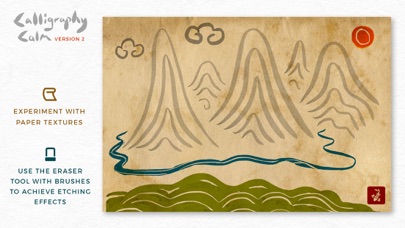
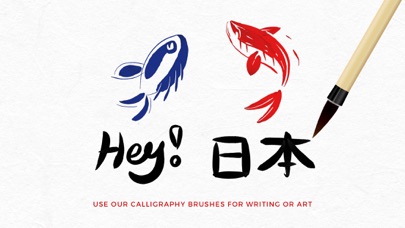
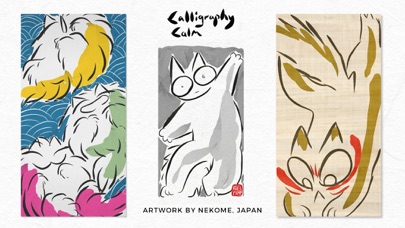
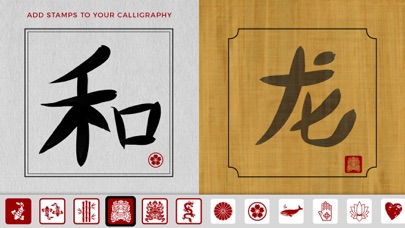
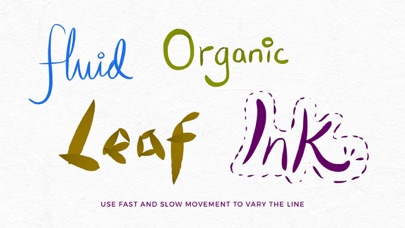
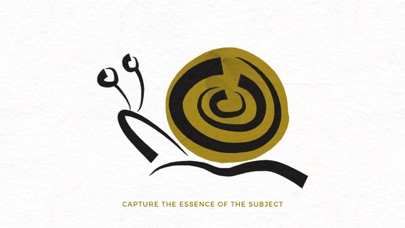
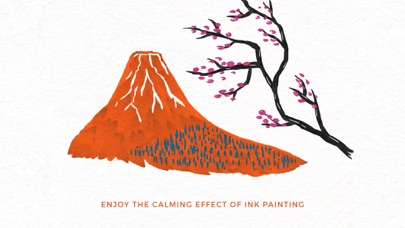
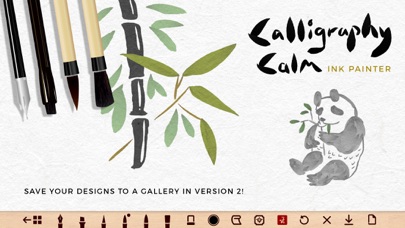
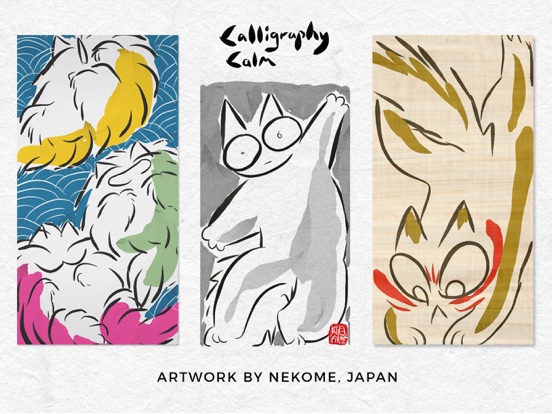
Calligraphy Calm - Ink Painter is a minimalist art app in the tradition of Chinese and Japanese painting and calligraphy. Create a realistic, fluid ink painting effect on your iPhone and iPad with the swipe of your finger! Practice the art of simplicity and capture the essence of your subject. OUR BRUSHES Our brushes create a dynamic 'tapered' line effect, which produces a beautifully organic feel for handwritten typography and drawing. Try overlaying brush strokes and you will find the ink colors merge with the paper texture. Move your finger QUICKLY to increase the thickness of the line and SLOWLY to get a really thin line. This is what makes our brushes unique. Bigger brushes produce a rougher line texture. SPECIAL FEATURES To keep the app in line with Asian traditional painting you can add: • Ornamental borders to frame your art or calligraphy • Red stamps in the style of Chinese chops (choose from 22 designs) HOW TO ENJOY CALLIGRAPHY CALM 1) Use the painting tools for calligraphy writing or art. 2) Get into the flow of minimalist painting and feel calm. 3) Save your progress to the gallery * 4) Download your best designs to your device Photos for safe keeping. *Please note - Your paintings are saved to your device. Deleting the app will delete your saved artwork. FREE version: • 3 brushes • 3 ink colors + black • 4 paper textures • Eraser tool • Save 6 paintings to your Gallery screen • Download images to your Camera Roll To unlock all ink colors, all papers and tools please upgrade to the PRO version. PRO upgrade: • Save unlimited paintings to your device • 34 inks colors (with gradient depth) • 2 pens + 4 brushes • All paper textures • Eraser tool (use it in combination with the brushes) • Remove the watermark logo on image downloads • Remove Ads Paint your way to calm :)
Latest release
What’s New
- updated with new software - the Upgrade button is now removed in Pro mode
Audience growth
Ratings growth
Baseline captured. Growth appears after the crawler observes a changed rating count.
Momentum comes from crawler snapshots for the tracked storefront. “Viral growth signal” means unusually fast recent rating gains; it is an indicator, not download data.
Price tracking
Price intelligence
First snapshot captured. The trend line starts after the next crawler price observation.
- First observed Sep 10, 2026 · 10:42 PM Free
Screenshots