About this app
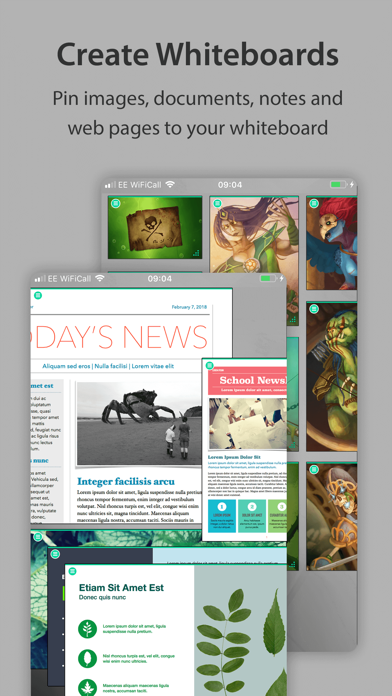
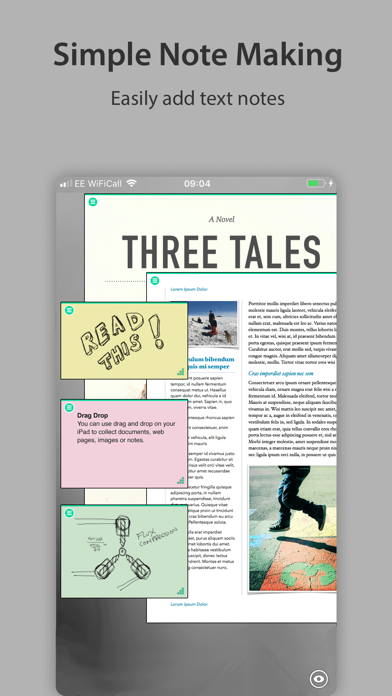
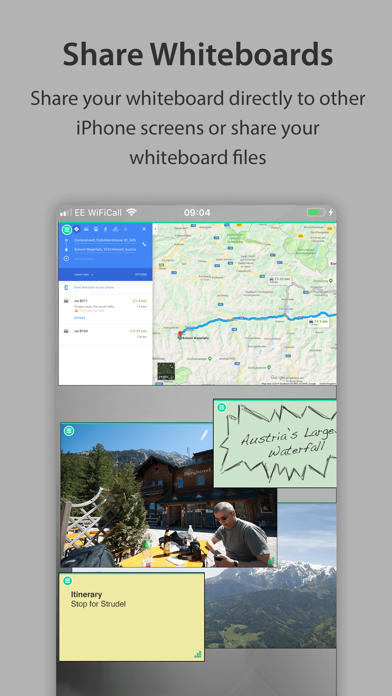
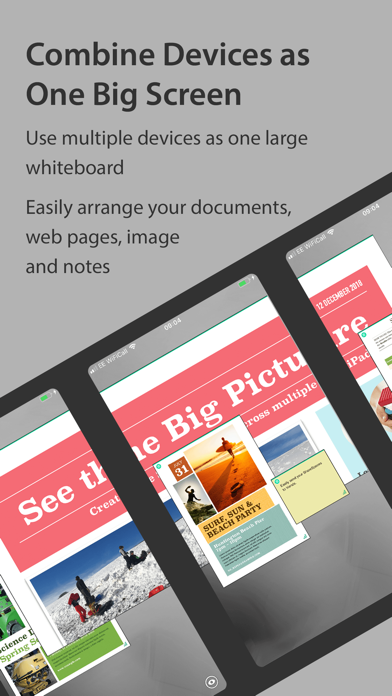
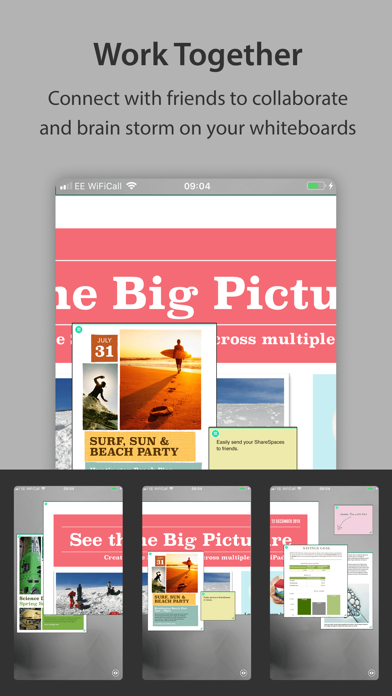
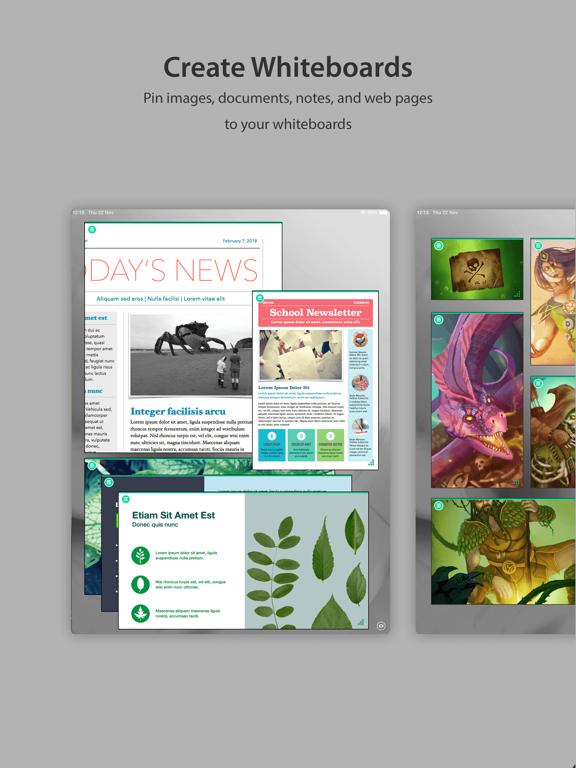
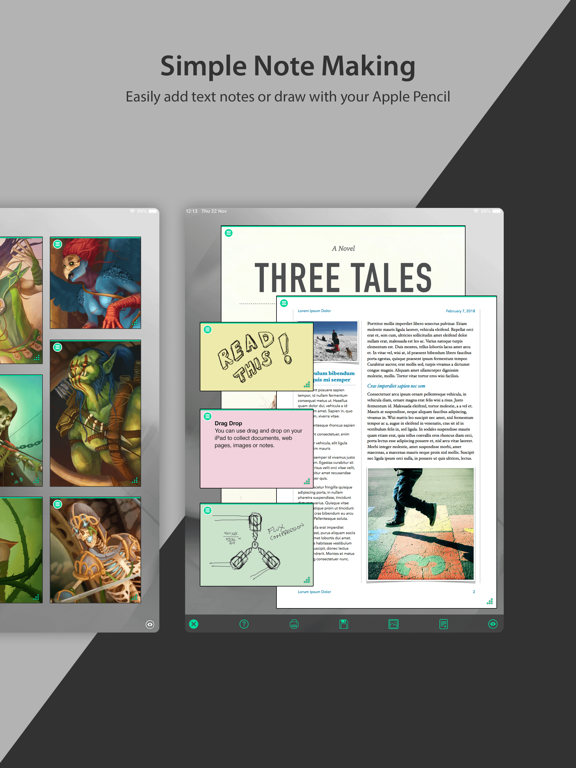
Easily pin documents, PDFs, images, web pages, notes and drawings to your whiteboards. Save each whiteboard as a project. Great for collecting research, mood boards or references. Invite other people running ShareSpaces to collaborate and work on your whiteboards across multiple devices side by side. PRESENTATION MODE Present your whiteboards in a meeting with colleagues, controlling what they see on their devices, guiding them through your research, ideas or presentation of a project. COLLABORATE Collaborate and share your whiteboards with your team. ShareSpaces unique multi screen sharing makes this simple - just tap their names in the dialog. Or send them as a ShareSpaces project file that you can email or AirDrop. SEE THE BIG PICTURE Stretch your whiteboards over multiple devices in a meeting and create an interactive surface to show and share work. Great for presenting projects or allowing colleagues to view your collections and collaboratively make notes and give feedback. DRAG AND DROP Drag and drop from other apps like Safari, either as whole web pages or just images and text. Drag files from the Files app or FileBrowser which gives full access to all remote storage. STICKY NOTES Add different coloured sticky notes to your whiteboard. Write notes or use Apple Pencil to sketch or write. All notes update in real time when collaborating in ShareSpaces. PRINT AND SAVE ShareSpaces automatically saves your whiteboard so you can pick up exactly where you left off. You can print your whiteboards too. YOU CONTROL THE PRIVACY ShareSpaces whiteboards stay on your iPad and you choose when to join your screen to other iPads in the room. Keep your whiteboards private or invite friends or clients to collaborate on your projects. For multi device screen sharing and the ability to create multiple ShareSpaces projects, start a subscription with a free trial period!
Latest release
What’s New
- Double tap for full screen views of documents and web pages. - Improved ShareSpaces home screen layout. - iPads and iPhones have code names so you can distinguish them again! Thank you for helping to make our apps better. If you would like to rate or leave a review on the App Store, we look forward to having your feedback. Unlike other notes apps, we never gather any of your data. We also don't require you to create an account or register an email address with us.
Audience growth
Ratings growth
Baseline captured. Growth appears after the crawler observes a changed rating count.
Momentum comes from crawler snapshots for the tracked storefront. “Viral growth signal” means unusually fast recent rating gains; it is an indicator, not download data.
Price tracking
Price intelligence
First snapshot captured. The trend line starts after the next crawler price observation.
- First observed Sep 2, 2026 · 9:06 PM Free
Screenshots