About this app
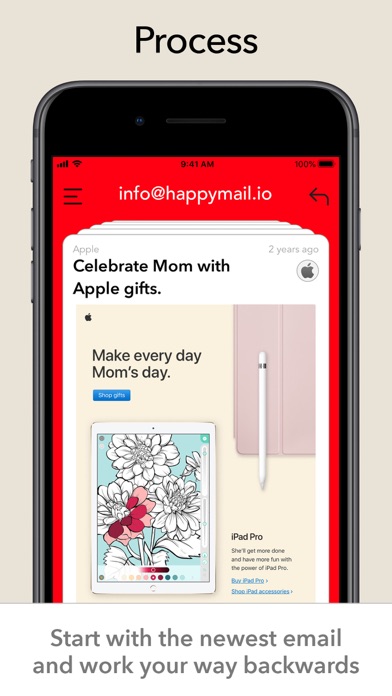
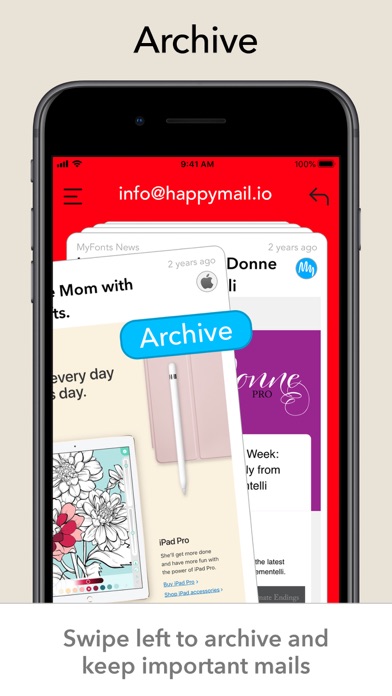
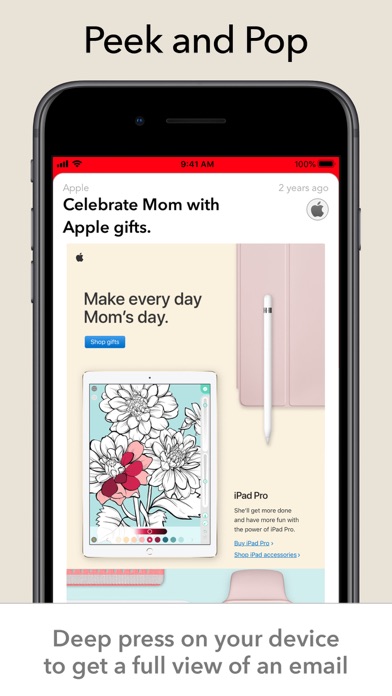
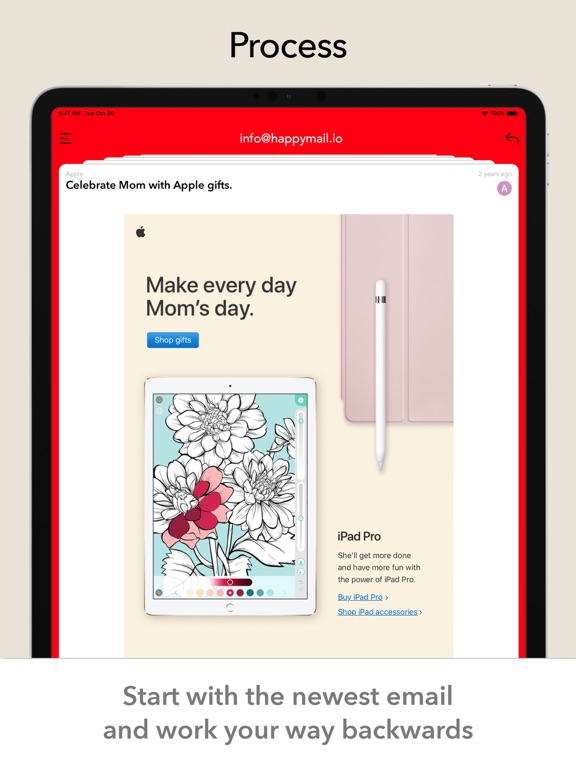
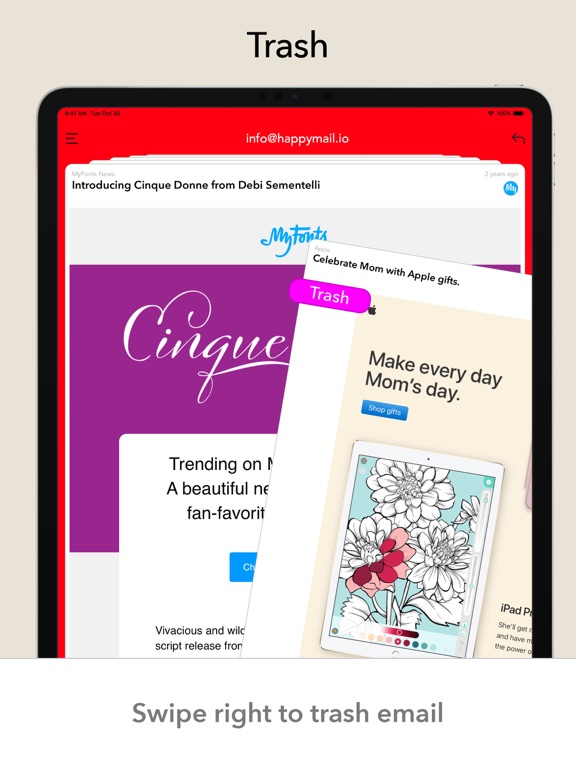
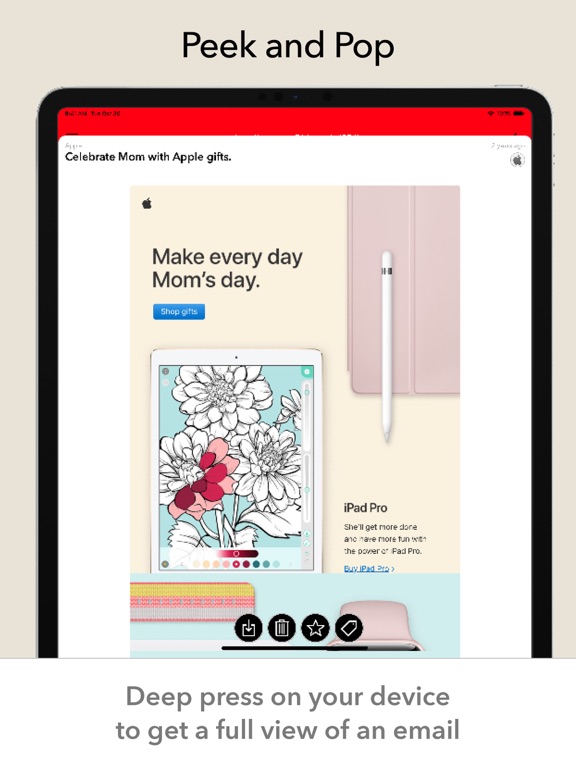
Swipe right to trash, left to archive. Happy Mail lets you process every email in your inbox from newest to oldest - with the goal of reaching inbox zero. Need to keep it? Archive it. Don't need it? Delete it. Need more information? Email preview to see the whole email - and the tap the action of your choice. Want to keep it in your inbox? Swipe down, it'll snooze for 10 minutes to let you make progress. If you make a mistake then you can just tap the undo button and process the email again. How many emails are sitting in your inbox right now? Wouldn't it be nice to get rid of them? At the very least, you can use the handy "Archive All" button to save all of them, without having them in your inbox. Once you reach your goal, of no email in your inbox, you can sit back and relax - safe in the knowledge that all of your email has been handled. Privacy Policy https://www.iubenda.com/privacy-policy/45529762 Terms https://www.apple.com/legal/internet-services/itunes/dev/stdeula/
Latest release
What’s New
- bugfix
Audience growth
Ratings growth
Baseline captured. Growth appears after the crawler observes a changed rating count.
Momentum comes from crawler snapshots for the tracked storefront. “Viral growth signal” means unusually fast recent rating gains; it is an indicator, not download data.
Price tracking
Price intelligence
First snapshot captured. The trend line starts after the next crawler price observation.
- First observed Aug 25, 2026 · 11:15 AM Free
Screenshots