About this app
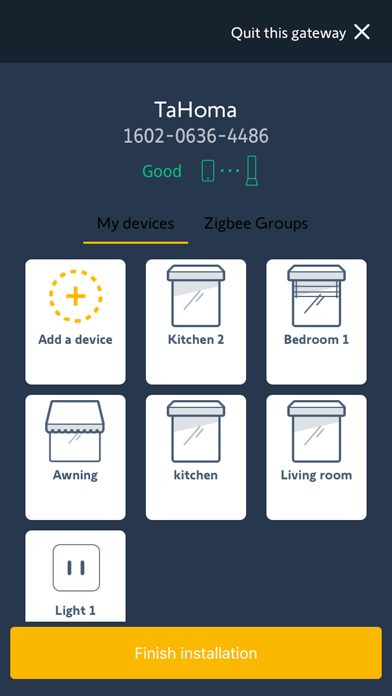
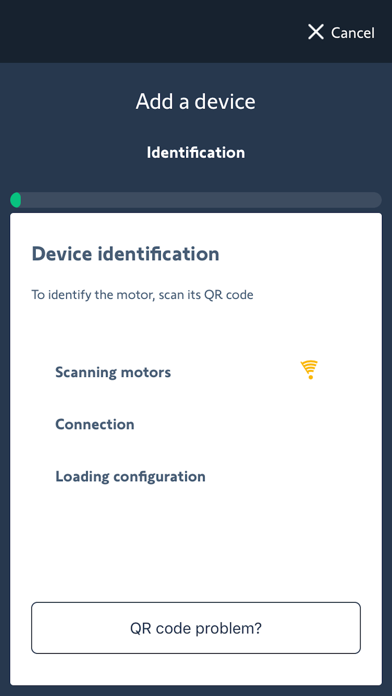
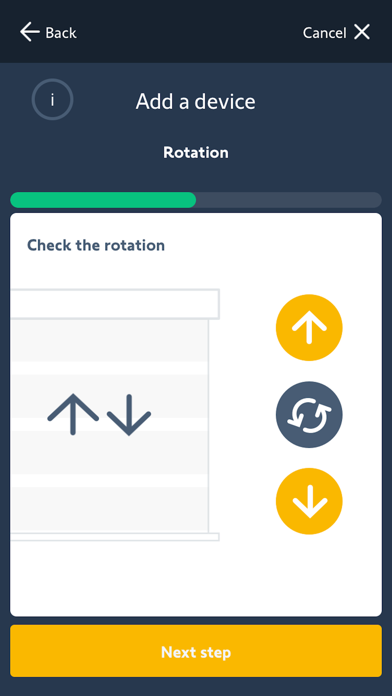
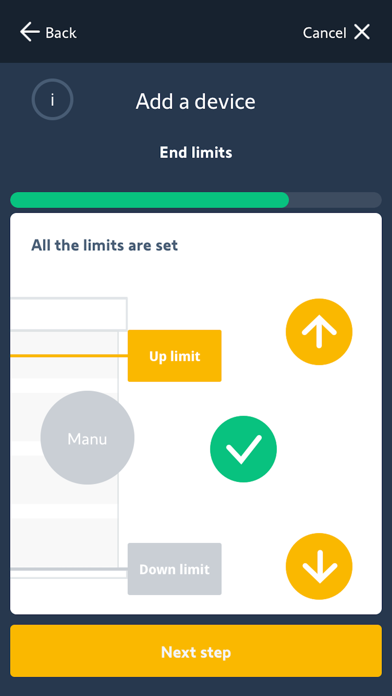
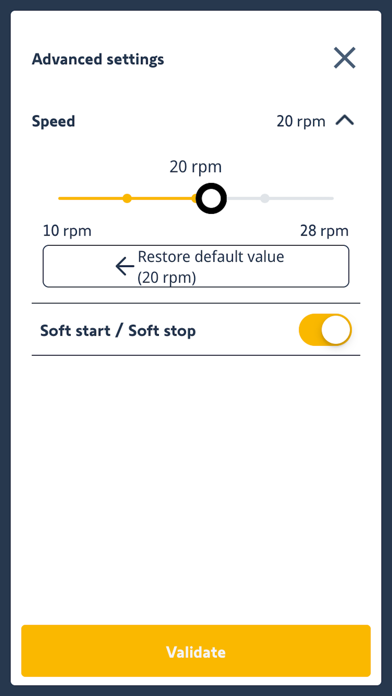
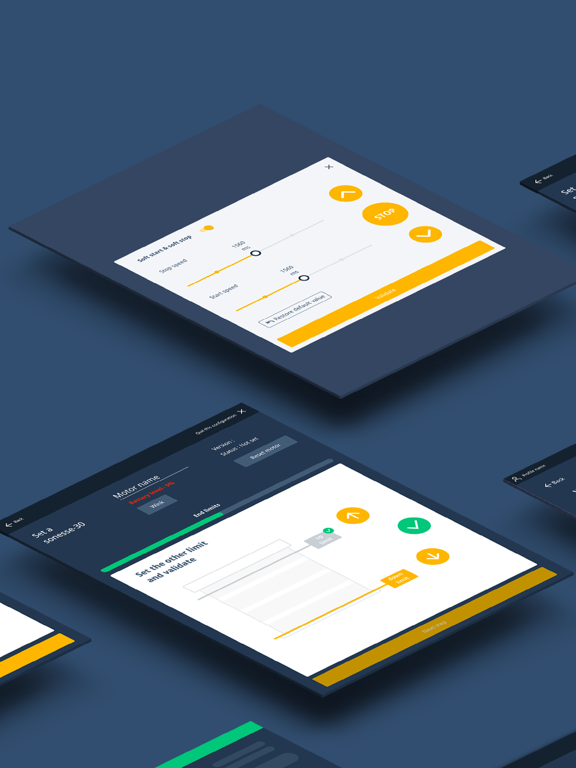
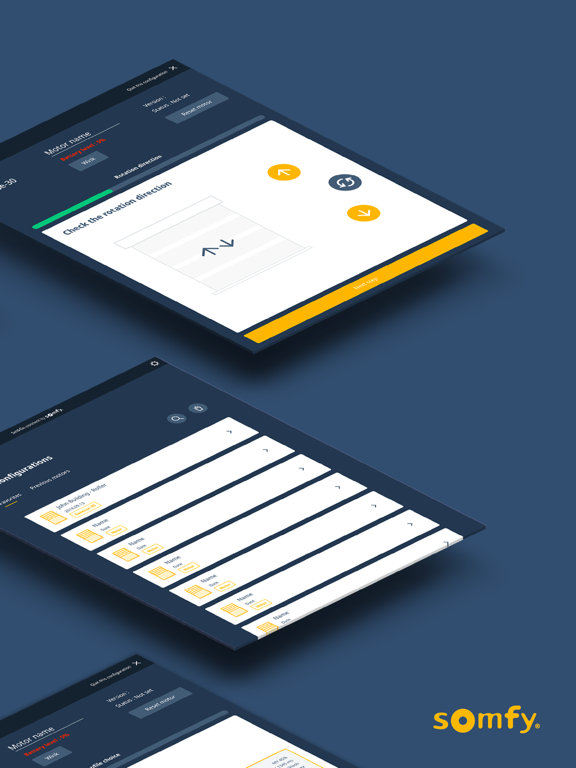
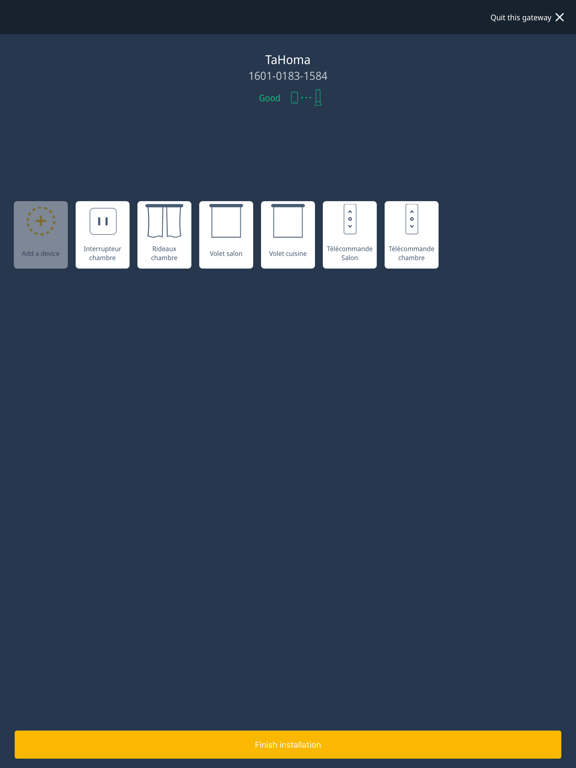
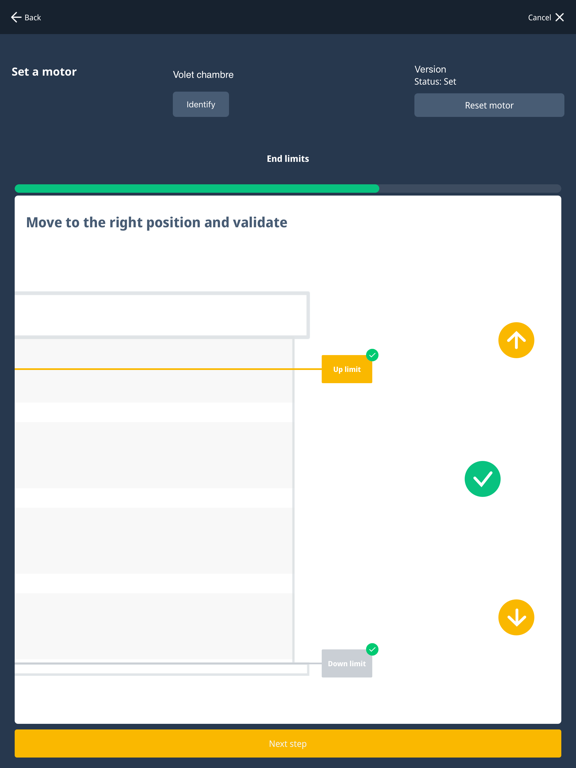
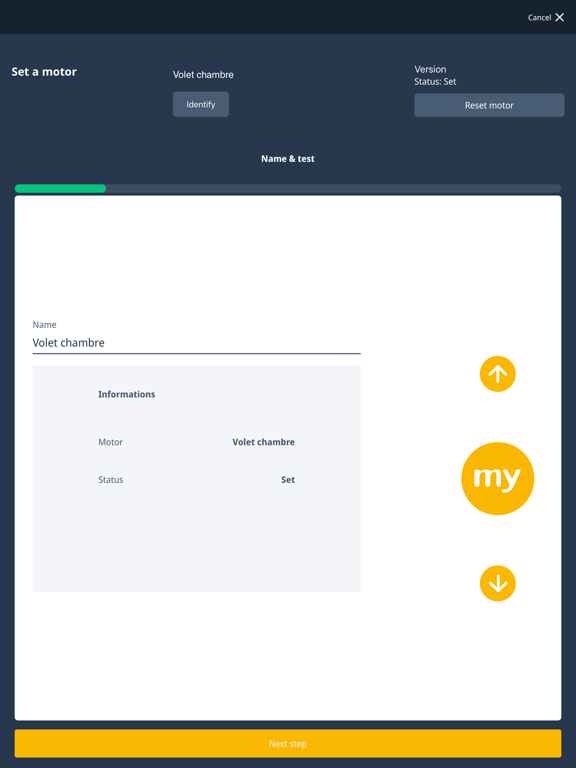
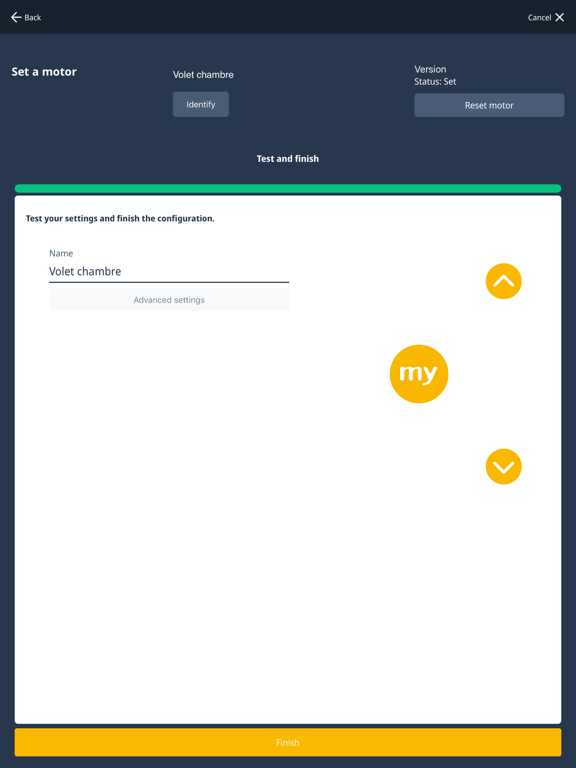
A quick and simple professional mobile application dedicated to manufacturers and installers to set up and connect Somfy-powered smart shading solutions with Zigbee® and RTS. Set & Go Connect is designed to enhance productivity, minimize time and errors in the factory and on the jobsite, help streamline the process and maximize profits. EASY MOTOR SETTING & NETWORK INTEGRATION Motor setting and programming has never been so easy! Minimize your time on every jobsite with Set & Go Connect. • Intuitive: Step-by-step guide for all motor programming steps directly from the app without the need for training. • Reliable: Eliminates mistakes, communicates device-to-device (with no risk of cross-pairing). • WiFi Setup : Configure TaHoma to the home's wifi • Convenient: Personalize motor names for jobsite identification, adjust motor speed right from the app, and so much more!
Latest release
What’s New
BLE connection fixe
Audience growth
Ratings growth
Baseline captured. Growth appears after the crawler observes a changed rating count.
Momentum comes from crawler snapshots for the tracked storefront. “Viral growth signal” means unusually fast recent rating gains; it is an indicator, not download data.
Price tracking
Price intelligence
First snapshot captured. The trend line starts after the next crawler price observation.
- First observed Sep 17, 2026 · 6:51 PM Free
Screenshots