About this app
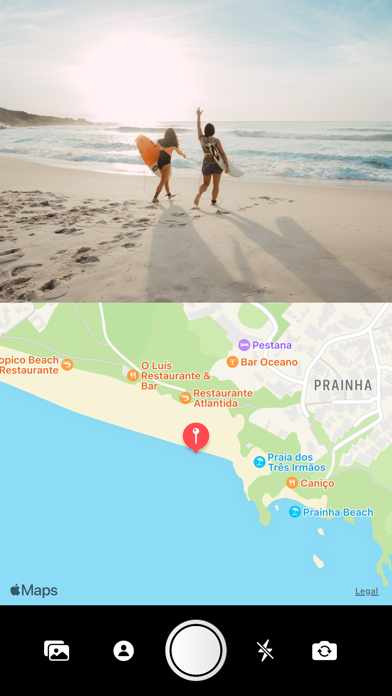
Combine a picture with a map of the location. After taking the picture with the camera or the photo library, you can zoom and move it as you like. The map can be adjusted by zooming in/out or swiping to the desired area. Afterwards the result can be stored in your photo library and shared with your friends. [ HOW TO USE ] - take a photo with your camera or load a photo from your photo library - activate flash or rotate the device camera if required - adjust the map and image as you like - save it to your library - share the result [ IMPORTANT ] This app requires WiFi to work properly. Without WiFi the map can not be loaded and results can not be shared.
Latest release
What’s New
Bugfixes
Audience growth
Ratings growth
Baseline captured. Growth appears after the crawler observes a changed rating count.
Momentum comes from crawler snapshots for the tracked storefront. “Viral growth signal” means unusually fast recent rating gains; it is an indicator, not download data.
Price tracking
Price intelligence
First snapshot captured. The trend line starts after the next crawler price observation.
- First observed Aug 27, 2026 · 12:50 PM Free
Screenshots