About this app
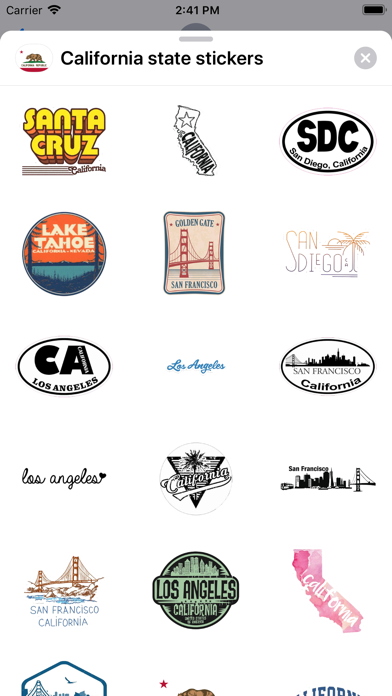
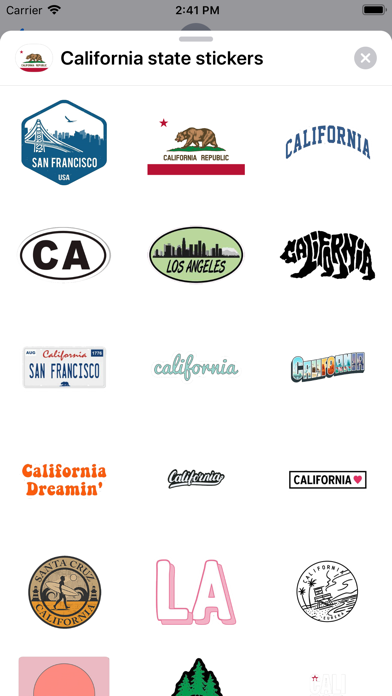
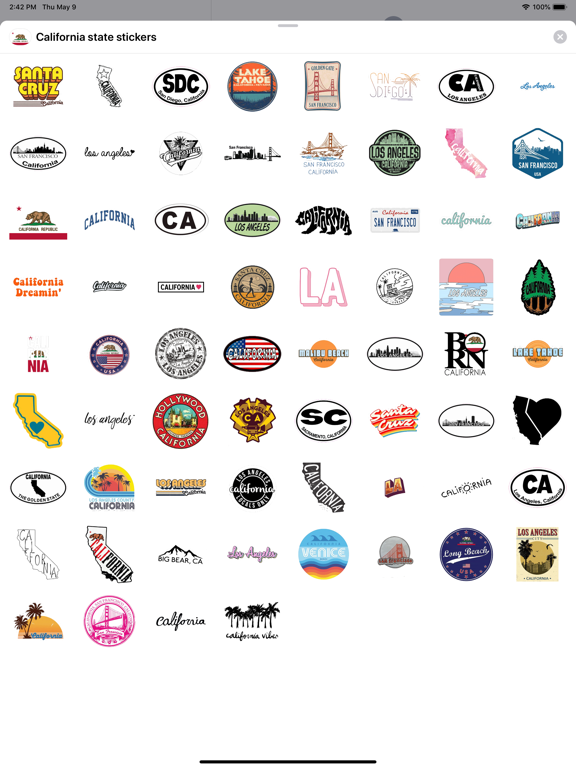
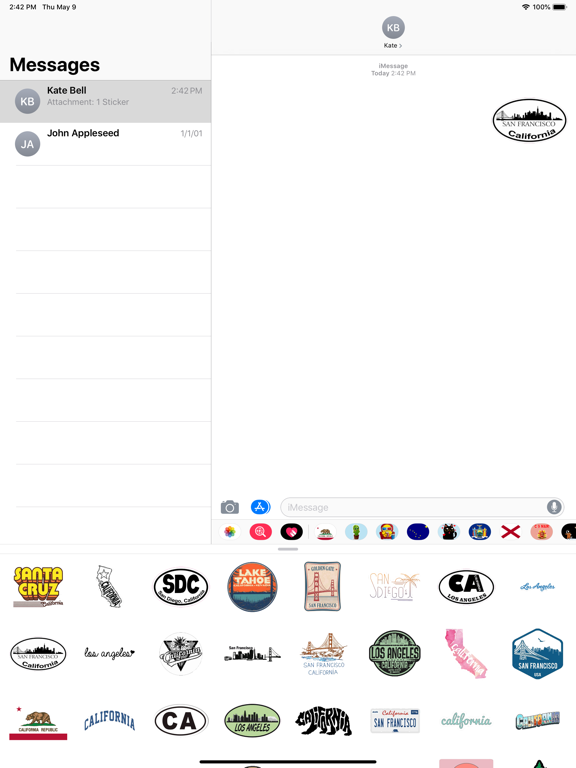
More than 60 stickers for iMessage! Add more fun to communication using high quality stickers! How to use iMessage stickers: - Click the App Store icon next to the message field in iMessage; - click on the icon in the lower left corner; - click on the sticker icon; - after that, you can send stickers in empty iMessage messages, as well as add stickers to your already sent and other people's messages. To do this, press and hold the selected sticker and drag it to the message. You can, put several stickers on one message at once, and also use the message appearance effects in iMessage. Write in the reviews what stickers you want to see. And we will certainly take into account your wishes. In new updates and kits, your ideas will appear.
Latest release
What’s New
Updated to iOS 16, new screenshots
Audience growth
Ratings growth
Baseline captured. Growth appears after the crawler observes a changed rating count.
Momentum comes from crawler snapshots for the tracked storefront. “Viral growth signal” means unusually fast recent rating gains; it is an indicator, not download data.
Price tracking
Price intelligence
First snapshot captured. The trend line starts after the next crawler price observation.
- First observed Aug 25, 2026 · 8:30 PM $1.99
Screenshots