About this app
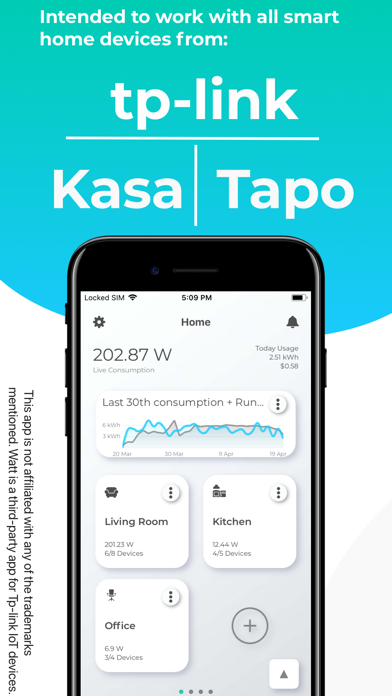
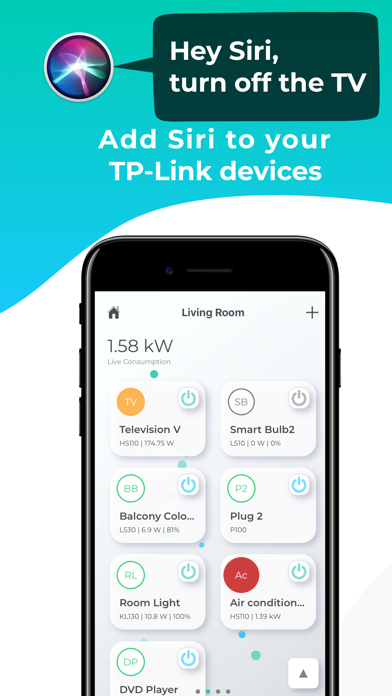
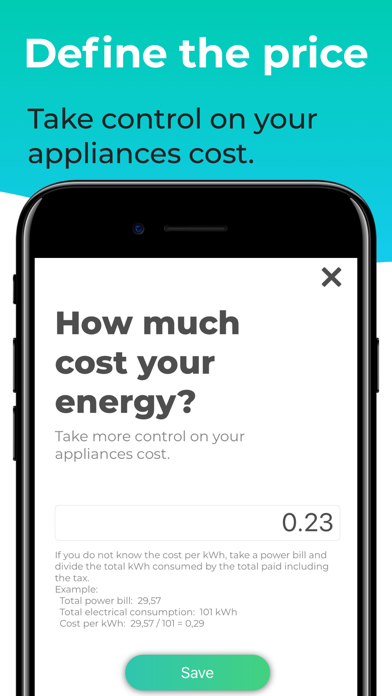
Watt is the ultimate companion app for TP-Link smart home devices, Kasa Smart and Tapo. Available for iOS, iPad, and macOS, Watt offers unique and user-friendly features to make your life easier. With its modern and clean design, you can now control all your smart devices with just one app. (Watt does not support Security Cameras from Kasa or Tapo) With Watt, you can monitor your energy consumption with daily updated, simplified graphs. The app supports voice control with Siri, allowing you to turn devices on and off, create events with shortcuts, and check the current status of your devices. Watt also has a Night Mode feature to turn off device LEDs and a Reset Stats feature to erase statistics. Watt supports a wide range of smart devices, including Smart Plugs with Energy Monitoring, Smart Plugs, Smart Bulbs, and more. The app provides an overview of all active devices on the home screen and offers charts for runtime and energy consumption, as well as cost estimates. Watt also supports the concept of spaces/rooms for easy device management. Now you can go even smarter with our unique features while navigating in a more cleaner and modern look. Watt are you waiting for? ~~~~~~~~~~~~~ Unique Features ~~~~~~~~~~~~~ Watt gives you unique and simple features to make your life easier. And the best part is controlling everything with just one app. CHARTS Simplified graphs, updated daily, with all information about your energy consumption, both in watts and in your specific money currency. Export the dataset of the chart to CSV ("Excel") VOICE CONTROL with SIRI Control your devices with a little help from Siri, turn on & off devices, one or several at once, create events with shortcuts, know the device's current status. USABILITY The experience of the app was designed based on the user's needs, with intuitive navigation, simple design, and relevant updates, all of this in the same app, we are able to provide the best experience for users NIGHT MODE Turn off the device led and have better sleep. RESET STATS Reset all the statics (Runtime and consumption) KASA & TAPO One single app to control the two product lines from TP-Link WIDGETS Check consumption and chart directly from your home screen -----------#- Supported Devices -#----------- KASA - Smart Plug with Energy Monitoring: EP25, HS110, HS300, KP115, KP125, KP125M KASA - Smart Plug: HS100, HS103, HS105, HS107, KP100, KP105, KP200, KP303, KP400, KP405, EP10, EP40 KASA - Smart Switch: HS200, HS210, HS220, KS200M, KS200, KS220M, KS230, ES20M, KASA - Smart bulbs: KL50, KL50B, KL60, KL110, KL110B, KL120, KL125, KL130, KL135,KL400, KL420, KL430, LB100, LB110, LB120, LB130, LB200, LB230 TAPO - Smart Plug: P100, P105, P110, P115, P125, P125M, P410M, TP10, TP11, TP15 TAPO - Smart bulbs: L430C, L510, L520, L530, L535, L610, L630, L900, L920, L930, TL13, TL31, TL33, TL61, TL62, TL63, TL135 Take control of your electricity cost using the Watt!!! Check all your Smart Plug with Energy Monitoring consumption in real-time. If you want to have a look at the Roadmap for the app: https://watt-app.com/ Disclaimer: This app is not affiliated, endorsed, or supported by Tp-Link in any way, Kasa and Tapo are trademarks of Tp-Link. Watt for Smart Devices is a third-party application intended to work with smart home devices from Tp-Link and by doing that offers the Tp-link IoT Community another way to control devices and explore new features. Icons provided by Icons8 Terms of Use: https://www.apple.com/legal/internet-services/itunes/dev/stdeula/ Terms & Conditions: https://www.watt-app.com/privacy/watt_terms_conditions.html
Latest release
What’s New
Added support for Tapo TP11 and Tapo P410M Fixed issue with charts showing values tomorrow. Other bugs and fixes.
Audience growth
Ratings growth
Baseline captured. Growth appears after the crawler observes a changed rating count.
Momentum comes from crawler snapshots for the tracked storefront. “Viral growth signal” means unusually fast recent rating gains; it is an indicator, not download data.
Price tracking
Price intelligence
First snapshot captured. The trend line starts after the next crawler price observation.
- First observed Aug 25, 2026 · 2:16 PM Free
Screenshots