About this app
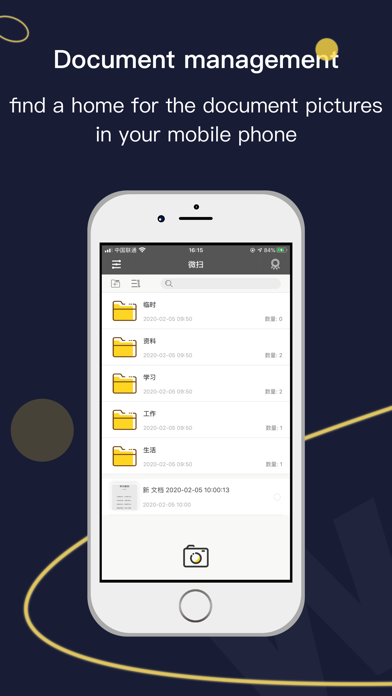
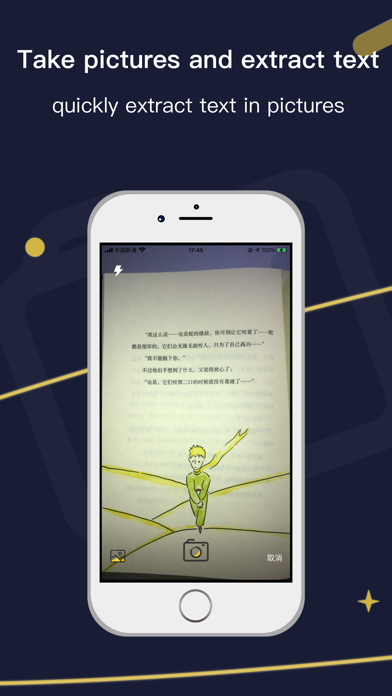
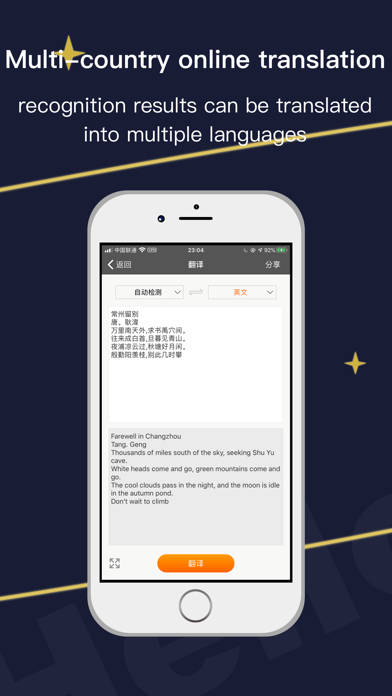
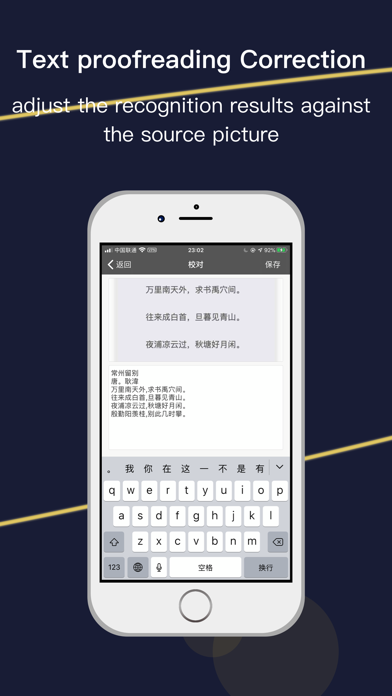
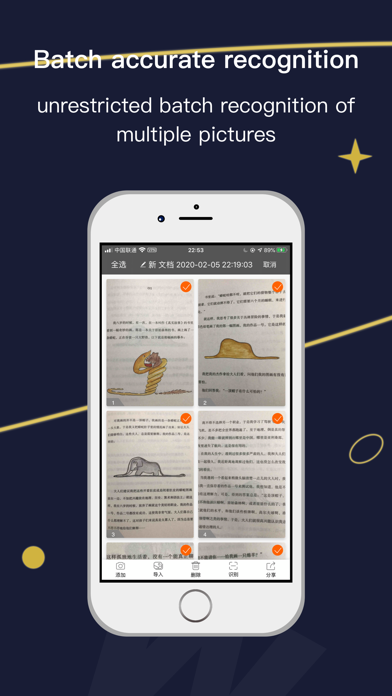
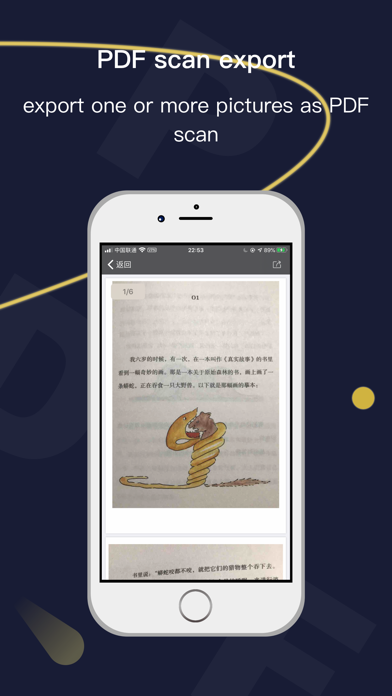
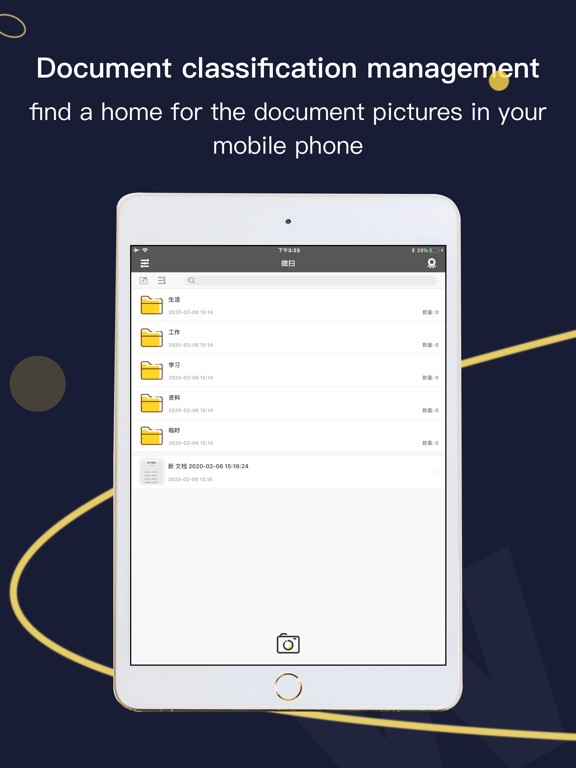
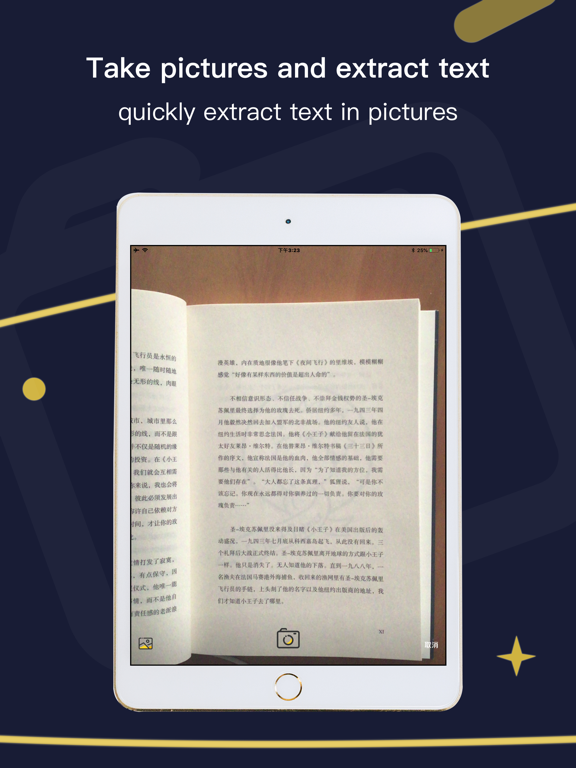
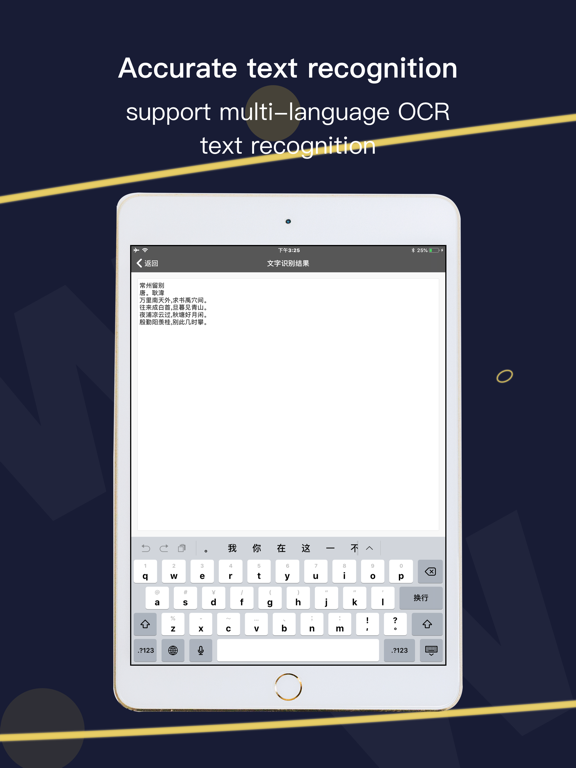
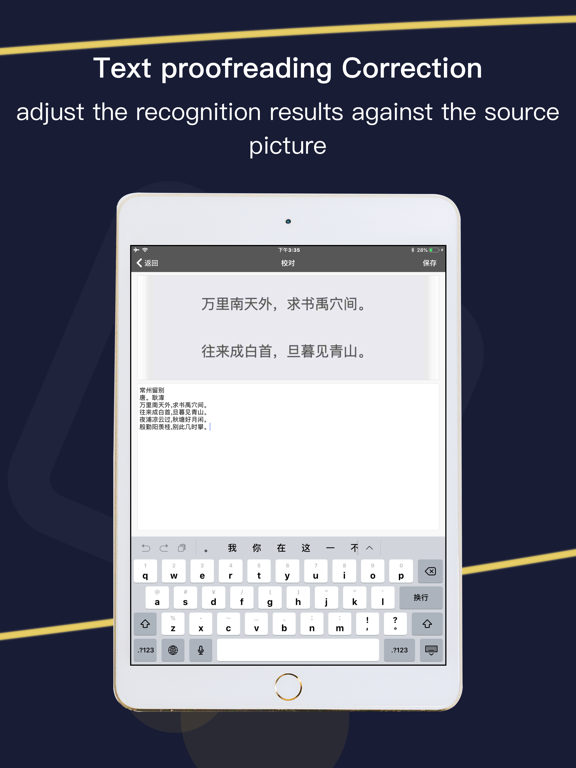
xwScanner will turn your device into a powerful digital office and help you become more productive in your work and daily life. Download this scanner app for free to instantly scan, save, and share any document in PDF, JPG or TXT formats. Go paperless with our fast PDF scanner – store all your documents in a neat mobile office right on your phone! [File Classification Management] Sort and manage the data photos in the mobile phone album. After importing into the app, you can delete the pictures in the mobile phone album to reduce the weight of the mobile phone. If necessary, you can restore from the app to the mobile phone album. [Scanner on mobile phone] Take photos with your mobile phone. There are multiple filter modes to optimize the image. You can quickly turn paper files into clear scans with your mobile phone, and you can export photos to PDF scans in batches. [Picture to text artifact] Intelligent OCR text recognition, mobile phones take paper documents, quickly extract text in pictures, the recognition accuracy can reach 98%, and it can recognize 16 languages including Chinese, English, Japanese, and Korean. [Learning foreign language artifacts] Recognition results are translated online, support multi-language translation, and escort you to become a multi-language genius. [DOCUMENT SCANNER] This tiny yet powerful free scanner app is a must-have for students and anyone involved in a small business: accountants, realtors, managers, or lawyers. Scan anything you need, including receipts, contracts, paper notes, fax papers, books, and store your scans as multipage PDF or JPEG files. Would you like to keep your entire office in your pocket and increase your productivity at work? Use scanner pro features to handle your paperwork with ease. Say goodbye to huge and ugly copy machines and get this ultra-fast scanner app for free now! [INNOVATIVE PDF SCANNER] – Scan documents and photos to PDF, JPEG, or TXT – Easily scan multiple pages into one document – Recognize text from any scannable object with OCR [HANDY DOCUMENT EDITOR & FILE MANAGER] – Edit scans using color correction and noise removing features – Sign your scans manually or add a signature from an image – Mark up documents, cover or blur text you don’t need to be seen – Add text over the forms or autofill documents using custom templates – Use file manager with folders, drag & drop, and document editing features [EASY DOCUMENT SHARING] – Scan documents and share them in just a few taps – Print contracts and invoices right from the scanning app – Share and upload scanned documents to cloud services like Dropbox, Evernote, or Google Drive With this secure free scanner app, any scanned or exported documents are stored locally on your iPhone, and neither we nor any third-party can access them. Once a subscription purchase is confirmed, iTunes will directly deduct the relevant subscription required fees. Scanning All-in-One Premium accounts can be subscribed to directly through an iTunes account credit card. Subscriptions. If the subscription is not cancelled within 24 hours before the end of the current subscription period (one month/one year) the subscription will be automatically renewed for the next cycle. You cannot cancel your current subscription period during the current subscription period. You can manage your Manage or cancel your purchase through your iTunes account settings. Your trial will end immediately if you have paid for a subscription within the product. About the Privacy Policy. https://www.freeprivacypolicy.com/live/e0811fec-e048-4a4f-b9e0-9241299e57e3 If you have any questions or suggestions during use, you can contact me through any of the following channels 1. Put your thoughts and suggestions in the settings 2. Send an email to: jkxuewei@gmail.com
Latest release
What’s New
Optimize user experience
Audience growth
Ratings growth
Baseline captured. Growth appears after the crawler observes a changed rating count.
Momentum comes from crawler snapshots for the tracked storefront. “Viral growth signal” means unusually fast recent rating gains; it is an indicator, not download data.
Price tracking
Price intelligence
First snapshot captured. The trend line starts after the next crawler price observation.
- First observed Aug 22, 2026 · 7:16 PM Free
Screenshots