About this app
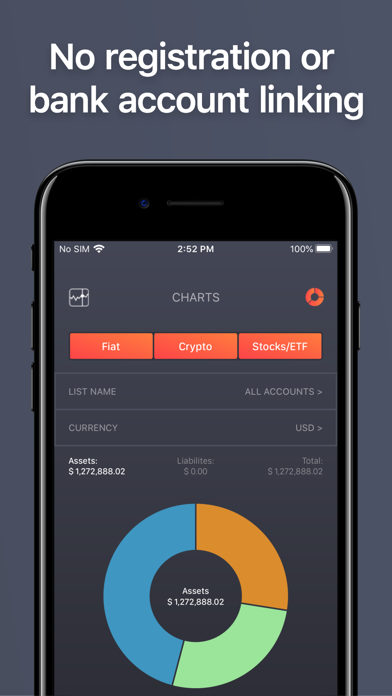
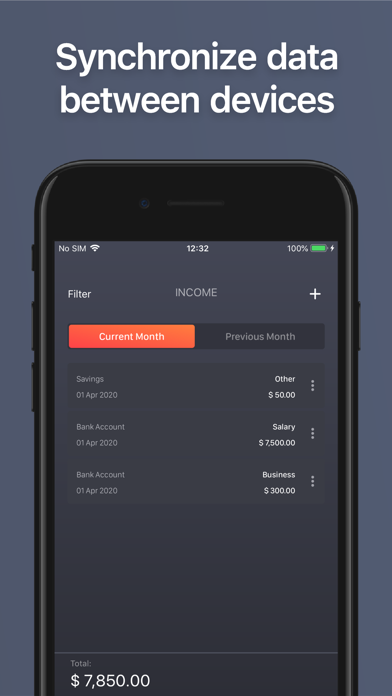
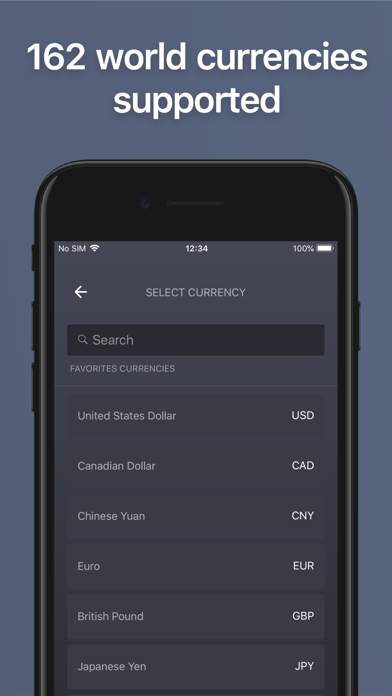
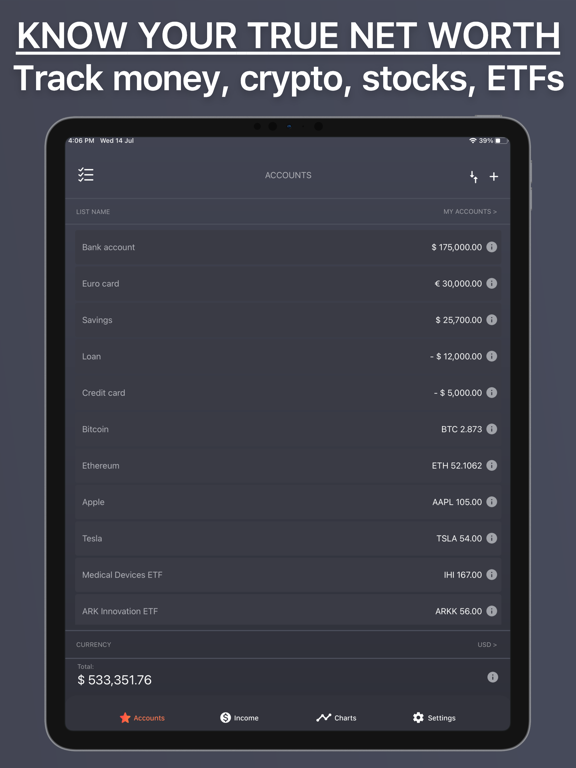
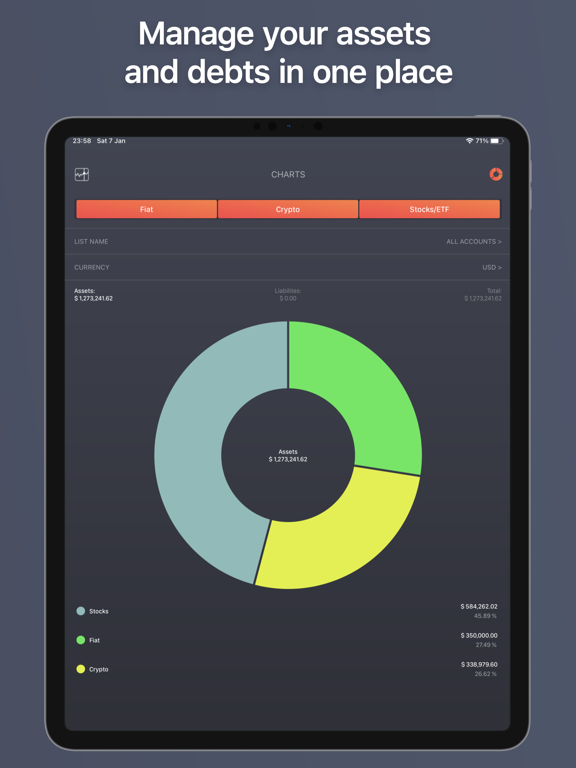
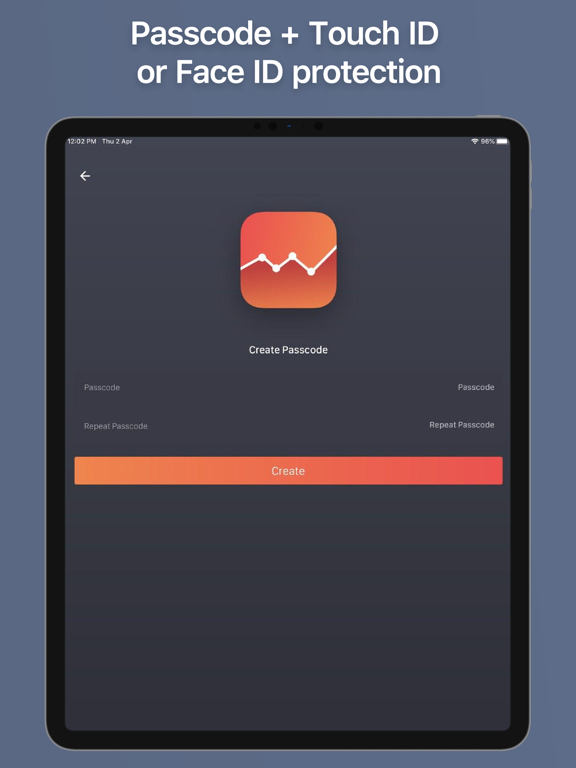
BalanceViewer supports 162 world currencies, 8000+ cryptocurrencies, and cover all US stocks, ETFs, and Mutual Funds (more than 120 000 in total). Get control over your finances in less time by tracking only account balances on a monthly basis. Use the app anonymously, without creating an account or providing any sensitive data about yourself. =============== --HOW IT WORKS-- =============== 1. Update account balances once a month; 2. Track all your income; 3. Check your financial overview, including all your expenses*. *expenses are calculated automatically using the following formula: expenses = start balance + income for the selected period – end balance. SEE YOUR NET WORTH AT A GLANCE: BalanceViewer provides a snapshot of your financial situation at any point of time reduced to a few numbers. THE FASTEST INCOME & EXPENSES TRACKER: Forget about tracking every single transaction! Now you will only need 5 MINUTES per month! SIMPLIFY YOUR FINANCES: • View all your assets and liabilities in one place. • Custom lists let you combine accounts. • Detailed income statistics for any period of time. • Charts track individual accounts, lists and total balance histories. • Reminders ensure you will never forget to update your wealth on a regular basis. • No advertising. MULTI-CURRENCY: • Currency conversion into the currency of your choice. • Exchange rates updated daily. • 162 world currencies supported • Works worldwide. SYNCHRONIZED & SECURE: • Synchronization between devices via social networks. • Manage your data on multiple devices via Google or Facebook account. • Protect your data with Passcode, FaceID or TouchID. • No registration required. • No bank account linking. Visit us at: https://www.balanceviewer.com/ We'd love to get your feedback. To let us know about any problems, questions or suggestions, feel free to send us a message at support@balanceviewer.com. Terms and Conditions - https://www.balanceviewer.com/terms.html
Latest release
What’s New
• Fix for balances with 0 balance; • Optimizations and improvements. Keep sending your ideas and feedback at support@balanceviewer.com. It's very important for us!
Audience growth
Ratings growth
Baseline captured. Growth appears after the crawler observes a changed rating count.
Momentum comes from crawler snapshots for the tracked storefront. “Viral growth signal” means unusually fast recent rating gains; it is an indicator, not download data.
Price tracking
Price intelligence
First snapshot captured. The trend line starts after the next crawler price observation.
- First observed Sep 17, 2026 · 6:52 PM Free
Screenshots