About this app
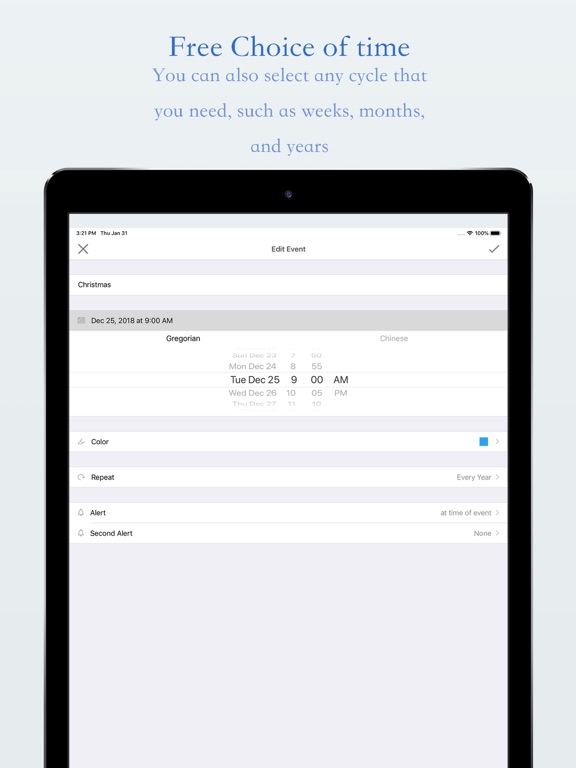
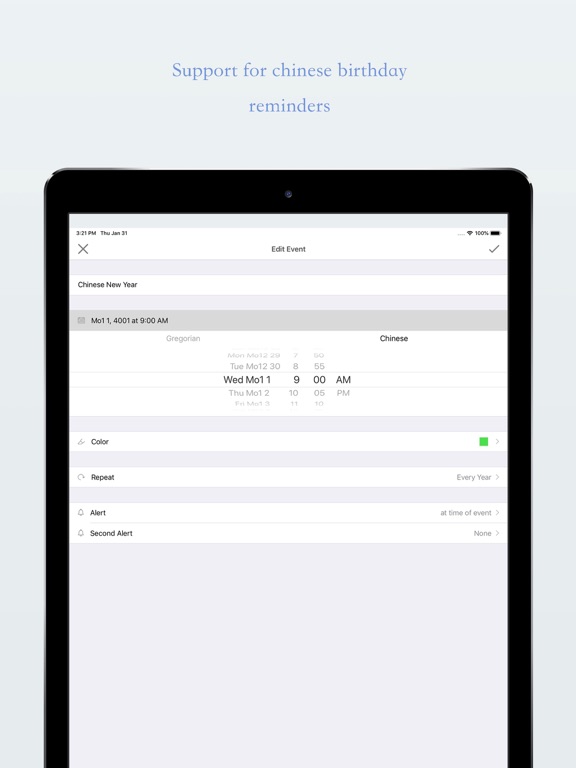
Markdays is a small, focused tool for remembering the days that matter. Mark a birthday, an anniversary, an exam, a first meeting, or any date you do not want to lose. When the day comes, a timely reminder helps you notice it—not after it has already passed. For example: How many days until a birthday? How many days until the exam? How many days until the next wedding anniversary? How many days has the baby been in the world? How many days have we known each other? Every important day is worth keeping. DAYS REMAINING AND DAYS PASSED See how many days remain until the next marked day, or how many days have already passed. The list is sorted by closeness, so today, upcoming, and past events are easy to tell apart. GREGORIAN AND LUNAR CALENDARS Create an event on the Gregorian calendar or the Chinese lunar calendar. Lunar birthdays and traditional festivals can repeat on the calendar you actually use. In non-Chinese languages you can also choose a second calendar, such as Buddhist, Islamic, Hebrew, or Japanese. REPEAT AND ALERTS Repeat never, daily, weekly, monthly, or yearly. Alerts can fire at the event time, or 5 minutes, 15 minutes, 30 minutes, 1 hour, 2 hours, 1 day, 2 days, or 1 week before. Add a second alert, and snooze for 10 minutes, 30 minutes, or 1 hour. COLOR AND ORDER Give each day a color so the important, the gentle, and the urgent are easy to spot. HOME SCREEN WIDGETS Small, medium, and large widgets can show the nearest event, the next upcoming event, the newest event, or one event you choose. Pin a favorite day to the widget and see the countdown whenever you glance at the Home Screen. APPLE WATCH Check your marked days, remaining or elapsed days, and dates from your wrist. ICLOUD SYNC The main app stores your events with iCloud, so they stay in sync across your devices. Widgets read the same shared data. Change phones or use more than one device—the days you marked are still there. TIME ZONE Follow the system time zone, or pick one yourself, so the day count stays accurate when you travel. The trial version can create 5 events. Upgrade to Professional to add more. We would love for you to try Markdays, and we welcome your feedback. Your support is what keeps us improving.
Latest release
What’s New
Brand new interface, making it clearer to see how many days are left or have passed. New desktop widgets (small/medium/large) that can show recent, upcoming, or specific events, and you can also pin your favorite days. You can still use your existing data after the upgrade.
Audience growth
Ratings growth
Baseline captured. Growth appears after the crawler observes a changed rating count.
Momentum comes from crawler snapshots for the tracked storefront. “Viral growth signal” means unusually fast recent rating gains; it is an indicator, not download data.
Price tracking
Price intelligence
First snapshot captured. The trend line starts after the next crawler price observation.
- First observed Aug 25, 2026 · 9:15 AM Free
Screenshots