About this app
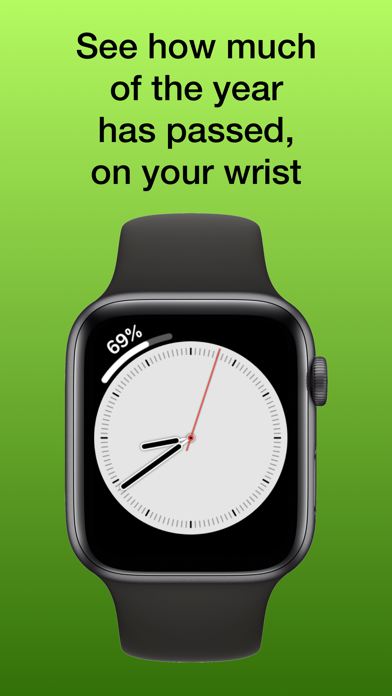
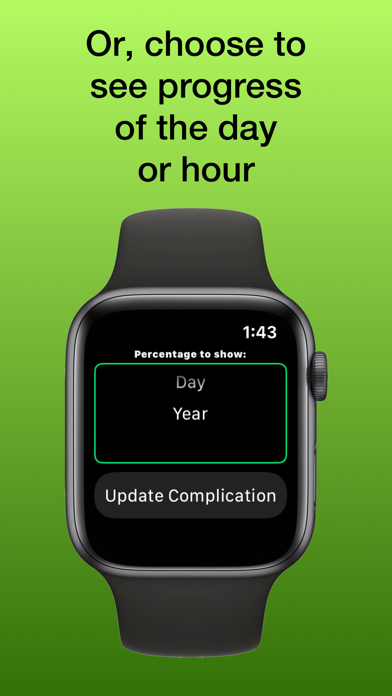
Remind yourself to think long term with this simple complication for Apple Watch. It provides an Apple Watch complication that shows you how much of the year has passed. As you glance at your wrist, and see the number go up every few days, you can take an opportunity to check in with yourself. Are you staying on track for your long-term goals? Alternatively, you can choose to see the percentage of the day that has elapsed (midnight to midnight) or hour, represented as a percentage rather than minutes. Note: The Apple Watch app is only used to update the complication settings. When you change the setting in the Apple Watch app, it will update the complication.
Latest release
What’s New
• Added support for more complication families
Audience growth
Ratings growth
Baseline captured. Growth appears after the crawler observes a changed rating count.
Momentum comes from crawler snapshots for the tracked storefront. “Viral growth signal” means unusually fast recent rating gains; it is an indicator, not download data.
Price tracking
Price intelligence
First snapshot captured. The trend line starts after the next crawler price observation.
- First observed Aug 21, 2026 · 8:52 PM Free
Screenshots