About this app
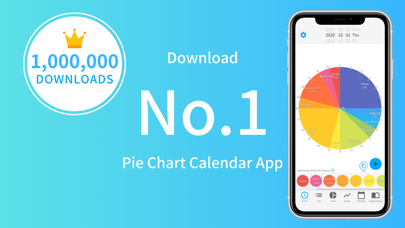
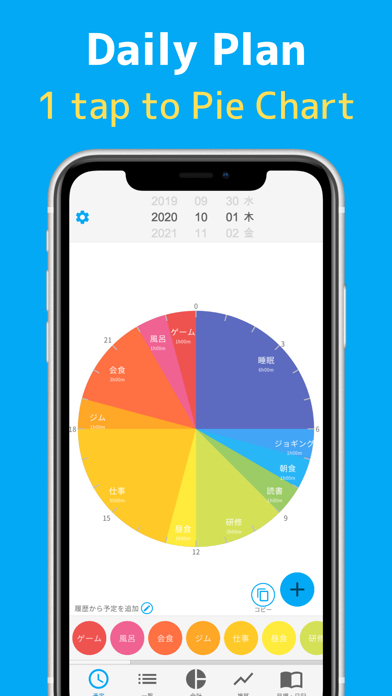
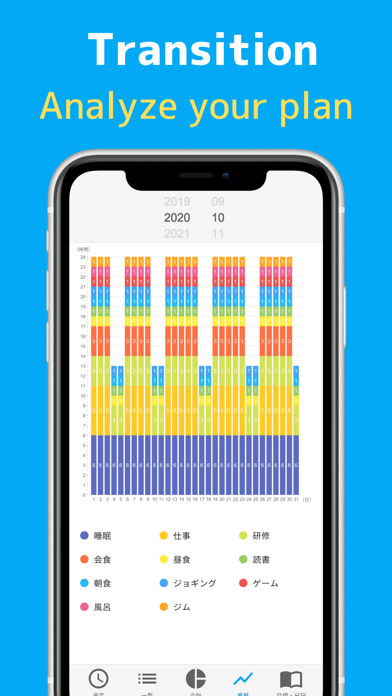
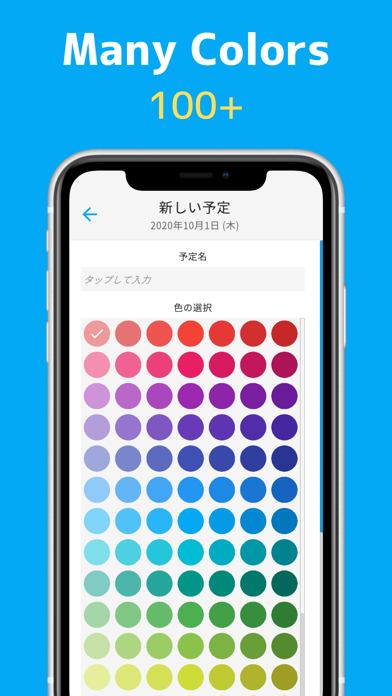
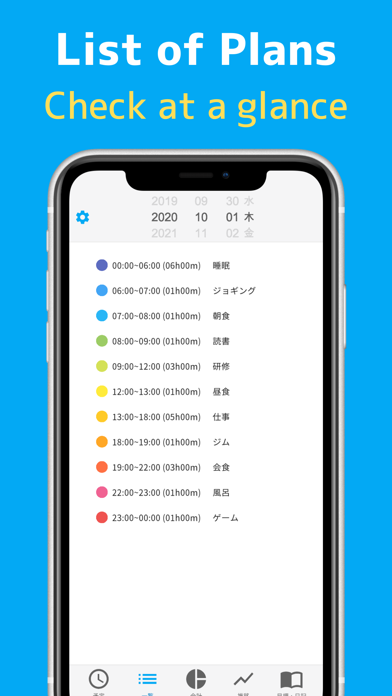
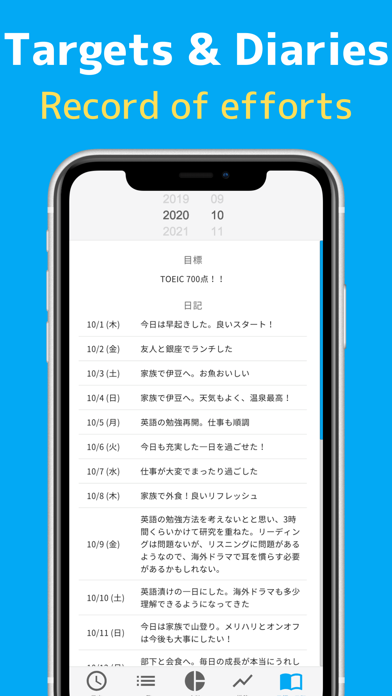
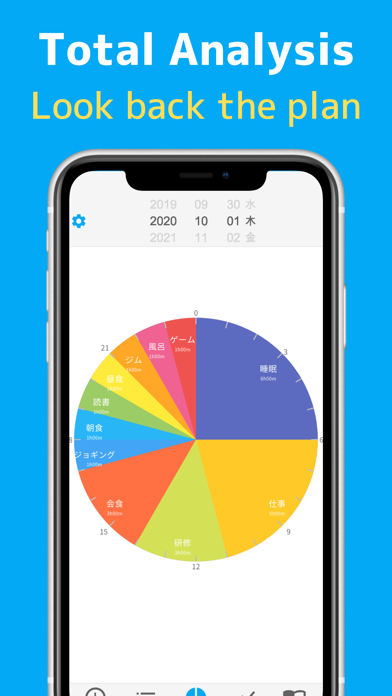
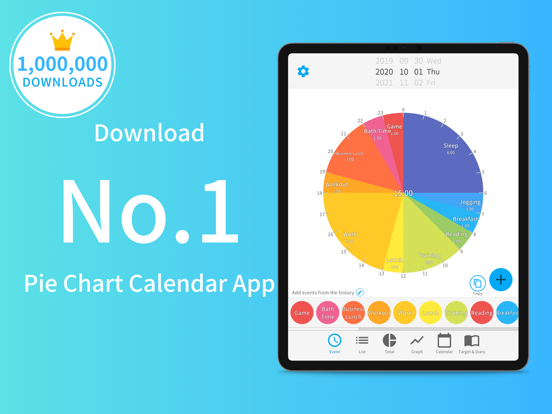
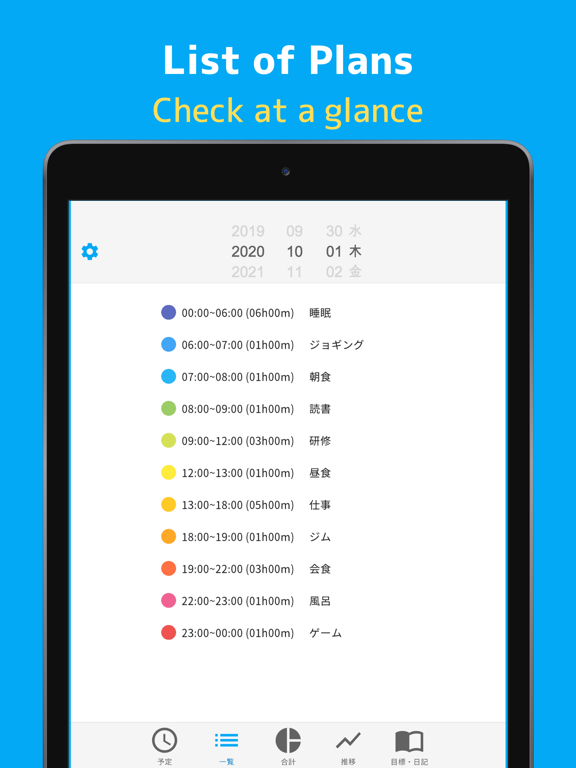
App Store 1st place (Pie chart schedule management app ranking in Japan *). A free schedule management app that manages your daily schedule in a 24-hour pie chart. Full of functions such as total time calculation and graph transition display. ▼ For daily schedule management and visualization of records to look back on the day ▼ Enter your 24-hour schedule for the next day and have a meaningful day. With automatic analysis, you can also display the total time and bar graph, so you can look back on the schedule of the day at the end of the day. You can visualize the wasted time, improve your vague life, and spend a well-balanced day toward your goals. ▼ Full of functions ▼ It is equipped with all the functions necessary for schedule management, such as automatic totaling of total time, display of transitions by bar graph, registration of diary and goals, and remind function by push notification. ▼ Features / Differences from similar apps ▼ [free] The usage fee is free. (With in-app purchase) [Schedule registration with 1 tap] You can easily register an appointment with "1 tap", so scheduling does not take time. [Pie chart] The schedule is displayed as a pie chart, so you can visualize the flow of the day. [Schedule tittle can be freely described] You can add as many schedules as you like, so you can use them according to your purpose. [Automatic total time] Since the total time can be calculated automatically for each schedule, you can immediately see "how many hours you have studied in total". You can view the total time for breaks and games to improve the way you spend your day when scheduling the next day. [Transition by bar graph] You can see the transition for one month on the bar chart. [List display] The schedule can be displayed not only in the pie chart but also in the list, so you can check the detailed schedule at a glance. [Over 100 colors ] We have more than 100 color variations so that you can choose the color that suits your schedule. [Time is in 5 minute increments] Schedules can be registered in 5-minute increments, so detailed schedules can be registered and visualized. [Notification function] You can turn on push notifications to receive notifications at the scheduled start time. [Registration of diary] You can write down your daily records and hard work as a diary. [Visualization of goals] Since you can register goals, you will be able to manage the time to achieve the goals. ▼ Price plan ▼ You can use the basic functions for free without registering for the premium plan, but the free version will display advertisements. [Premium Plan (1 Month)] Price: USD 4.49 / month Period: 1 month Services provided: ・ You can hide advertisements ・ Widgets can be used ・ Priority support is available [Premium Plan (1 Year)] Price: USD 44.99 / year Period: 1 year Services provided: ・ You can hide advertisements ・ Widgets can be used ・ Priority support is available ▼ Information about price plans ▼ ・ Automatic renewal will start after the free trial ends. ・ Unless you cancel the continuation 24 hours before the next payment, it will be automatically renewed. ・ Automatic renewal will be automatically renewed within 24 hours after the end of the previous payment period. ・ You can cancel from the account settings even during automatic renewal. ・ Even if you cancel the automatic renewal, you can still use it for the remaining period of the plan you have already purchased. ・ Please refer to the following page for the cancellation method. iOS: https://support.apple.com/en-us/HT202039 ▼ Inquiries ▼ info@dailyplanner.kiyohcorp.com Privacy Policy> https://bit.ly/3cYn3a8 User Policy> https://bit.ly/3tTQv83 (*) Various rankings, etc. are described based on the following data (as of February 20, 2021) ・ App Store work efficiency improvement 46th ・ No. 1 pie chart-shaped schedule management app in the same category
Latest release
What’s New
Thank you for using Daily Planner! This update brings the app fully up to date with major stability improvements. - Fixed an issue where the ad close button could not be tapped - Fixed a rare issue where entered schedules were not saved - Improved widget image rendering - Many internal improvements, including support for the latest iOS We will keep improving the app based on your feedback. Please share your thoughts via Contact in the app.
Audience growth
Ratings growth
Baseline captured. Growth appears after the crawler observes a changed rating count.
Momentum comes from crawler snapshots for the tracked storefront. “Viral growth signal” means unusually fast recent rating gains; it is an indicator, not download data.
Price tracking
Price intelligence
First snapshot captured. The trend line starts after the next crawler price observation.
- First observed Sep 9, 2026 · 7:44 AM Free
Screenshots