About this app
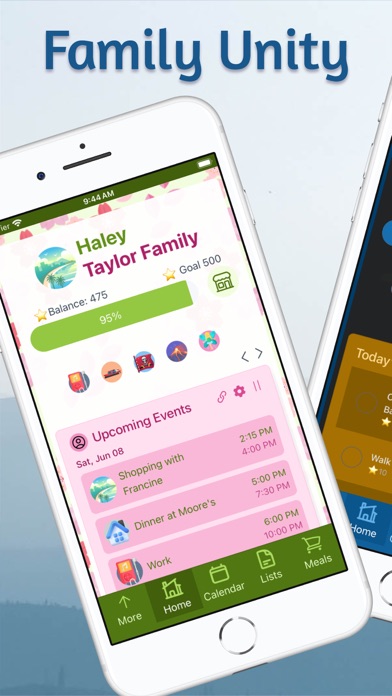
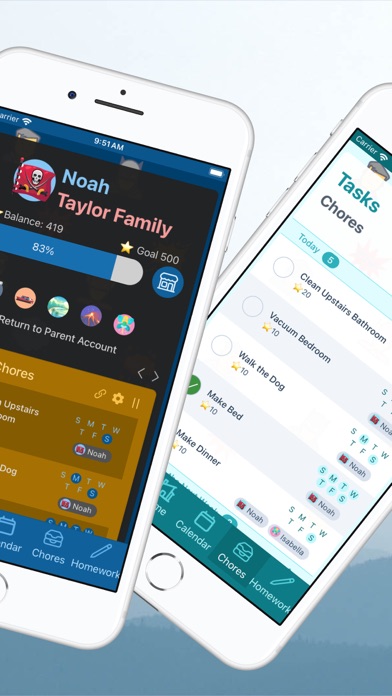
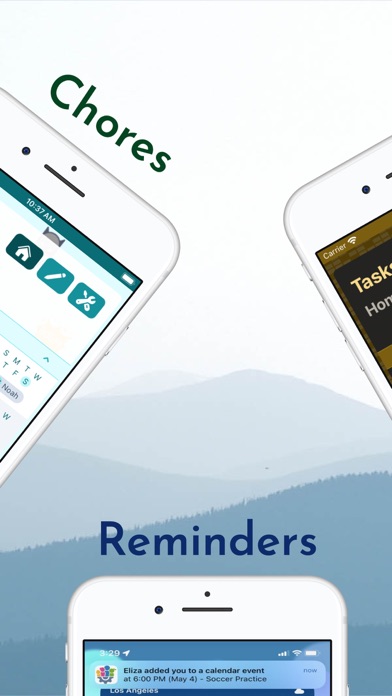
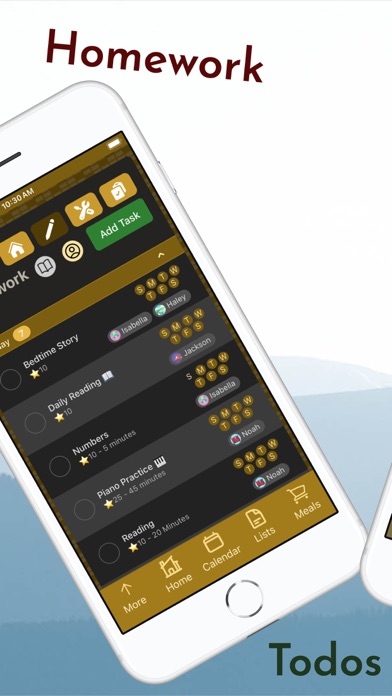
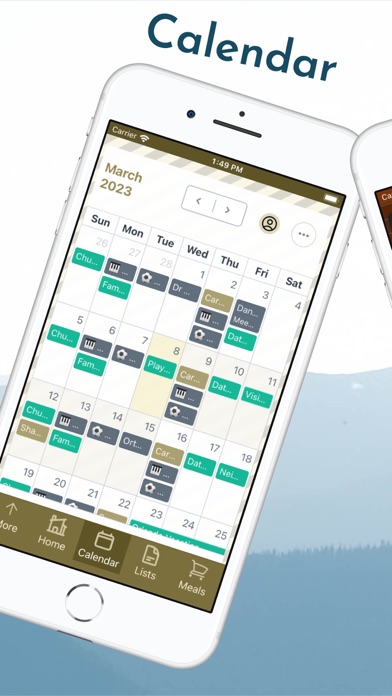
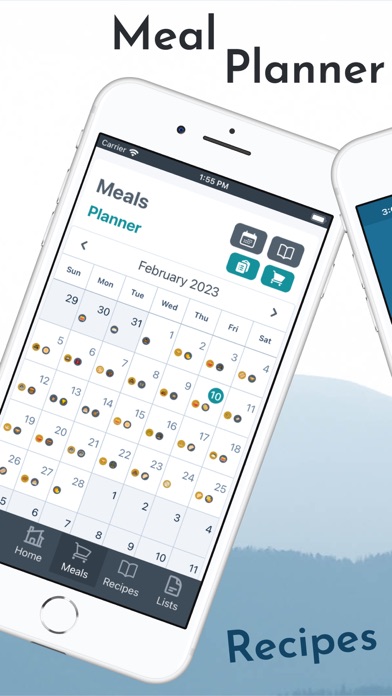
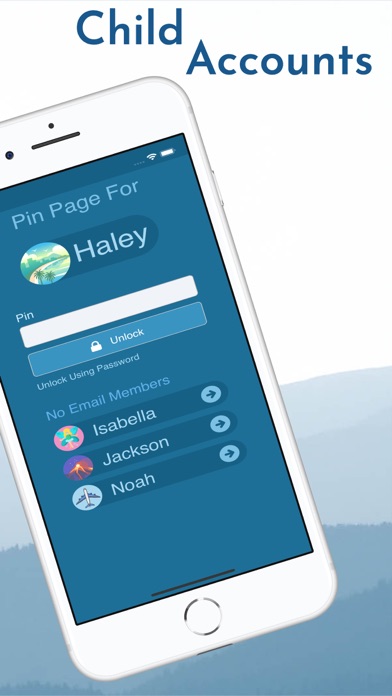
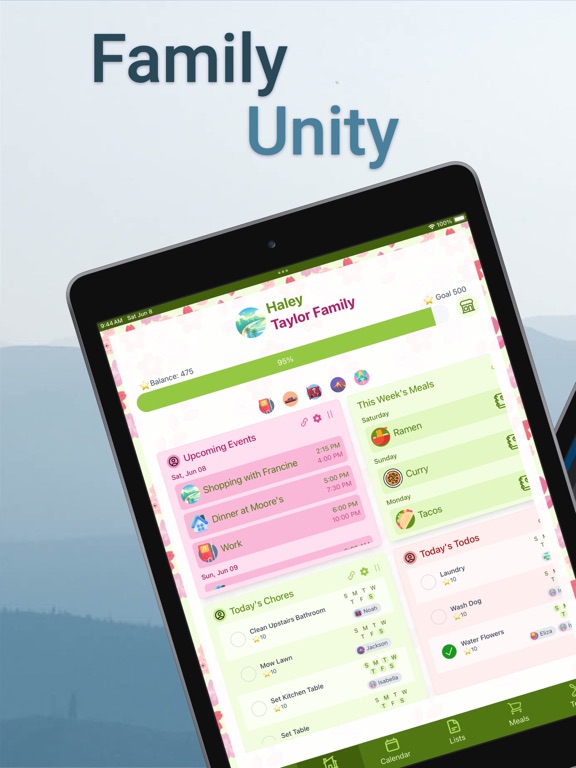
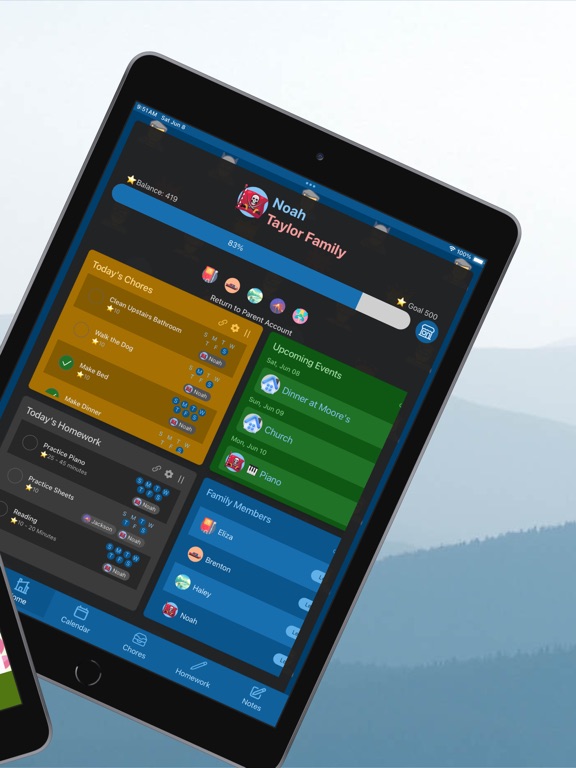
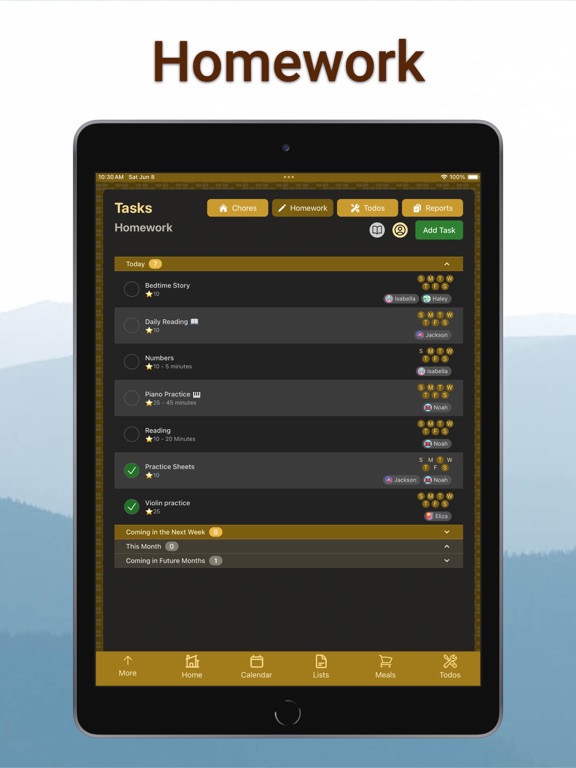
Organize household chores, homework, todo’s, a calendar, lists, meals, and events. Set notifications for reminders and earn rewards as things get done. Shared Family Calendar - Everyone can create and share family calendar items - Plan one-time, daily, and weekly events - Integrate with your Apple calendar Chores - Create a chore list for each child - Specify a day or make a chore recur regularly - Kids check off chores and earn rewards Homework Planner - Plan for an upcoming assignment - Specify school subject & due dates, and add notes - Check off assignments when complete and earn rewards Shared Todo Lists - Keep track of any other tasks - Assign a specific day or do it anytime - Make them recur daily, weekly, or monthly Shared Shopping Lists - Create custom lists - Add custom sections or categories - Create a list for things like groceries, packing, gifts, or shopping Meal Planner and Recipe Book - Quickly generate a meal calendar for the family - Add recipes and tag them for easy access and use - Export meal items to your grocery list in seconds Family Planner - Plan and manage events, such as parties, trips, and projects - Bring the power of calendar, chores, homework, todo’s, and list items together - Break down large events into easy steps Rewards - Keep everyone going with a fun and engaging reward system - Reward kids for all types of effort - Unlock fun rewards, such as icons and color schemes Notifications - Set the notifications you want to receive and adjust them whenever you want - Receive reminders for day-to-day items like shared calendar events or kids’ chores - Stay informed when someone assigns you a task or when a child completes their homework Child Accounts - Add kid accounts without email addresses - Share the same device More unity is something we all need, and Family Tools is here to make it easier. Same page, one family, whenever, wherever. Privacy Policy: https://familytools.app/PrivacyPolicy.html Terms and Conditions: https://familytools.app/TermsandConditions.html
Latest release
What’s New
This update introduces calendar upgrades and quality-of-life improvements! You can now switch to a 24-hour clock format, choose your preferred default calendar view, and enjoy auto-saving notes that clearly show when they were last updated. New families will also notice a smoother, more intuitive onboarding experience. The update also brings bug fixes and fully anonymous analytics (which parents can turn off anytime in Settings) to help the app continue improving.
Audience growth
Ratings growth
Momentum comes from crawler snapshots for the tracked storefront. “Viral growth signal” means unusually fast recent rating gains; it is an indicator, not download data.
Price tracking
Price intelligence
- First observed Aug 21, 2026 · 8:50 AM Free
Screenshots