About this app
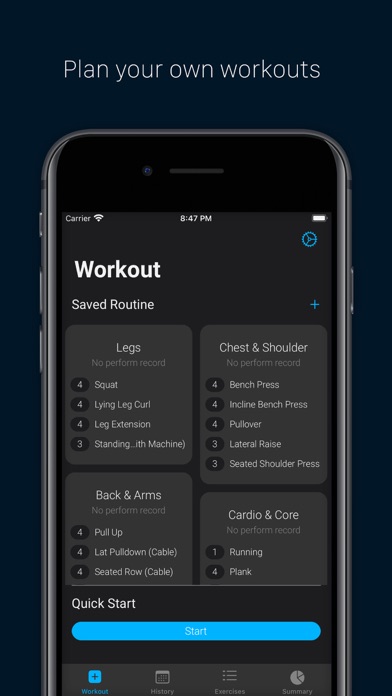
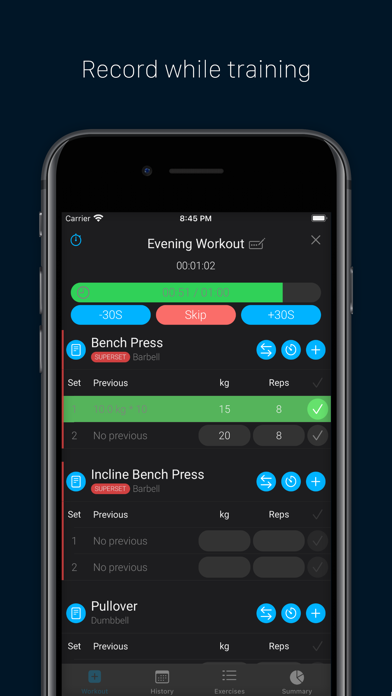
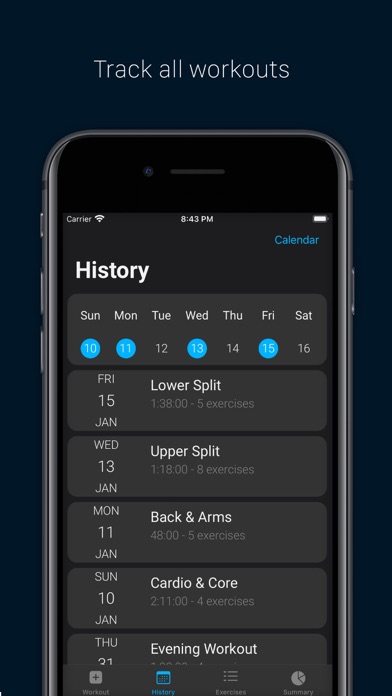
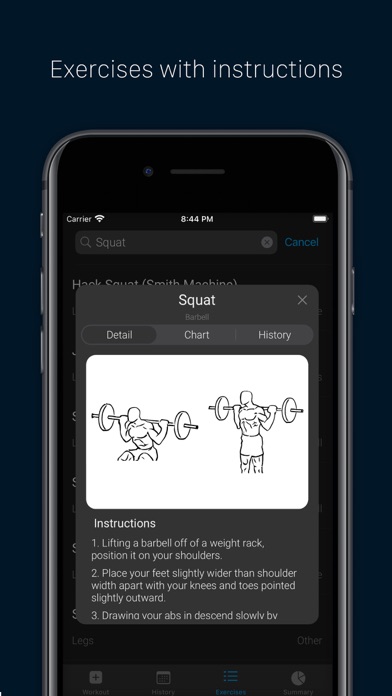
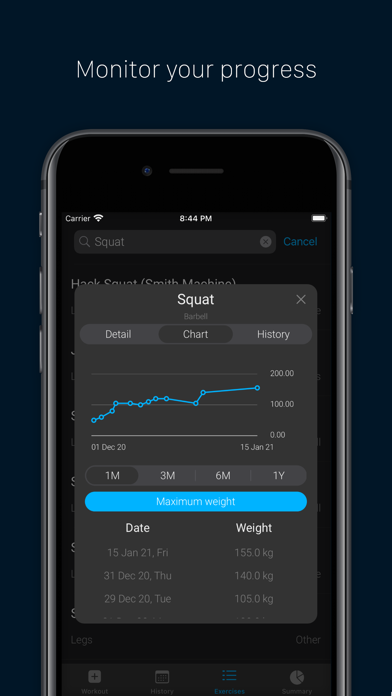
A simple workout log that helps you train better and easier. From planning the routine, keep tracking and monitoring all the progress you made, to summarizing all workouts performed. Feature .Plan workout by saving custom routine. .Record your training, with a countdown timer to remind the next set. .Visualise all training history. .Hundred of exercises with images & instructions, and of course custom exercises can be added. .Track progress on every single exercise. .Overview training by day, week, month & year. .Support on light mode & dark mode. .Integrated with Apple Health to sync all exercise records. .Integrated with iCloud to backup & sync across devices.
Latest release
What’s New
Minor performance improvement.
Audience growth
Ratings growth
Baseline captured. Growth appears after the crawler observes a changed rating count.
Momentum comes from crawler snapshots for the tracked storefront. “Viral growth signal” means unusually fast recent rating gains; it is an indicator, not download data.
Price tracking
Price intelligence
First snapshot captured. The trend line starts after the next crawler price observation.
- First observed Aug 27, 2026 · 8:09 PM Free
Screenshots