About this app
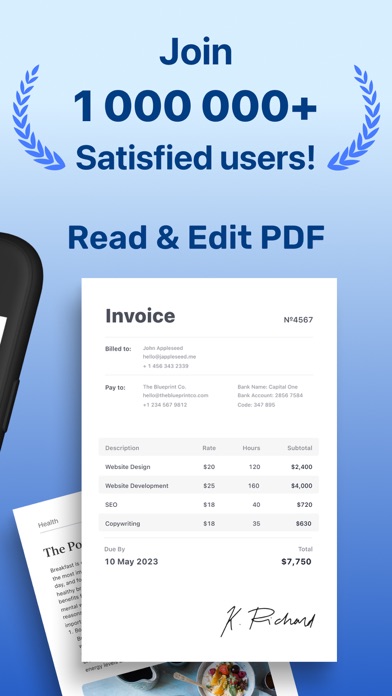
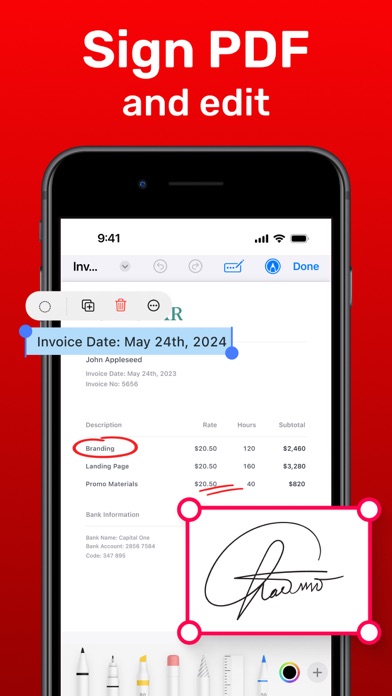
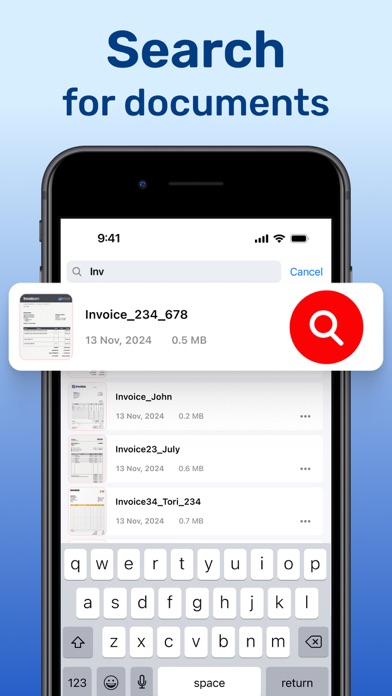
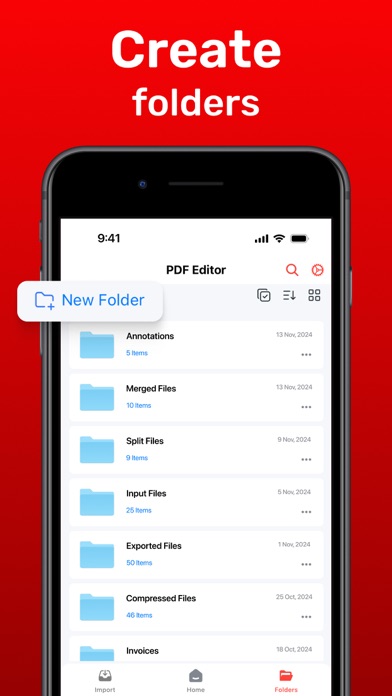
Are you tired of working with static PDF files that cannot be easily edited or customized? Look no further than our PDF editor, which features an extensive set of powerful and intuitive tools to help you manage and manipulate your documents with ease. This app makes it easy to edit PDF files, acting as a powerful document editor and efficient PDF merger. You can quickly edit PDF content, combine files using the built-in PDF merger, and manage your work with a full-featured document editor. Whether you need to edit PDF pages, merge multiple files with the PDF merger, or format text using the document editor, this app has you covered. Here are some of the key features that make our PDF editor stand out: 1) Text Editing: With our PDF editor, you can easily modify text within your PDF documents, including font type, size, and color. You can also add, delete, and move text blocks within your documents. 2) Image Editing: The PDF editor also lets you manipulate images within your PDF files, allowing you to resize, crop, and rotate images, as well as adjust brightness, contrast, and color balance. 3) Annotation: With our PDF editor, you can add comments, highlight text, and create custom stamps to help you annotate and mark up your documents as needed. 4) Merge and Split: Our PDF editor also includes tools for merging multiple PDF files into a single document, as well as splitting larger files into smaller ones. 5) Convert and Export: You can also convert your PDF documents to other file formats, such as Word, Excel, and PPT, making it easy to work with your content across a variety of platforms. 6) Security: Our PDF editor also includes robust security features, including password protection and digital signature capabilities, to help you keep your documents safe and secure. 7) Collaboration: With our PDF editor, you can easily share documents with others and collaborate in real time, allowing multiple users to work on the same document simultaneously. PDF editor is designed to be both powerful and easy to use, with a sleek and intuitive interface that makes it easy to navigate and access all of the tools and features you need to create and manage your PDF documents. So whether you're a business professional, student, or freelancer, our PDF editor is the perfect tool to help you work more efficiently and effectively with your documents. Privacy Policy: https://zipoapps.com/pdfexpertios/privacy Terms: https://zipoapps.com/pdfexpertios/terms/
Latest release
What’s New
User experience improvements. Edit PDFs easily. Try our powerful, intuitive PDF editor now!
Audience growth
Ratings growth
Baseline captured. Growth appears after the crawler observes a changed rating count.
Momentum comes from crawler snapshots for the tracked storefront. “Viral growth signal” means unusually fast recent rating gains; it is an indicator, not download data.
Price tracking
Price intelligence
First snapshot captured. The trend line starts after the next crawler price observation.
- First observed Sep 13, 2026 · 1:16 PM Free
Screenshots