About this app
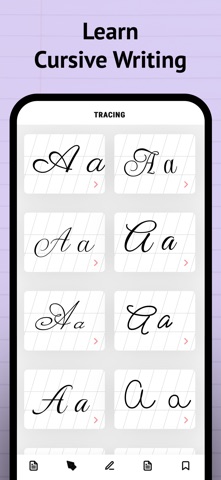
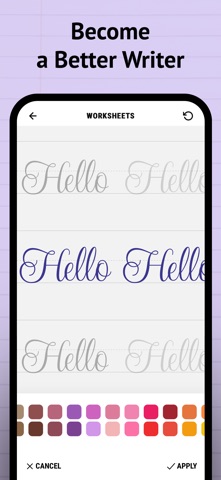
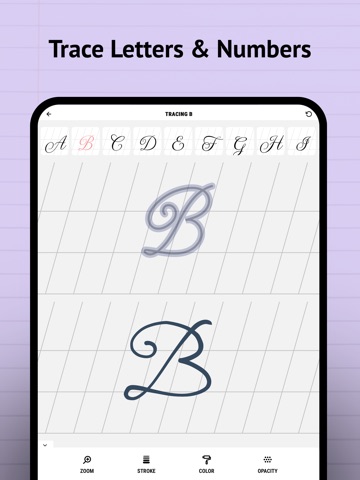
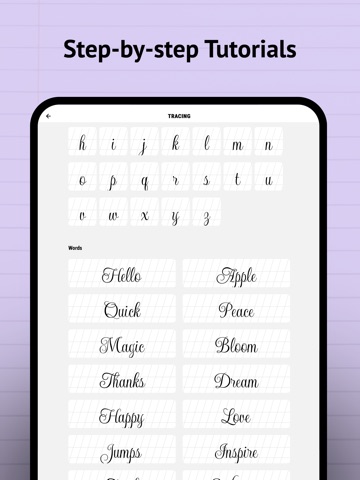
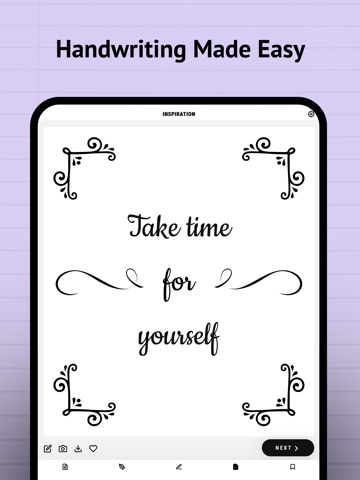
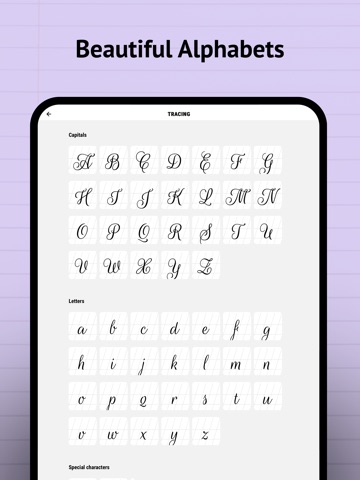
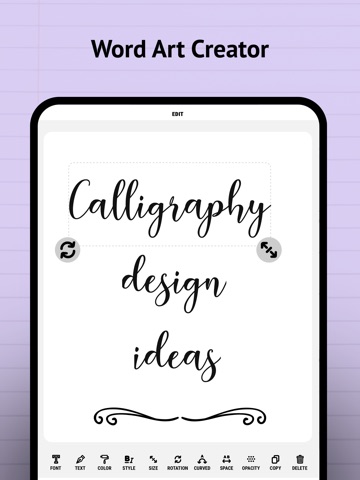
Looking to improve your calligraphy, hand lettering, or cursive writing? This powerful calligraphy practice & writing app lets you explore, customize, and trace fonts and alphabets in a wide range of cursive writing styles — perfect for beginners, hobby artists, and anyone wanting to master beautiful handwriting. Choose from hundreds of calligraphy fonts, lettering styles, and typography templates. Trace individual letters, full alphabets, or complete words in the app or directly on paper using the AR tracing mode. Just place your device above your page and follow the lines to practice calligraphy strokes, shapes, and letterforms with ease. You can also create stunning word art, quotes, tattoo ideas, and decorative typography. Enter your own text, adjust the style in the font editor, and design unique lettering compositions. This calligraphy practice app & text art designer supports the following features: - A large library of writing styles, lettering fonts, and cursive handwriting examples - Full alphabet tracing for handwriting practice (A–Z) - Animated letter tracing tutorials to learn strokes step by step - AR tracing mode to practice cursive writing directly on paper - Add your own text for custom lettering, quotes, names, or tattoo ideas - Hundreds of handwriting styles: brush lettering, cursive, ornamental, modern writing & more - Word art creation with adjustable size, spacing, rotation, and layout - Customize colors, backgrounds, or use your own images - Save your favorite designs and handwriting practice sheets - Add emojis, import photos, or design typography posters - Works as both a cursive writing practice app and a lettering font design app The Pro-version of this text art maker app also offers: - Unlock all calligraphy fonts and styles - Add unlimited custom words and text - Remove ads Calligraphy is an ancient penmanship art form focused on beautiful handwriting and word art. Today, this decorative type of hand-writing is still popular. It is used to decorate texts, logo’s, menus, postcards, wedding stationery and documents by forming, arranging and decorating the shapes and symbols of words. Cursive handwriting is a great way to relax and let your typography creativity flow. Explore both traditional and modern calligraphy examples in this text designer app. Traditional calligraphy involves the practice of certain script styles and aims for a uniform shape of letters with fixed proportions. Modern lettering, sometimes called ‘faux calligraphy’, is a big trend over the last few years. In modern caligraphy, often different styles are combined in one composition. Whether you're new to calligraphy or a master calligrapher, learn to write and boost your typography creativity with this caligraphy text designer app, endless word art templates, tattoo designs, font editor and quotes creator. Start creating! If you have any questions, comments or suggestions, please contact support @ wienelware.nl
Latest release
What’s New
- Minor fix for a smoother calligraphy experience
Audience growth
Ratings growth
Momentum comes from crawler snapshots for the tracked storefront. “Viral growth signal” means unusually fast recent rating gains; it is an indicator, not download data.
Price tracking
Price intelligence
First snapshot captured. The trend line starts after the next crawler price observation.
- First observed Sep 10, 2026 · 10:49 PM Free
Screenshots