About this app
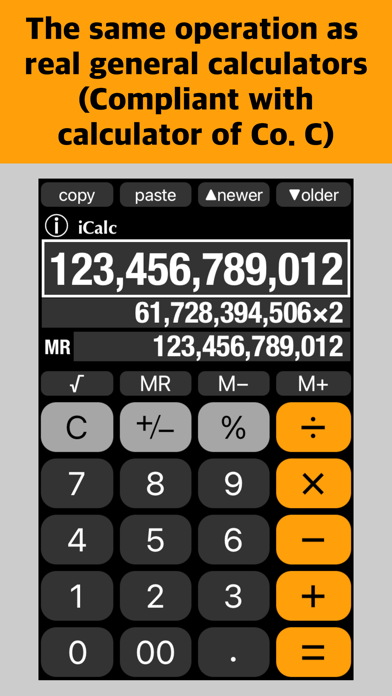
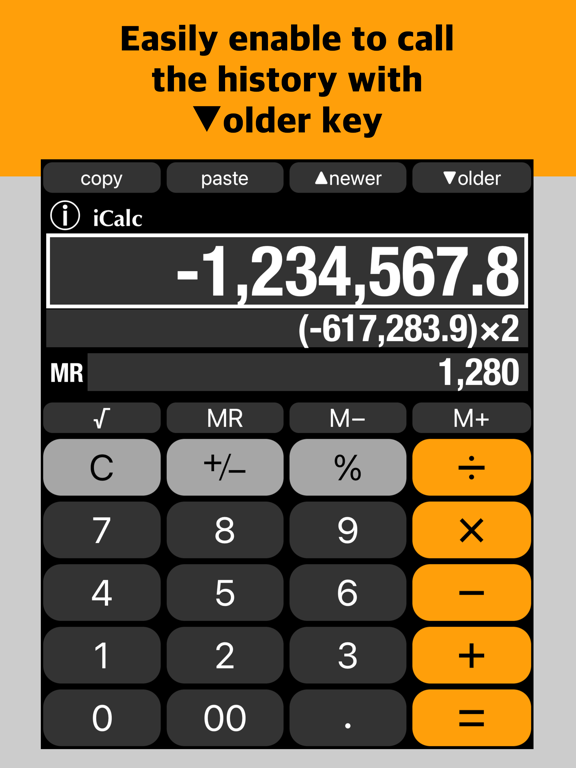
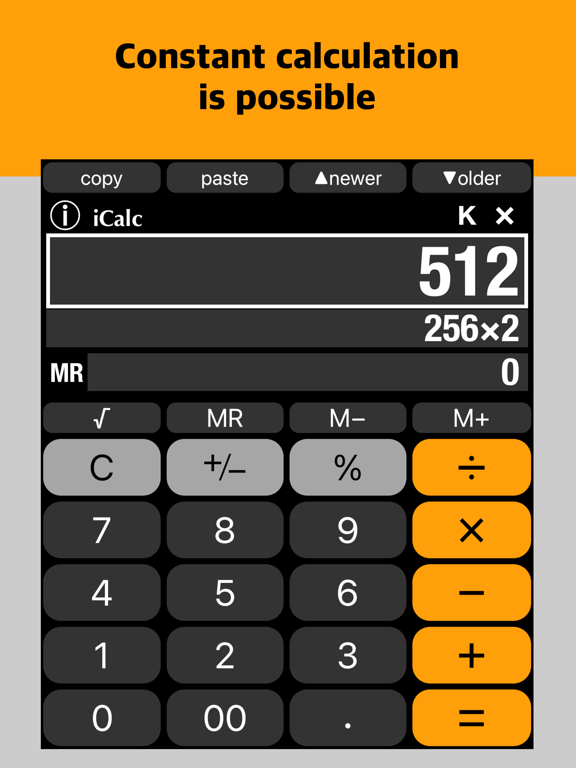
iCalc is a simple and easy-to-use calculator that uses a familiar operation system. It can be calculated by the same operation as real calculators. (Compliant with calculator of company C) It also has functions unique to the calculator app, such as displaying calculation history and calculation formulas. There is ⓘ button to display the information page that describes instructions. Thank you for using iCalc. (Instructions) The operation for Arithmetic Calculations, Root Calculations, Constant Calculation and Independent Memory Calculation are the same as real general calculators. (Compliant with calculator of company C) The original operations and functions are as follows. - After calculation with the [=] key, the result is displayed on the main display and a white frame is added. - If you tap an operator key instead of [=] key to calculate, the operator turns white, indicating that you are preparing for the next calculation. - The calculation formula is displayed below the main display. - Flipping the main display while inputting, the minimum digit of the displayed input value will be erased one by one. - Flipping the MR display for independent memory to erase the value in independent memory. - Call the calculation history with [▼older] key. Repeat tapping to call older history. If you called a calculation history that was too old, you can use [▲newer] key to return to newer history. - Tapping [C] key to erase the entered value. And [C] key changes to [AC] key. - Tapping [MR] key to enter the value of the independent memory. And [MR] key changes to [MC] key. - [copy] and [paste] keys for clipboard. - Percent Calculations What is 25% of 100? [1] [00] [×] [2] [5] [%] → 50 25% of what number is 100? [1] [00] [÷] [2] [5] [%] → 400 What is 100 increased by 25%? [1] [00] [+] [2] [5] [%] → 125 What is 100 decreased by 25%? [1] [00] [−] [2] [5] [%] → 75 - Can be used in environments where either a period or a comma is used as the decimal separator. (Others) - The calculation range is −999,999,999,999 ~ 999,999,999,999. - The maximum number of digits is 12. - The developer assumes no responsibility for any loss or claims by third parties which may arise from the use of this app.
Latest release
What’s New
- Added a shortcut for copy & paste in keyboard-based environments. - Made minor improvements and enhanced performance.
Audience growth
Ratings growth
Baseline captured. Growth appears after the crawler observes a changed rating count.
Momentum comes from crawler snapshots for the tracked storefront. “Viral growth signal” means unusually fast recent rating gains; it is an indicator, not download data.
Price tracking
Price intelligence
First snapshot captured. The trend line starts after the next crawler price observation.
- First observed Aug 28, 2026 · 1:51 AM Free
Screenshots