About this app
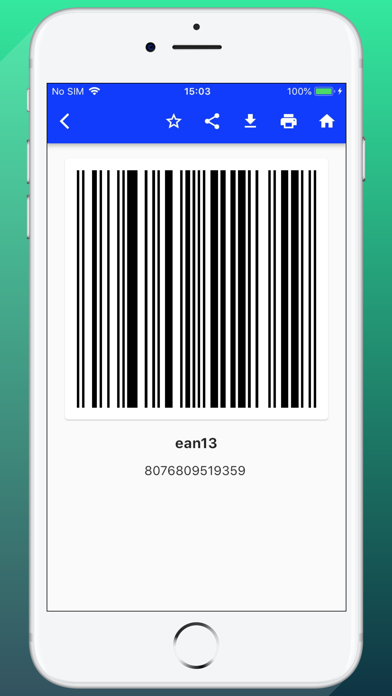
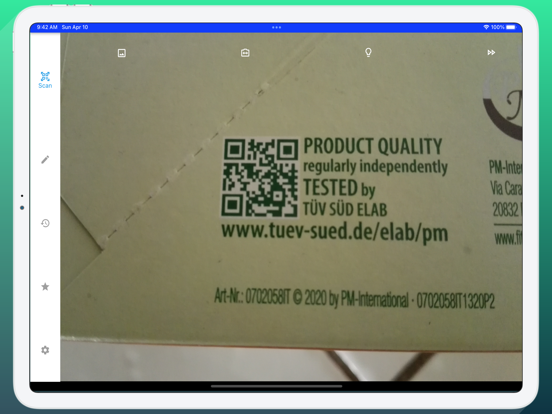
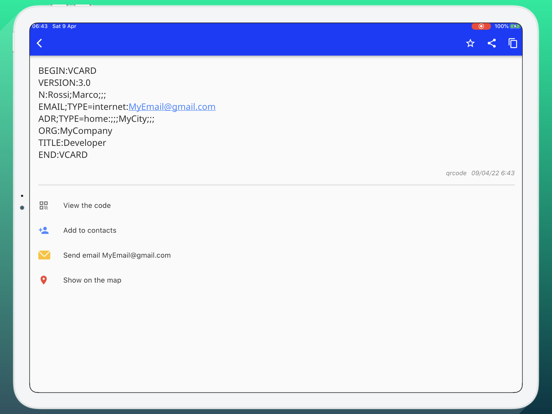
You won't find a faster and lighter QR and barcode scanner than this. This app cannot be missing on your iOS devices. It is extremely easy to use, just place your device in front of the code you want to scan and it will be detected and scanned. It's very simple, you don't have to press any buttons, take pictures or zoom. It is possible to scan all types of QR or barcodes. After scanning and decryption, you will receive additional information including results from popular online services; Amazon, eBay and Google - 100% FREE! Other characteristics: - Create QR and barcode - Scan from image - Scan from the Gallery - Share contact data via QR - Share location via QR - Send an email - Send SMS - Add to address book - Add to calendar - Add event - Use the flashlight - Open the URL in the browser - Open the URL in the app - Continuous scanning - Save as favorite - Save to history - Download Qr or Barcode on your device - Print QR or barcodes
Latest release
What’s New
Added consent management as per European legislation.
Audience growth
Ratings growth
Baseline captured. Growth appears after the crawler observes a changed rating count.
Momentum comes from crawler snapshots for the tracked storefront. “Viral growth signal” means unusually fast recent rating gains; it is an indicator, not download data.
Price tracking
Price intelligence
First snapshot captured. The trend line starts after the next crawler price observation.
- First observed Sep 2, 2026 · 2:51 AM Free
Screenshots