About this app
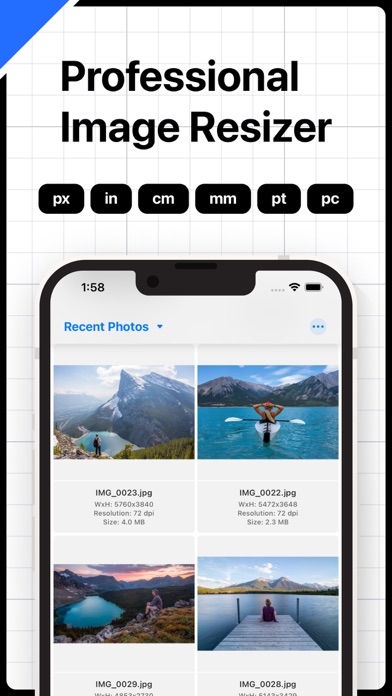
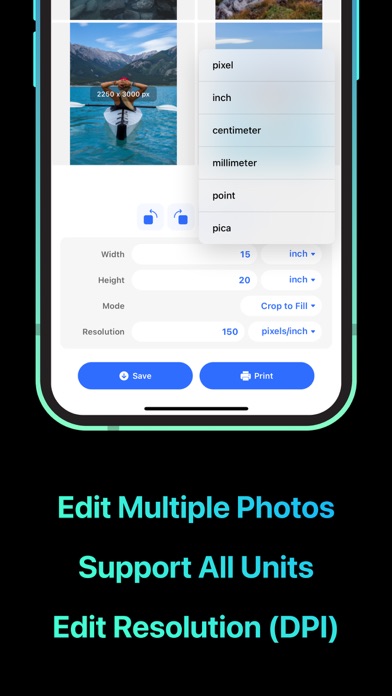
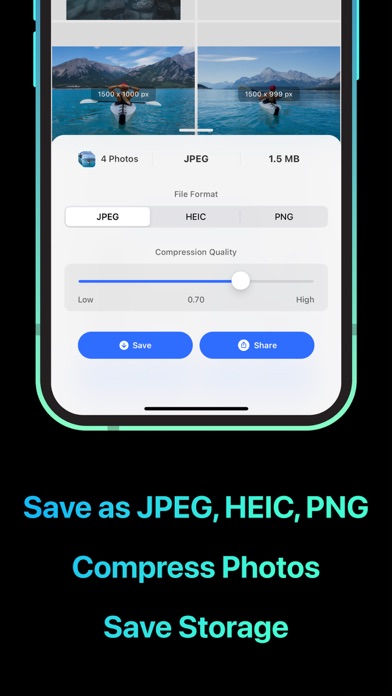
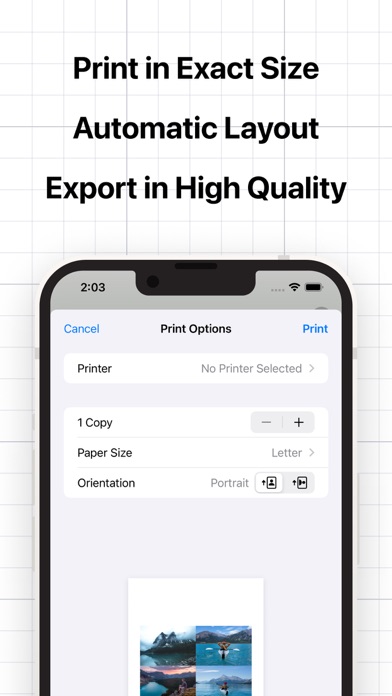
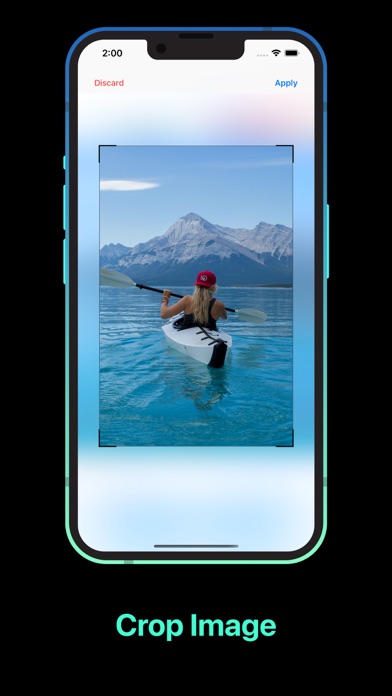
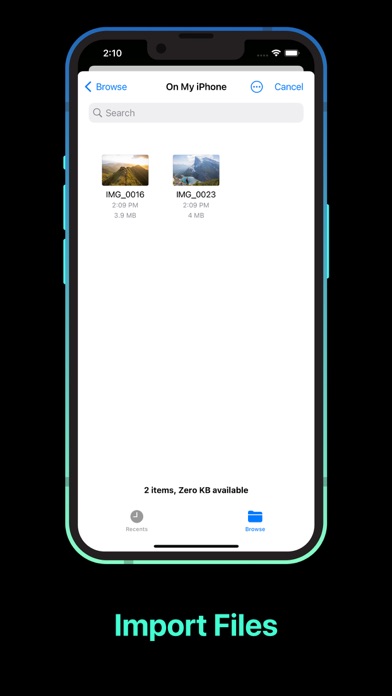
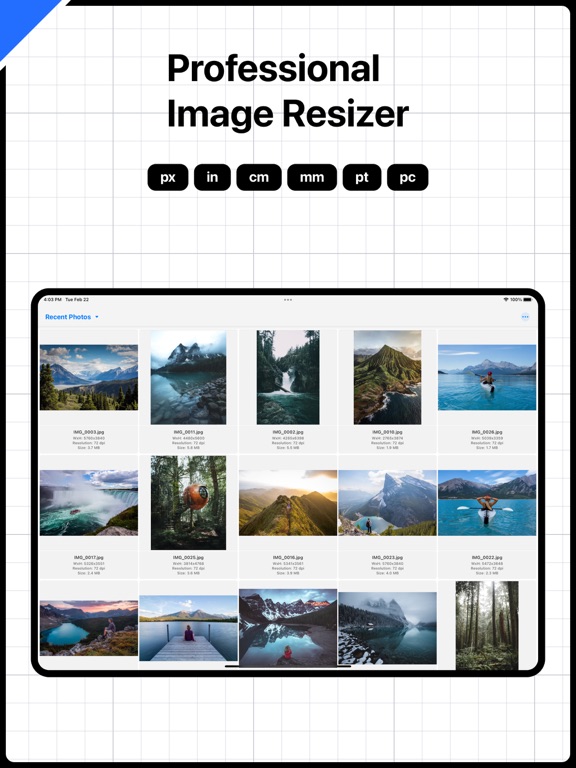
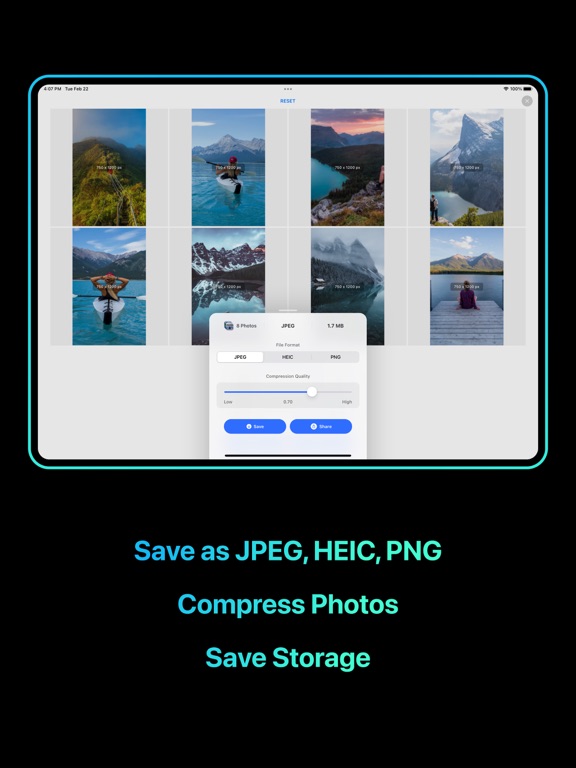
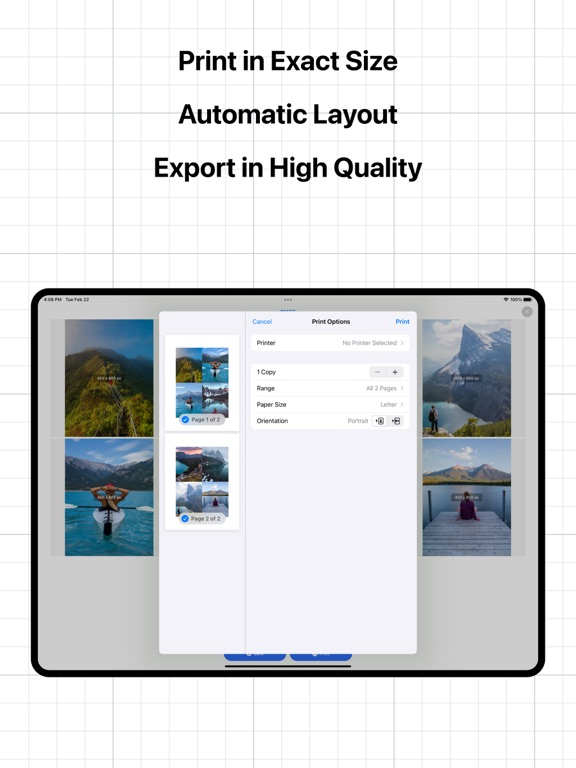
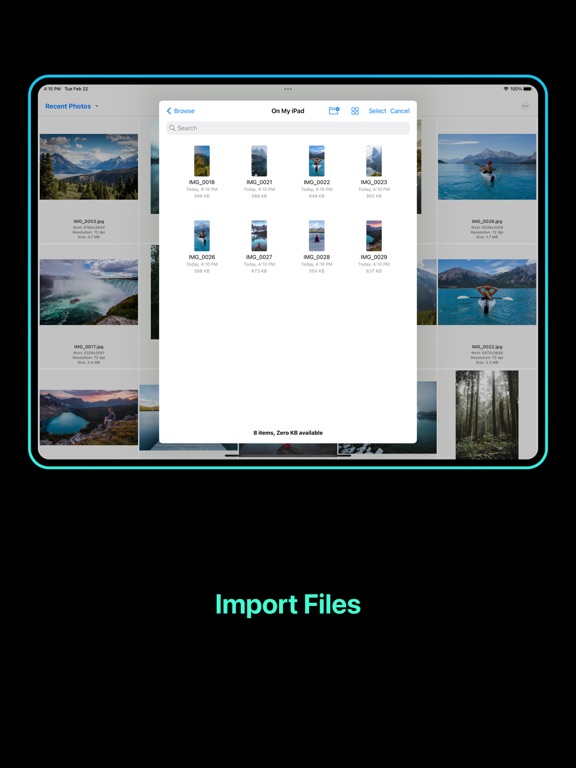
You can use this app to: - Quickly resize and compress multiple photos at once to save your device storage. - Print multiple photos to actual size (inch, cm,...) and save paper. - Quickly rotate or flip multiple photos at once. - Convert your photos to compatible formats (JPEG, PNG, HEIC) and share to any device. Features: - Edit photo size in pixel, inch, cm, mm, pt, pc. - Edit photo resolution in dpi. - Support 3 modes: Preserve Aspect Ratio, Stretch, Crop to Fill. - Rotate, flip and crop photos. - Save and compress photos in different formats: JPEG, HEIC, PNG. - Share photos with Airdrop, email, message or many other methods. - Print photos to actual size. - Edit multiple photos. - Import and edit photos from Files. - View all images with detailed information (size, resolution, dimension). Terms of Service: https://rockybrain.com/terms/ Privacy Policy: http://rockybrain.com/policy/
Latest release
What’s New
Bug fixes
Audience growth
Ratings growth
Momentum comes from crawler snapshots for the tracked storefront. “Viral growth signal” means unusually fast recent rating gains; it is an indicator, not download data.
Price tracking
Price intelligence
- First observed Aug 7, 2026 · 9:00 PM Free
Screenshots