About this app
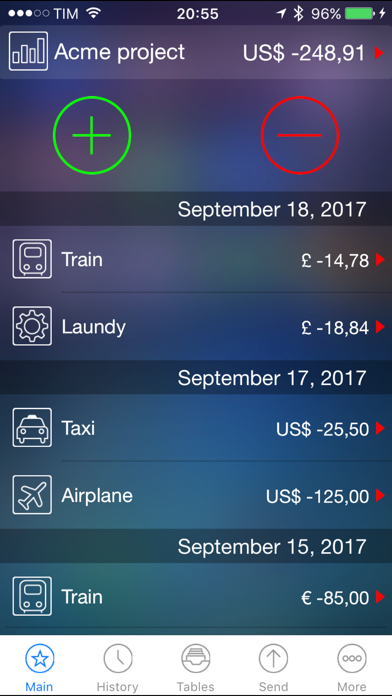
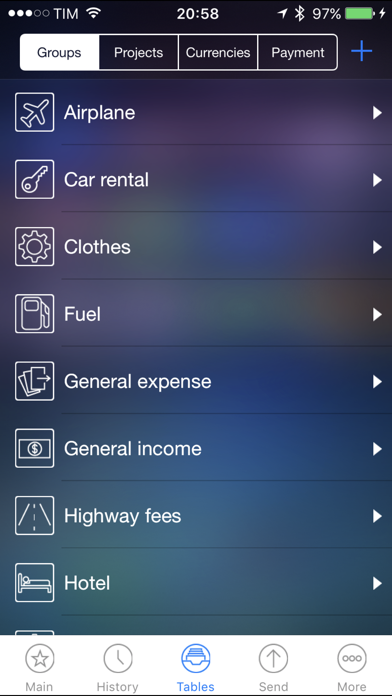
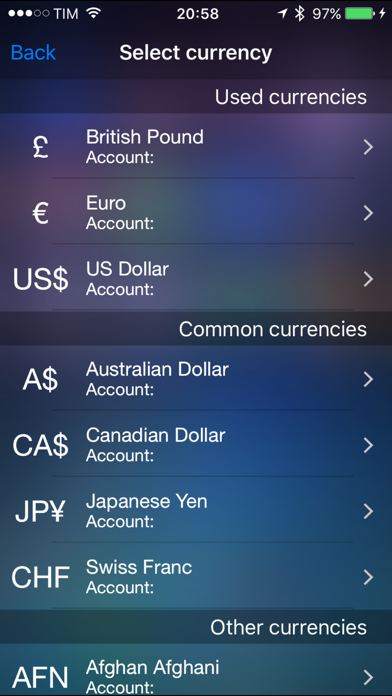
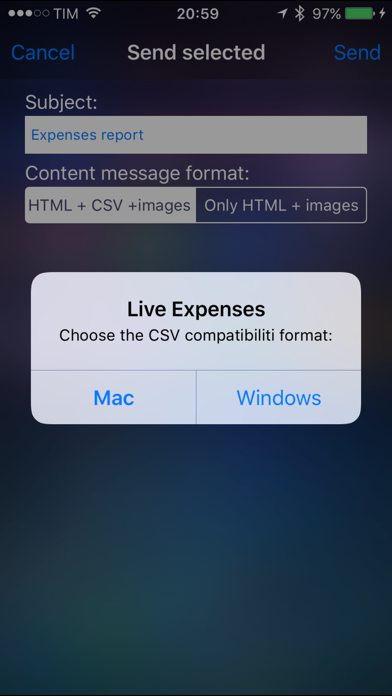
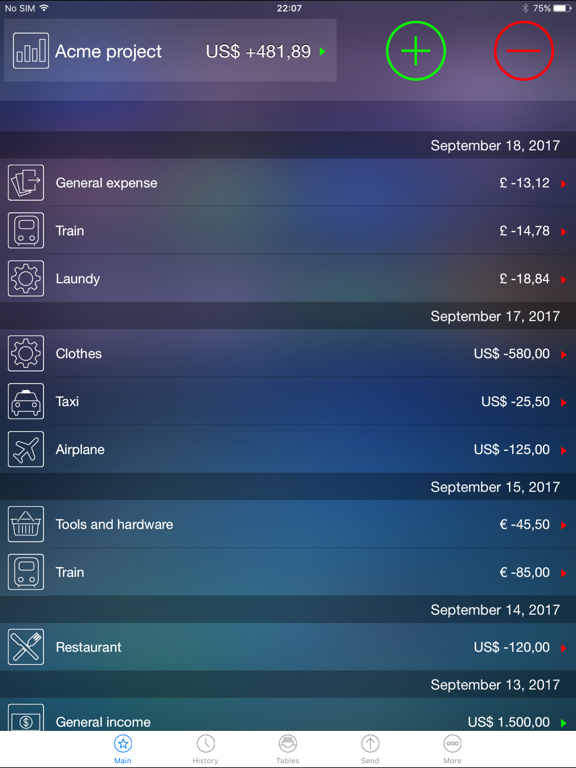
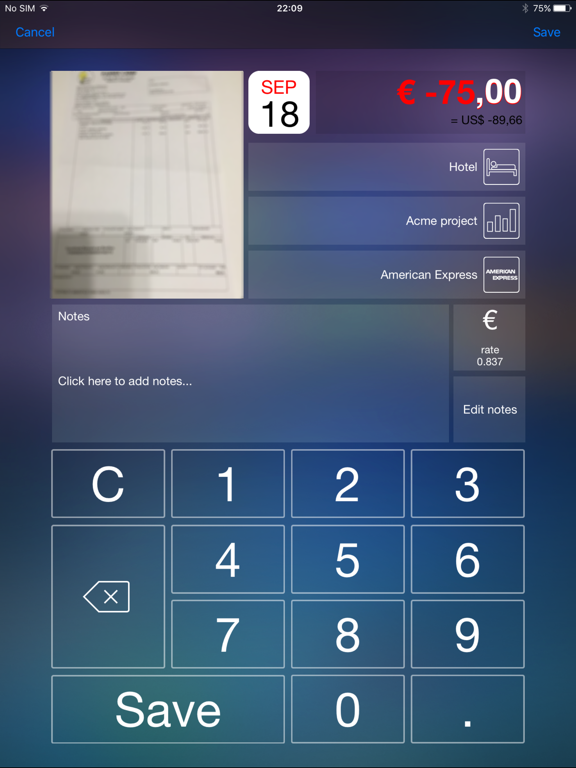
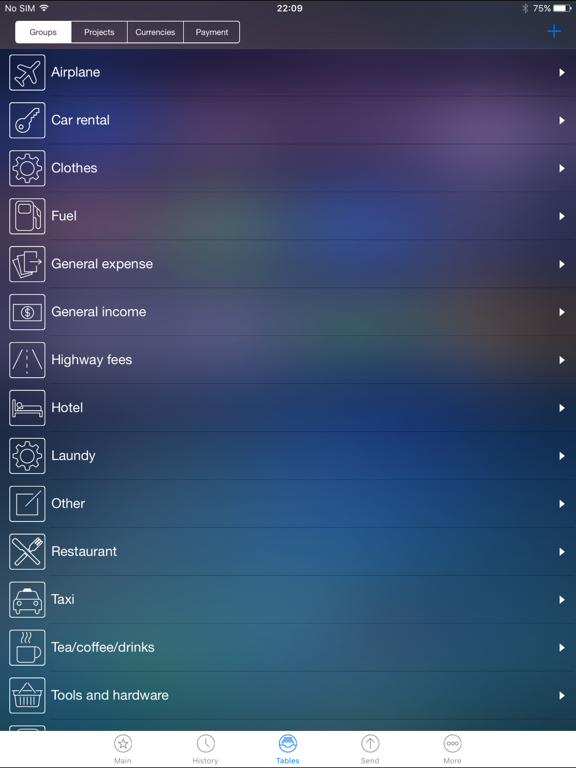
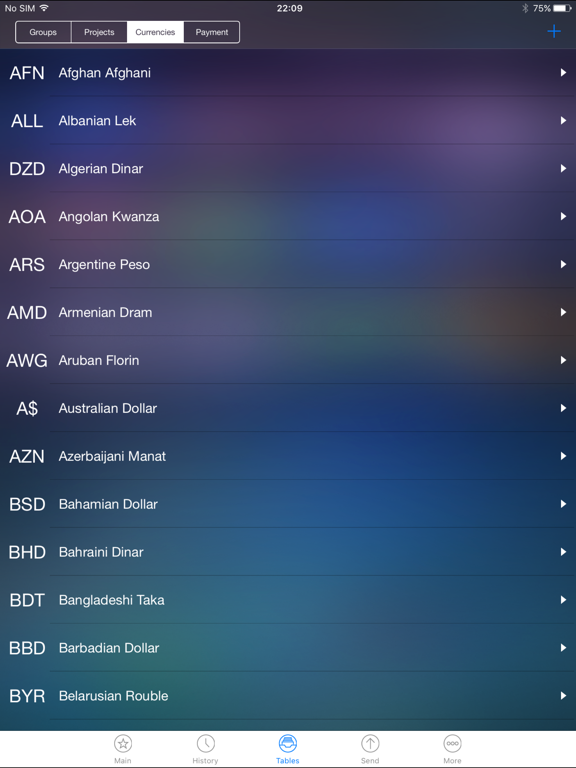
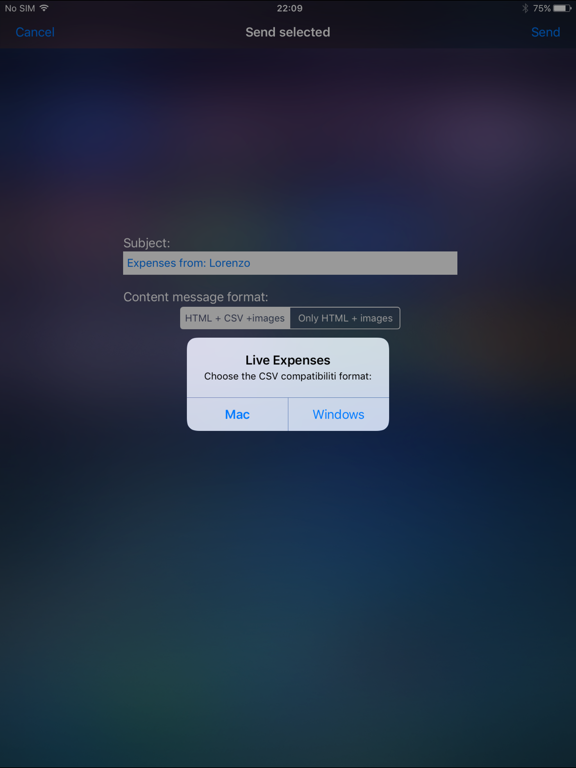
Easy, fast and intuitive application for iPhone / iPod touch and iPad to track your expenses. Imagine: - You are far from your company and you want to track your expenses ... or simply inform your company how are you spending the money... you can email you receips… so you don’t have to wait your return to deliver them. With LIVE EXPENSES you can do it! - You want to manage a budget and keep track of all the flows (day by day or month by month). With LIVE EXPENSES you can do it! - You want to manage inputs and outputs for each Project and store the documents of each operation. With LIVE EXPENSES you can do it! Using a simple “user interface” you can add your inputs (for ex. your expense budget) and outputs (hotels, restaurants, car rental, etc. ...). Each movement (in or out) can be related to: - A project: you can create new projects to connect with your inputs and outputs; - A picture of your receipt / invoice / bill / document. In this way, the company will have a printout while the are waiting you deliver the original document; - A currency: use foreign currencies and the exchange rates; - A type of expense/income: you can specify the type of input or output, such as restaurant, taxi, train, plane, etc...; - A type of payment: such as cash, credit cards, etc...; And finally, email eveything in HTML format and/or CSV (Microsoft Excel © compatible and all common spreadsheets) with all the pictures(documents) taken attached to your email. Easy, fast and intuitive... With LIVE EXPENSES you can do it!
Latest release
What’s New
Improvements
Audience growth
Ratings growth
Baseline captured. Growth appears after the crawler observes a changed rating count.
Momentum comes from crawler snapshots for the tracked storefront. “Viral growth signal” means unusually fast recent rating gains; it is an indicator, not download data.
Price tracking
Price intelligence
First snapshot captured. The trend line starts after the next crawler price observation.
- First observed Sep 19, 2026 · 1:58 AM Free
Screenshots