About this app
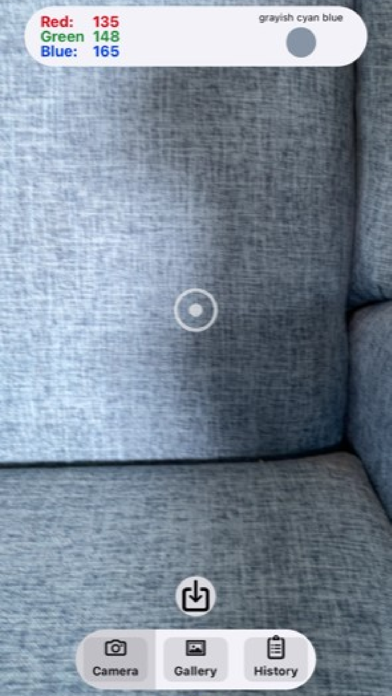
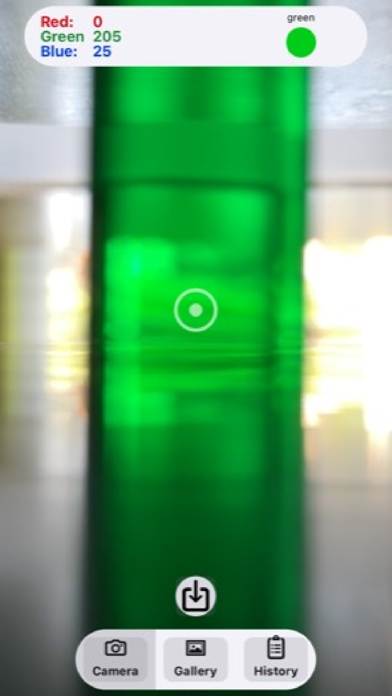
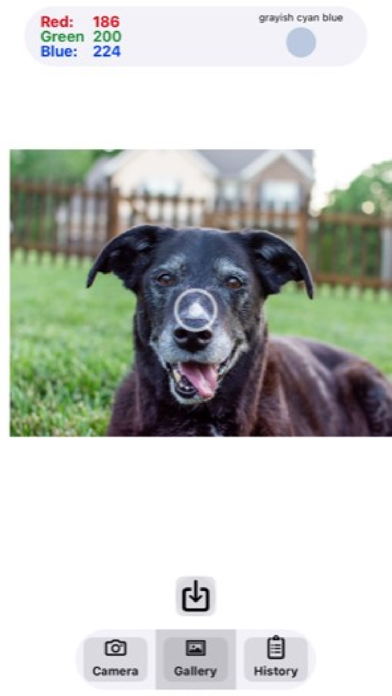
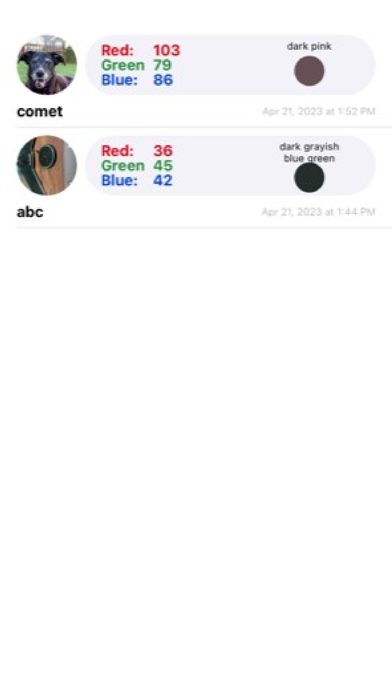
With the Carolina RGB Colorimeter, you can easily determine the red, green, and blue color values of objects or images by using the camera on your device. 1. Use your device’s built-in camera to measure and identify RGB color values for objects in your environment. 2. The Carolina® RGB Colorimeter displays the RGB color values and identifies the color. 3. Use the share button to save the RGB values for the image target to the app’s History. 4. Choose any image from your device’s gallery. Once you choose an image, you can move it around under the target to identify RGB values in any part of the image. 5. Turn your smartphone into a real spectrophotometer with the the Carolina® Spectroscopy Chamber! For details, visit our website, www.carolina.com and enter Carolina® Spectroscopy Chamber into the search field.
Latest release
What’s New
bug fixes
Audience growth
Ratings growth
Baseline captured. Growth appears after the crawler observes a changed rating count.
Momentum comes from crawler snapshots for the tracked storefront. “Viral growth signal” means unusually fast recent rating gains; it is an indicator, not download data.
Price tracking
Price intelligence
First snapshot captured. The trend line starts after the next crawler price observation.
- First observed Aug 22, 2026 · 3:29 PM Free
Screenshots