About this app
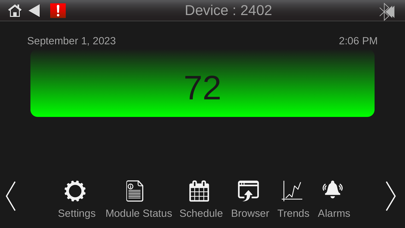
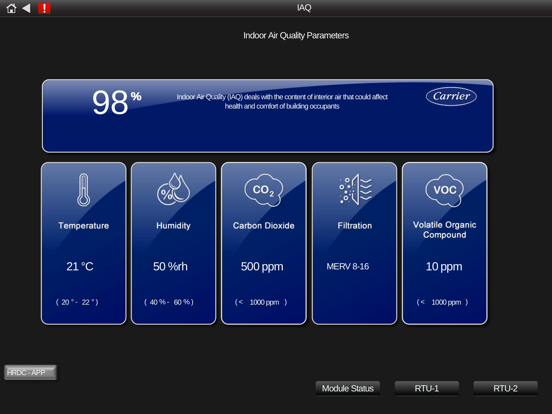
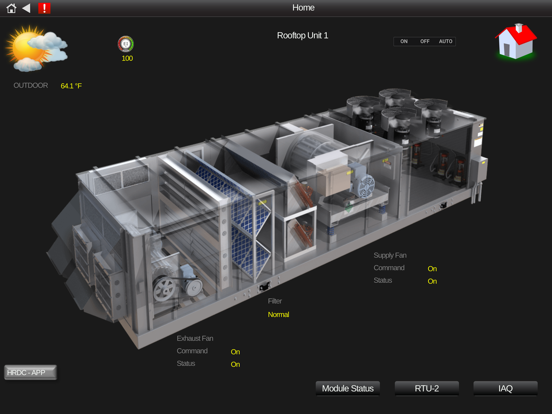
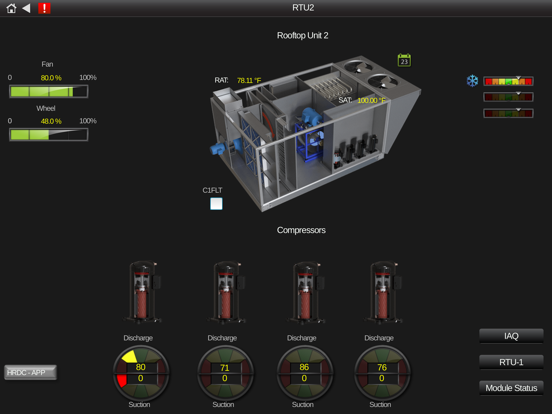
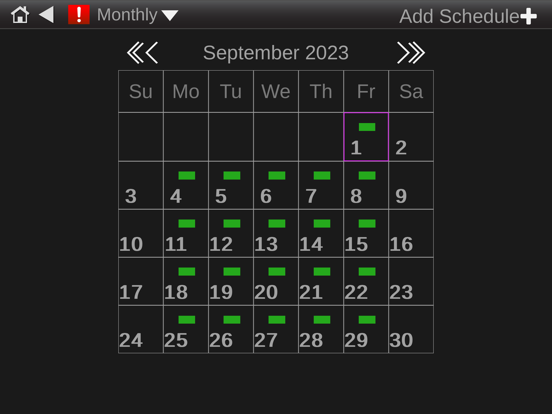
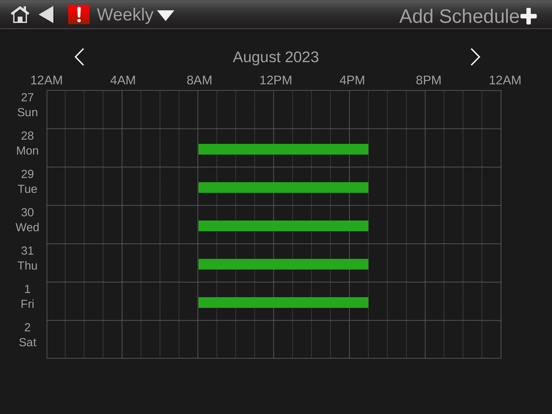
The Equipment Touch App allows you to connect your iPhone or iPad to a BAS controller via Wi-Fi or Ethernet. These connection(s) allows you to effortlessly access and control property settings, schedule equipment operations, monitor trends, and respond to alarms. When you connect to the controller, the Equipment Touch App automatically uploads a custom Equipment Touch view file that resides within the controller. Once this file is fully loaded, the app provides real-time status updates and parameter values, allowing you to seamlessly navigate through screens designed for equipment maintenance and troubleshooting. In cases where no custom Equipment Touch file is available in the controller, the Equipment Touch App grants access to pre-built system screens within the app itself. While these screens offer limited controller access, they serve as a valuable resource for basic troubleshooting.
Latest release
What’s New
Performance Improvement Bug fixes
Audience growth
Ratings growth
Baseline captured. Growth appears after the crawler observes a changed rating count.
Momentum comes from crawler snapshots for the tracked storefront. “Viral growth signal” means unusually fast recent rating gains; it is an indicator, not download data.
Price tracking
Price intelligence
First snapshot captured. The trend line starts after the next crawler price observation.
- First observed Sep 11, 2026 · 6:41 AM Free
Screenshots