About this app
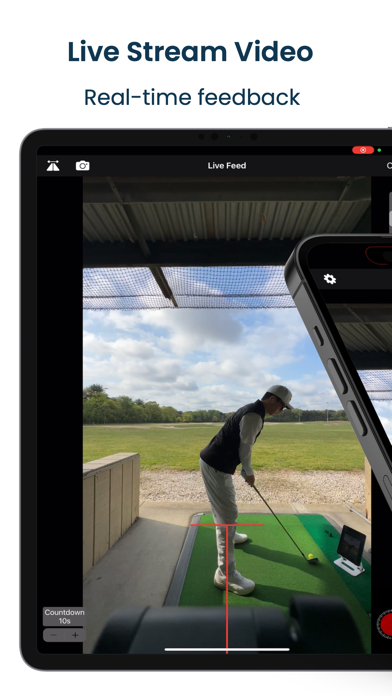
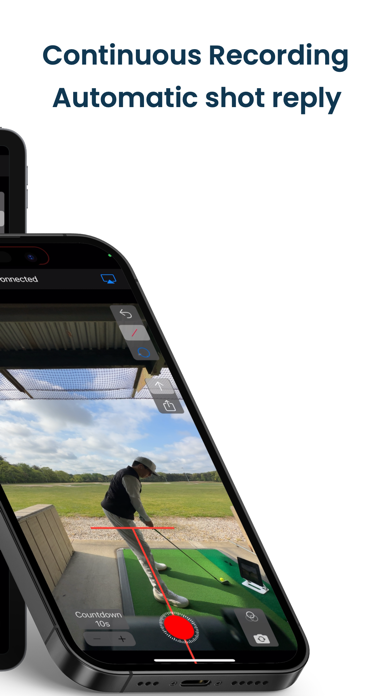
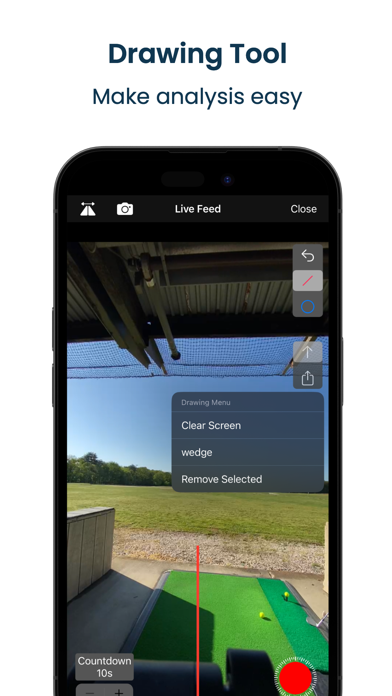
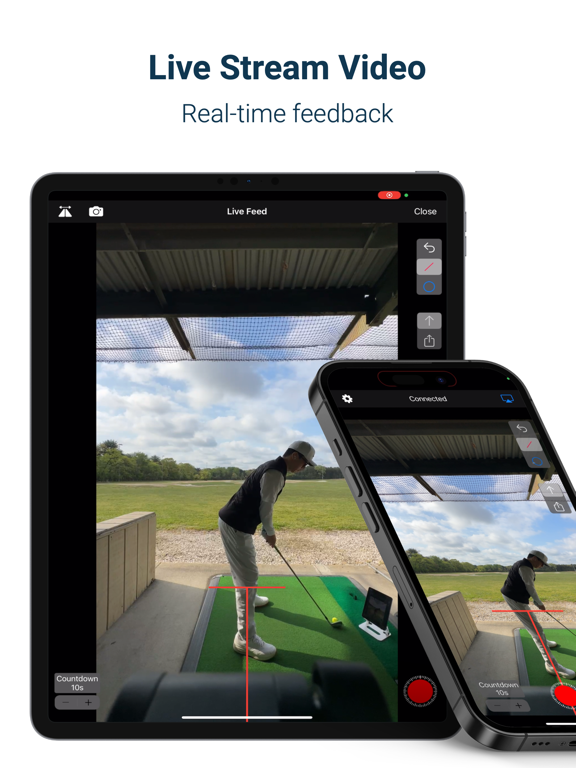
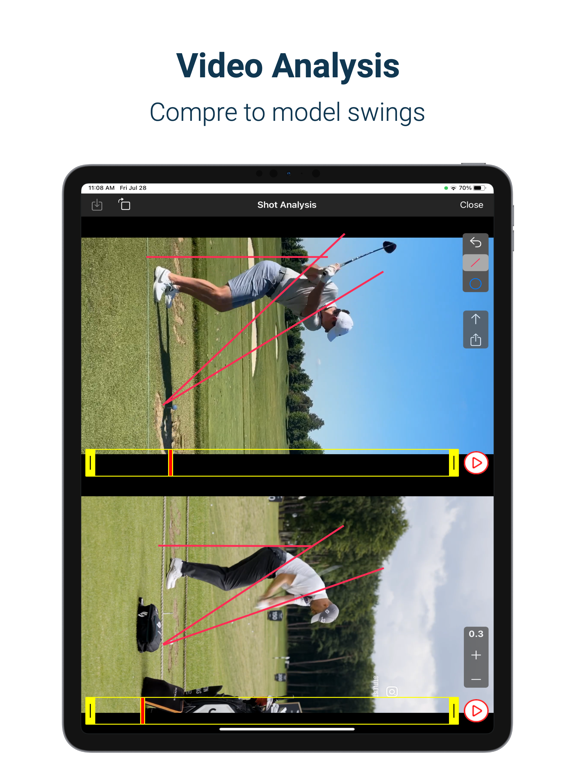
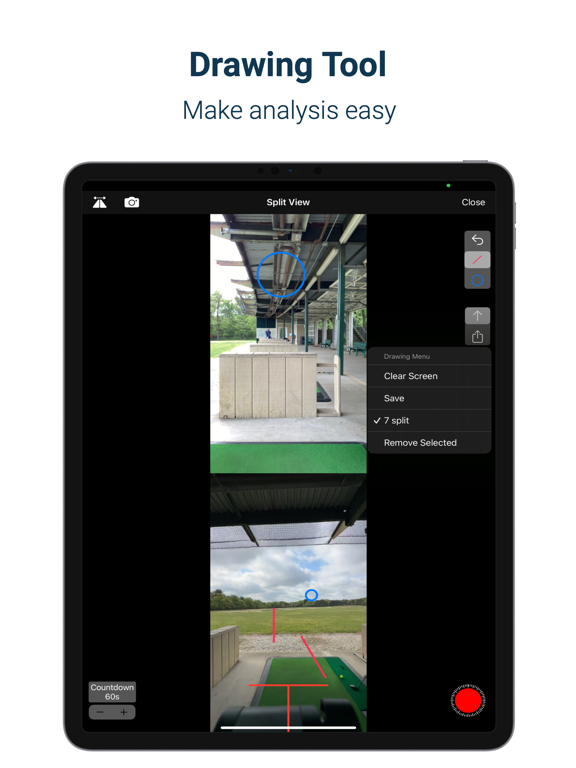
Get real-time feedback during your practice session to make every rep more productive and efficient. SwingMonitor turns the iPhones and iPads you already own into a live swing camera — no proprietary hardware required. FEATURES • Stream live video to a second iOS device and monitor your practice as it happens. • Split View: watch the front-facing camera and the primary recording camera side by side, from two angles at once. • Record in slow motion or 4K, with a built-in countdown timer. • Continuous recording: SwingMonitor records automatically at a set interval and instantly replays each shot on the connected device — an automatic training aid for the range. Enable auto-dismiss on Shot Replay and the countdown starts on its own. • Center line and horizontal line overlays to help level and center your recording device. • Draw guide lines — pause the Shot Replay view, draw your guides, and they carry over to the Live Feed view automatically. • Save guide lines so you don't have to redraw them every time you switch views. • Save video straight to your Photos album. • Automatically keeps your last five shot replays in the app. • Load two videos and compare them side by side. Terms of Use: https://www.apple.com/legal/internet-services/itunes/dev/stdeula/ SwingMonitor Subscription: Payment will be charged to iTunes Account at confirmation of purchase. Subscription automatically renews unless auto-renew is turned off at least 24 hours before the end of the current period. Account will be charged for renewal within 24 hours prior to the end of the current period. Subscriptions may be managed by the user by going to the user's Apple ID Settings. Any unused portion of a free trial period, if offered, will be forfeited when the user purchases a subscription, where applicable. Account won't be charged while in the free trial period. Please visit https://videotoliveios.com/swingmonitor for more information and https://www.videotoliveios.com/blog/categories/swingmonitor for tips.
Latest release
What’s New
This update focuses on live streaming reliability and subscriptions. • Fixed an issue causing live video to lag or stutter when streaming between two devices on iOS 26. • Smoother live video playback on the receiving device. • Fixed a bug where the subscription screen could reappear even with an active subscription. • Restore Purchases now confirms success or failure instead of failing silently. • Various stability improvements.
Audience growth
Ratings growth
Baseline captured. Growth appears after the crawler observes a changed rating count.
Momentum comes from crawler snapshots for the tracked storefront. “Viral growth signal” means unusually fast recent rating gains; it is an indicator, not download data.
Price tracking
Price intelligence
First snapshot captured. The trend line starts after the next crawler price observation.
- First observed Aug 31, 2026 · 12:23 PM Free
Screenshots