About this app
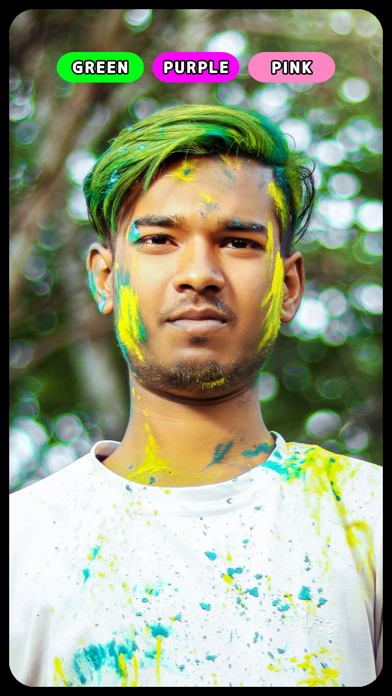
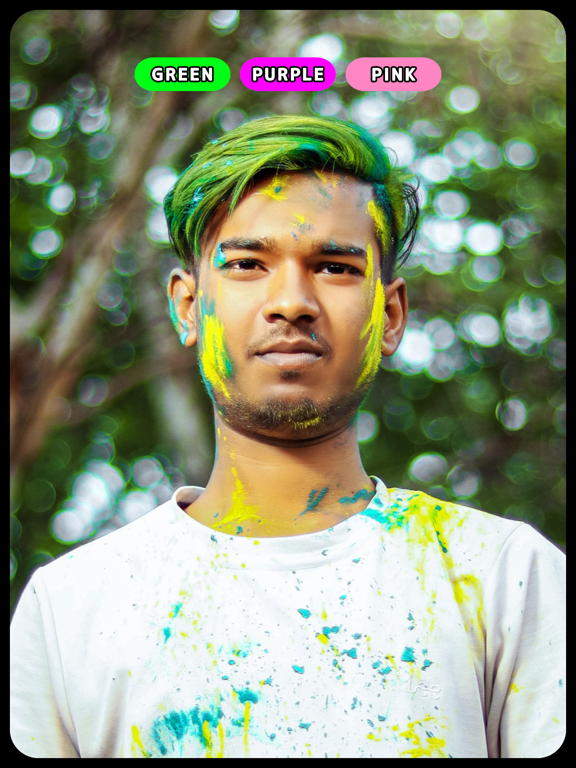
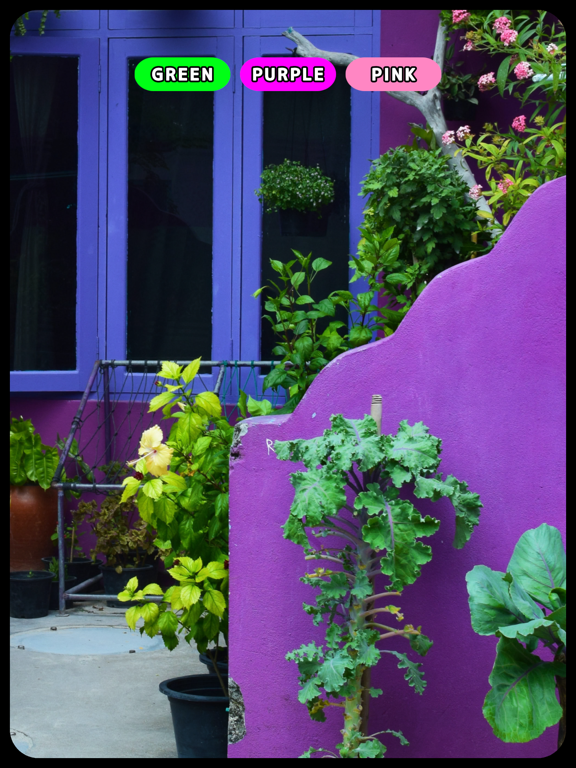
This camera app is perfect for finding out what colors are around you. It's useful for confirming, inspecting, or detecting unexpected colors and is also recommended for individuals with color vision deficiencies. Color Ratio: The colors in the camera view are categorized into 11 basic colors, and their proportions are displayed numerically. Color Masking: Specify a color you want to find, and the app will highlight only that color in the view. Color Types: All colors in this app are classified into the following categories: Black, White, Gray, Red, Orange, Yellow, Green, Blue, Purple, Pink, and Brown. White Balance Adjustment: You can manually adjust the balance between warm and cool tones. Use this feature when the color tones appear altered due to your camera. Important Notes: Colors may appear differently depending on lighting and brightness conditions. For accurate color detection, please use the app in a well-lit environment.
Latest release
What’s New
Fixed bugs.
Audience growth
Ratings growth
Baseline captured. Growth appears after the crawler observes a changed rating count.
Momentum comes from crawler snapshots for the tracked storefront. “Viral growth signal” means unusually fast recent rating gains; it is an indicator, not download data.
Price tracking
Price intelligence
First snapshot captured. The trend line starts after the next crawler price observation.
- First observed Aug 22, 2026 · 2:42 AM Free
Screenshots