About this app
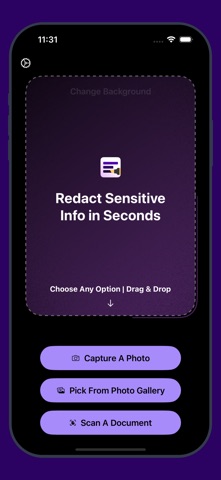
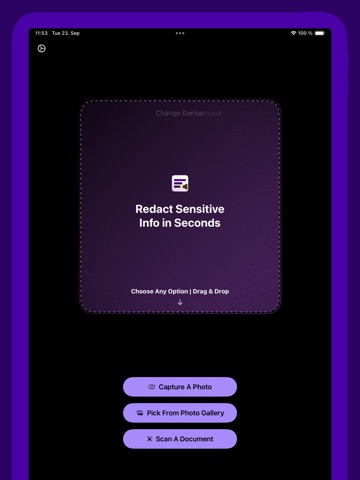
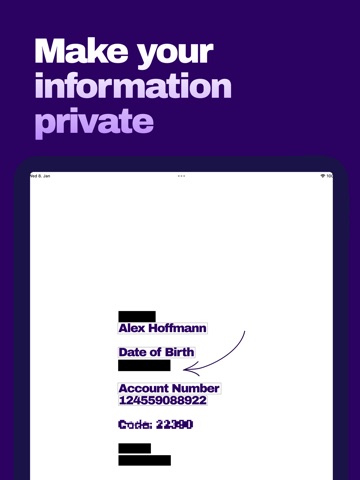
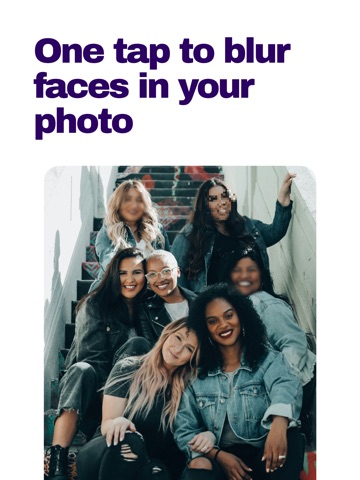
Enhance screenshots and images with professional markup tools. Perfect for presentations, social sharing, and document editing. MARKUP TOOLS: - Text editing (redact, highlight, underline, strikethrough, blur, pixelate) - Automatic text detection by line or word - Face detection with blur/pixelate options - Freehand drawing and signatures - Customizable markup colors - Blend tool (matches background color for seamless text removal) DESIGN FEATURES: - Custom backgrounds (gradient, solid colors, picture-in-picture) - Border customization (color, corner radius) - Material Design shadows - Image scaling and positioning - Brightness, contrast, saturation controls WORKFLOW: - Direct integration with Photos share sheet - Document scanning capability - Zoom for detailed work - Export as high-quality PDF or image formats - Automatic background adaptation for any image size EFFICIENCY: - Transform screenshots in under 30 seconds - Clean, intuitive interface optimized for speed - No manual positioning required - Professional results with minimal effort * Note: This app uses the standard Apple Terms of Use (EULA)(https://www.apple.com/legal/internet-services/itunes/dev/stdeula/) This app does not collect any personal information.
Latest release
What’s New
This update incorporates bug fixes, user interface improvements, and enhancements to performance.
Audience growth
Ratings growth
Baseline captured. Growth appears after the crawler observes a changed rating count.
Momentum comes from crawler snapshots for the tracked storefront. “Viral growth signal” means unusually fast recent rating gains; it is an indicator, not download data.
Price tracking
Price intelligence
First snapshot captured. The trend line starts after the next crawler price observation.
- First observed Aug 22, 2026 · 3:30 PM Free
Screenshots