About this app
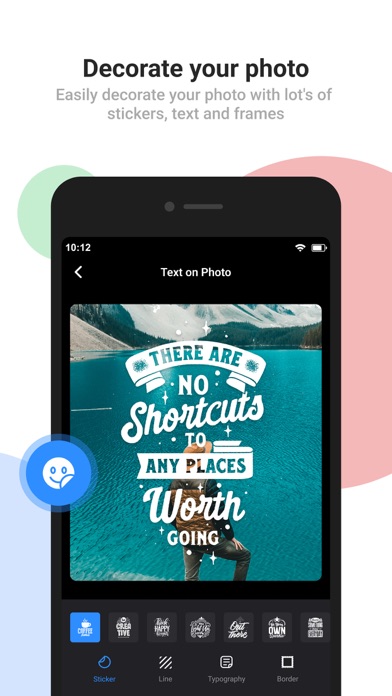
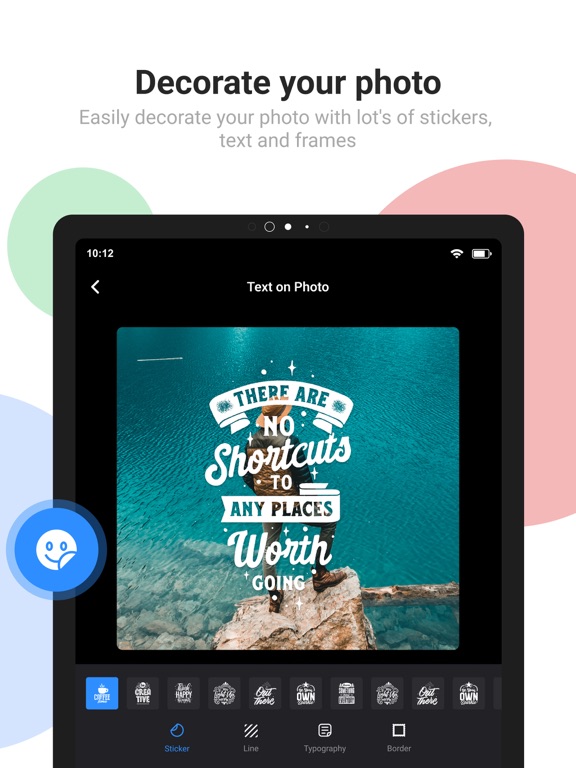
Photo editor text - Photo writing application with many modern fonts Are you looking for a photo editor, insert text to image and edit artwork? Text on photo is a free app for you with a gallery of letters and images available. Satisfied creativity, save memos with your own style. Add text to photo to use as wallpaper, cover photos, and greeting cards. Besides, it helps you save and share happy moments with your loved ones. Simple application, with beautiful and add text to photos free. Add stickers, lines, and quotes, or add borders to photos for free. Full HD, 2K sharp images with so many background photos for you to choose from with text on photo. Loads of funny pattern stickers, your emojis are so cute and adorable. Library with many modern fonts to help you add text to photos. Variety of stickers, icons, and quotes according to the social media trends of now. Diverse color palette using two types of a single color and gradient color. Text art makes your site and phone very special. Share it with friends via social networking pages securely. Outstanding features of the text on photo: • Photo editor text easily • Many diverse fonts • Stocks available with various themes • High-quality photo gallery • Diverse color palette including single and gradient colors • Save photos with the highest color quality • Share with friends via safe, fast social networks • Change the color filter for the image • Create multiple photos with impressive filters ◆ HIGHLIGHTS • 1000+ fonts, + ability to add unlimited number of your custom fonts (including emoji fonts) • Add layers: texts, photos, shapes, stickers and saved text styles • Design parts of the text separately: supported in Font, Format, Color, Stroke, Highlight tools • 3D text tools: 3D Rotate, 3D Depth, Perspective • Change text size, wrapping and scale to get any type of text layout • Layers view: reorder layers (overlays), change visibility, lock/unlock for each layer • Tools for background: Effects, Crop, Resize, Flip/Rotate, Square Fit • Save your text creation in Style tool to reuse later for watermarks, signatures, branding etc • Save project to edit & reuse later, create templates • Save image as JPEG, PNG or WebP file • Dark mode to reduce eye strain and save battery life • Constantly maintained according to our users' feedback All the features are unlocked and free to use for everyone. We show ads in the app to support our development. We give you an option to purchase the Ad Remover which is a one-time payment. We don't have any subscriptions! Spread the word to make this free tool available for everyone. Inspire us for the next releases. And rate us Get unlimited access to all premium files media storage Subscribe Monthly Text On Photo Pro at $1.99 and YearlyText On Photo Pro at $9.99 to use ads free versions of the premium app which can cancel anytime. • Privacy Policy: https://sites.google.com/view/bhuvangupta-pp • Terms of Use: https://sites.google.com/view/bhuvangupta-tos So go ahead and create a meme, quote, Instagram story, Youtube thumbnail, banner, cover photo with captions, word art, poster, flyer, invitation, logo etc.
Latest release
What’s New
- Optimise app performance to make your photo more stunning Keep texting on you Photo.
Audience growth
Ratings growth
Baseline captured. Growth appears after the crawler observes a changed rating count.
Momentum comes from crawler snapshots for the tracked storefront. “Viral growth signal” means unusually fast recent rating gains; it is an indicator, not download data.
Price tracking
Price intelligence
- First observed Aug 25, 2026 · 9:09 PM Free
Screenshots