About this app
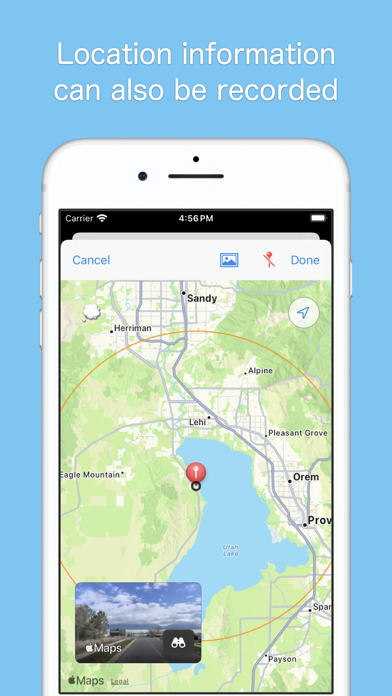
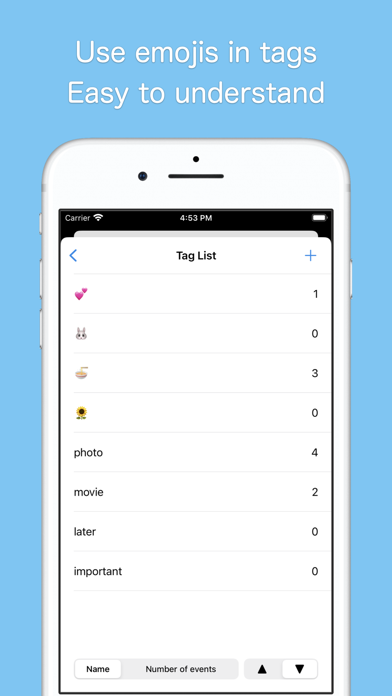
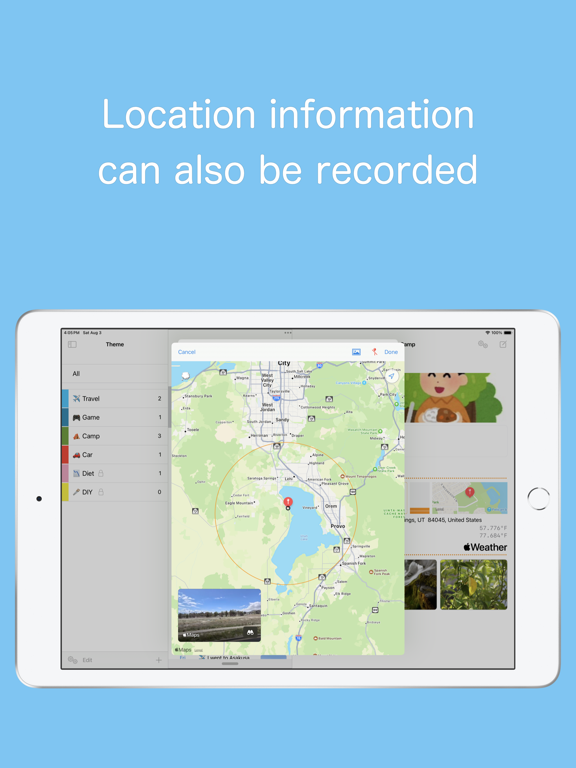
A themed diary app that allows you to write as many times as you like in a day. In addition to images, videos, and location information, you can also record your emotions at the time. Recommended as a first diary --- theme --- Write down events based on the theme. Since the theme is decided, there is no need to worry about what to write. theme example ·family ·child ·pets ·work ·study ·hobby ·gourmet ·trip ·love affair You can add accents with emojis and colors. You can change the display order by long-pressing the list. You can hide it by setting it to a secret theme. --- event --- Since it is written in short sentences (150 characters or less), it is easy to write and lasts a long time. You can also write in long sentences. (Premium feature) Since I write about events by theme, I don't have to worry about not having anything to write about. You can write as many times as you like in a day, so it can also be used to keep track of time. You can add up to 4 photos or videos. (Expandable with premium features) You can also add location information, which is useful for recording your food trips and travels. You can add tags and display events with the same tag across themes. You can hide it by setting it as a secret event. --- Photos and videos --- Photos and videos are loaded and displayed from the photo library. You can rest assured that the storage data capacity of the app will not increase even if you add many photos and videos. If you delete it from your photo library, you will no longer be able to view it from the app, but the thumbnail will remain. Photos taken from the app are saved in the photo library, so Please set permissions for full access to your photo library. --- Emotions and Levels --- You can record emotions (moods and feelings) and their levels in events. The same emotion can be expressed in different degrees, such as being happy or very happy. It is displayed in emojis and meters for easy viewing and understanding. --- Privacy --- You can hide themes and events by making them "secret." You can rest assured that it will not be seen by anyone who does not know how to display it. You can also hide the display method description itself. You can protect the entire app by setting a passcode. Your passcode is securely stored in your keychain. It also supports biometric authentication such as Face ID and Touch ID. --- iCloud --- Data is saved in iCloud, so there is no need for backup operations. You can sync with multiple devices such as iPhone and iPad. --- Premium Features --- - No character limit - No limit on number of images - Hide advertisements - Shows current weather and temperature Please see below for terms and conditions regarding subscription and use of paid features. 1. Privacy Policy: https://gsoft.jp/privacypolicy/ 2. Terms of Use: https://www.apple.com/legal/internet-services/itunes/dev/stdeula/
Latest release
What’s New
Improved search functionality Supports Spotlight search Fixed theme deletion function Supports iOS 26 Changed the supported OS to iOS 17 or later. Fixed several bugs
Audience growth
Ratings growth
Baseline captured. Growth appears after the crawler observes a changed rating count.
Momentum comes from crawler snapshots for the tracked storefront. “Viral growth signal” means unusually fast recent rating gains; it is an indicator, not download data.
Price tracking
Price intelligence
First snapshot captured. The trend line starts after the next crawler price observation.
- First observed Aug 25, 2026 · 7:49 AM Free
Screenshots