About this app
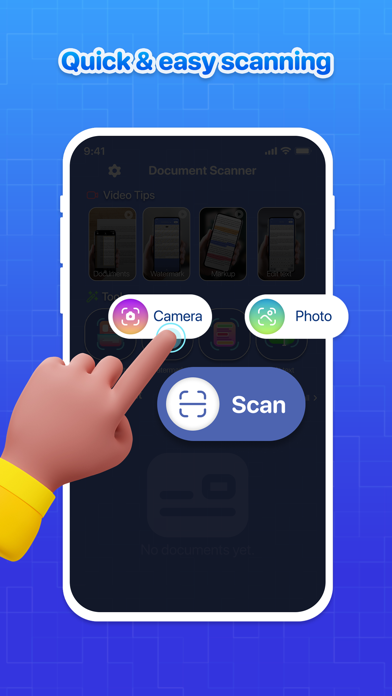
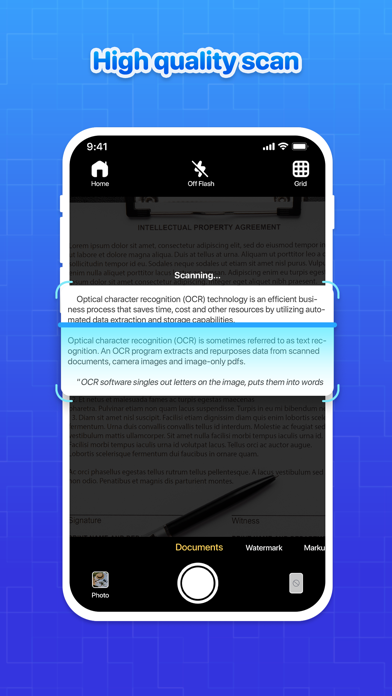
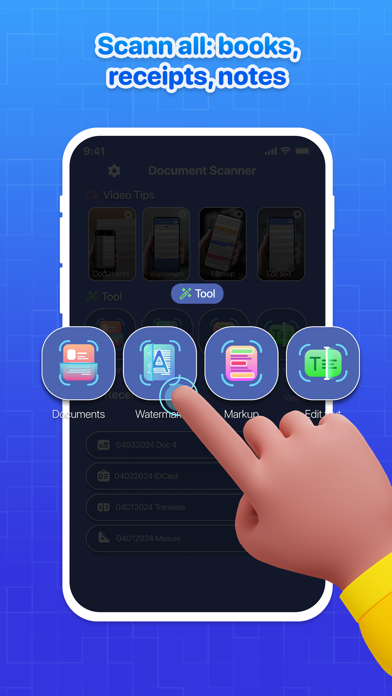
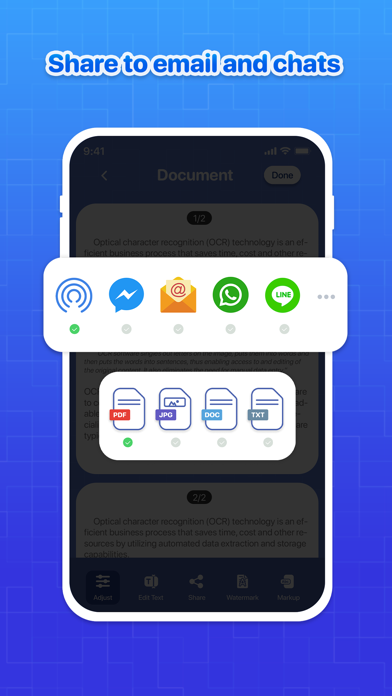
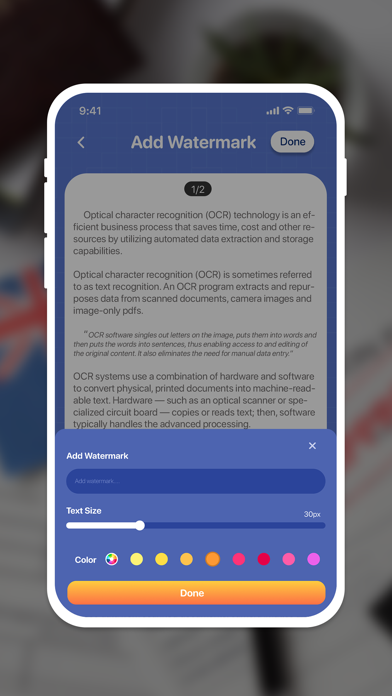
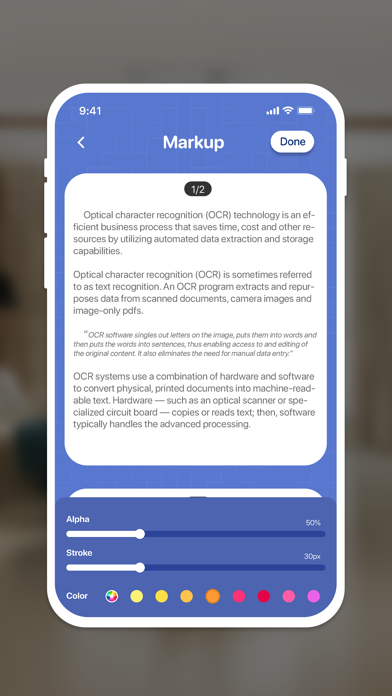
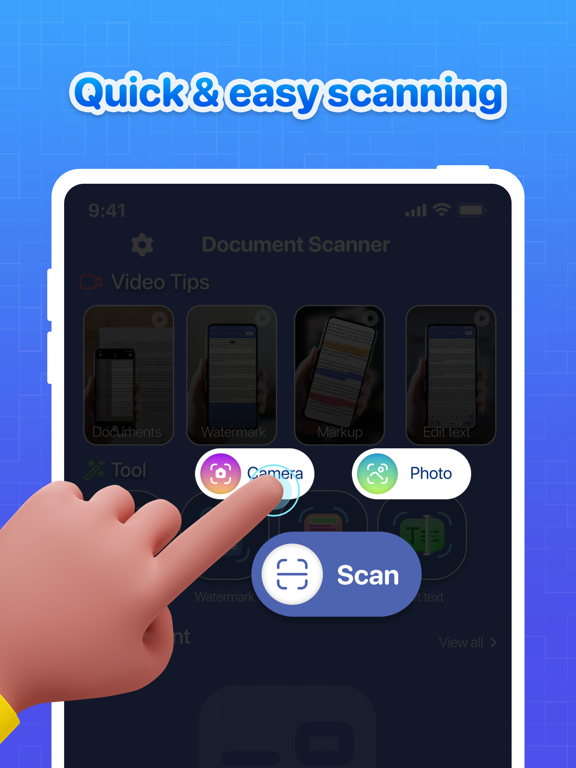
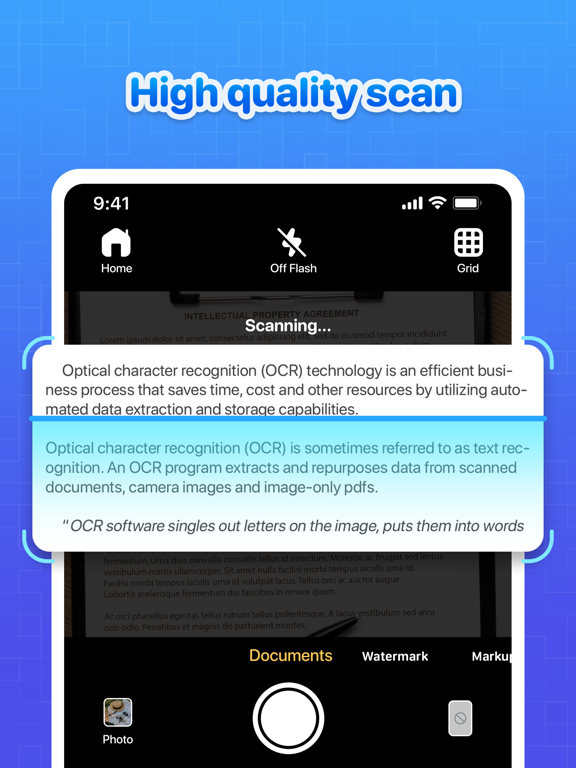
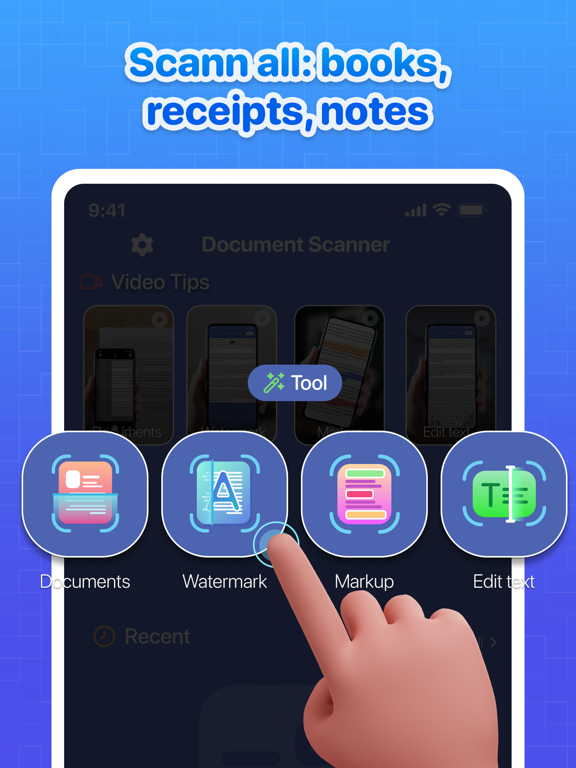
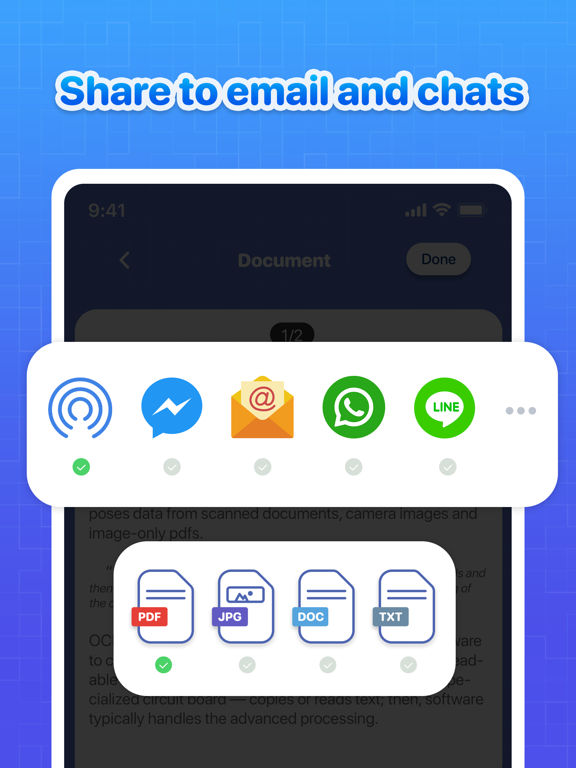
Welcome to DocScan App: Your ultimate document scanning solution designed to simplify your life! 4+ Key Feature of DocScan App: PDF Scanner, Edit 1. Powerful Document Scanner 2. Text Recognition 3. Watermark & Markup Tools 4. Easy File Sharing Powerful Document Scanner Scan receipts, contracts, notes, and books effortlessly. Simplify your office and school tasks with high-quality scans that make document management a breeze. Text Recognition Quickly extract text from images and convert it to any format, saving you time and worry. Never fear a coffee spill again - DocScan App has you covered. Watermark & Markup Tools Add your own watermark to your documents. Enjoy save and secure your docs and prevent from thief. Keep document elegant and professionals with high quality scan. Easy File Sharing Effortlessly manage files and merge pages into one document. Share your work in various formats like PDF, JPG, Word, or TXT with a simple drag and drop. Ideal for 1. Office Workers 2. Students 3. Accountants 4. Realtors 5. Managers 6. Lawyers Why Choose DocScan App? * User-Friendly Interface: Navigate through the app with ease, making scanning and managing documents a seamless experience. * All-in-One Solution: DocScan App offers a comprehensive set of tools for document scanning and management, catering to both personal and professional needs. * Privacy and Security: Rest assured that your data is safe and secure with DocScan App, ensuring your privacy is upheld at all times. * Support Mulitple Languages: Easily access the app in your preferred language, enhancing your user experience. Enhance your scanning experience with DocScan App: PDF Scanner, Edit. Download now and streamline your document management tasks effortlessly.
Latest release
What’s New
Bug fixes and performance improvements
Audience growth
Ratings growth
Baseline captured. Growth appears after the crawler observes a changed rating count.
Momentum comes from crawler snapshots for the tracked storefront. “Viral growth signal” means unusually fast recent rating gains; it is an indicator, not download data.
Price tracking
Price intelligence
First snapshot captured. The trend line starts after the next crawler price observation.
- First observed Sep 14, 2026 · 1:43 PM Free
Screenshots