About this app
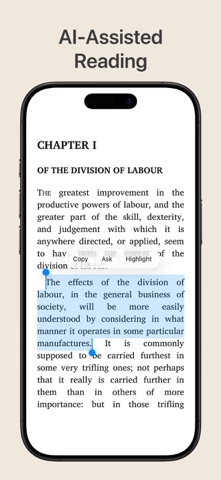
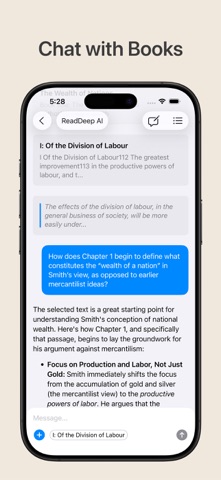
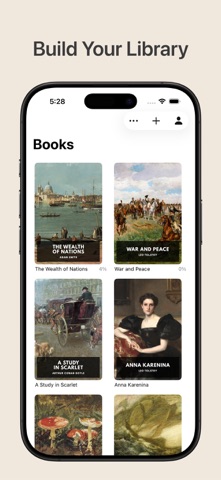
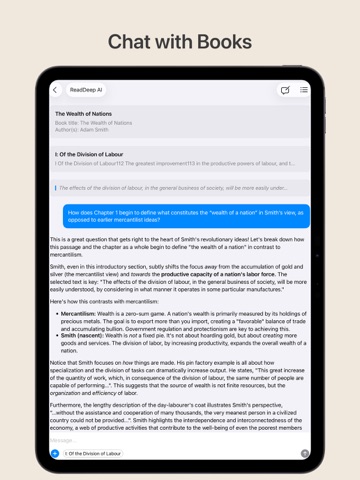
ReadDeep revolutionizes your reading. Import ebooks, chat with AI about the content, and connect your own Large Language Models for a truly personalized experience. Currently, ReadDeep supports EPUB, MOBI, AZW, and AZW3. Terms of Service: https://www.apple.com/legal/internet-services/itunes/dev/stdeula/
Latest release
What’s New
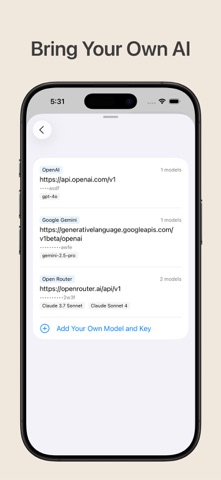
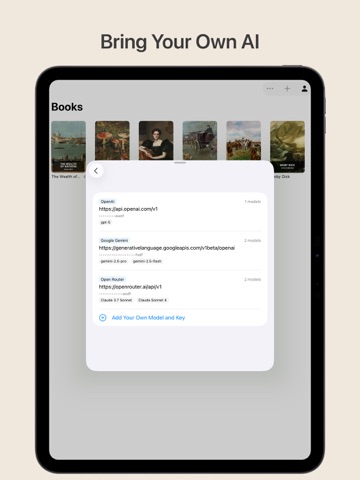
Great news — two powerful features are now completely free for everyone! Custom LLM connections let you bring your own AI model to chat with your books. There's no longer any limit on how many connections you can set up, so feel free to connect as many models as you like. iCloud sync keeps your library, bookmarks, and reading progress in sync across all your devices. This is now free for all users — no subscription required. We hope these changes make ReadDeep an even better companion for your reading journey.
Audience growth
Ratings growth
Baseline captured. Growth appears after the crawler observes a changed rating count.
Momentum comes from crawler snapshots for the tracked storefront. “Viral growth signal” means unusually fast recent rating gains; it is an indicator, not download data.
Price tracking
Price intelligence
First snapshot captured. The trend line starts after the next crawler price observation.
- First observed Aug 21, 2026 · 5:20 PM Free
Screenshots