About this app
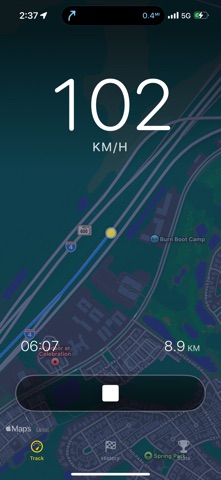
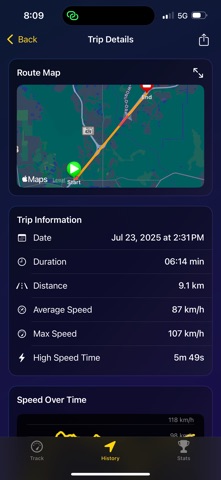
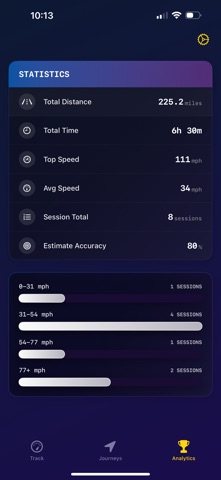
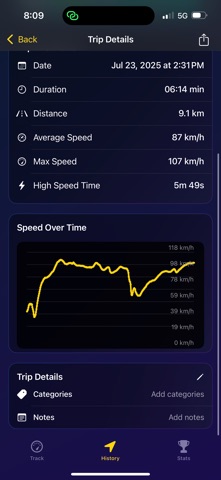
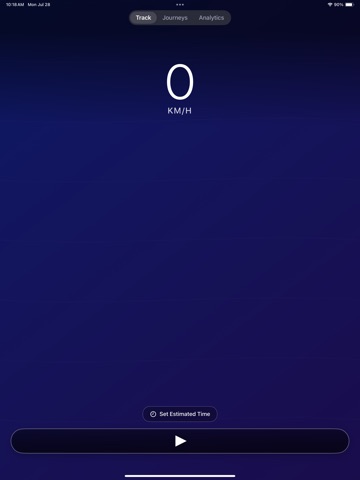
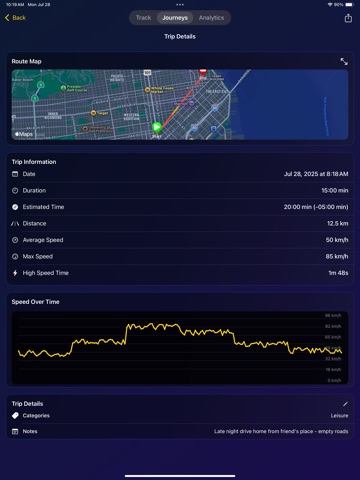
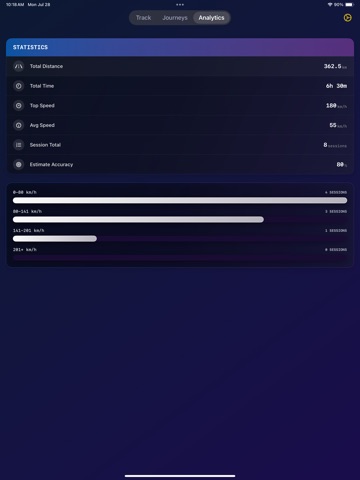
Speed Pro Meter delivers professional-grade GPS velocity monitoring tailored for automotive enthusiasts and performance-focused drivers. Transform your vehicle into a mobile data center with comprehensive tracking capabilities, detailed journey analysis, and advanced performance metrics. Perfect for drivers who demand precision insights into their automotive adventures. KEY FEATURES: • REAL-TIME DRIVING METRICS Track your current speed, average speed, and maximum speed in real-time Monitor your journey with precise GPS location updates Continuous tracking even when running in background Supports both KM/H and MPH units with instant switching • IN-DEPTH TRIP ANALYSIS Access detailed summaries of each trip with start/end times, total distance, and duration Analyze your route with comprehensive speed data and GPS coordinates Calculate estimated travel times and compare with actual durations Gain insights into travel efficiency and identify areas for improvement • INTERACTIVE MAP VISUALIZATIONS Visualize your routes on dynamic maps with speed-based coloring Identify high-speed segments with customizable speed thresholds Easily center the map on your current location with a single tap Explore different map styles and interact with your route in real-time • COMPREHENSIVE DRIVING STATISTICS View detailed statistics on total distance, duration, average speed, and top speed Filter trips by date, distance, speed, and more to find exactly what you're looking for Identify high-speed segments perfect for performance analysis Track your driving patterns and performance over time • ADVANCED TRIP MANAGEMENT Browse through trip history with advanced sorting and filtering options Tag trips for better organization and quick access Compare actual vs estimated travel times for route optimization Export and share your driving data and achievements • PERFORMANCE-FOCUSED INTERFACE Racing-inspired dark theme designed for car enthusiasts Large, easy-to-read speed display optimized for quick glances Minimal, distraction-free interface perfect for driving Intuitive controls designed for one-handed operation PERFECT FOR: • Car enthusiasts who demand precision in their driving data • Performance drivers testing their car's limits • Road trip adventurers documenting epic journeys • Daily commuters optimizing their routes and travel efficiency • Track day participants analyzing their performance • Anyone who wants to understand and improve their driving habits PRIVACY & PRECISION: • All data stored locally on your device for complete privacy • High-precision GPS tracking with advanced filtering • No account required - start tracking immediately • Works offline with full functionality • Background tracking capability for seamless monitoring Speed Pro Meter is specifically designed for drivers who demand precision and detail in their driving data. Take your driving experience to the next level with insights that help you make informed decisions about your routes, performance, and driving habits. Download Speed Pro Meter today and discover what your car is truly capable of!
Latest release
What’s New
added compass & map preview
Audience growth
Ratings growth
Baseline captured. Growth appears after the crawler observes a changed rating count.
Momentum comes from crawler snapshots for the tracked storefront. “Viral growth signal” means unusually fast recent rating gains; it is an indicator, not download data.
Price tracking
Price intelligence
- Price increased Sep 5, 2026 · 5:55 PM $1.99 from 0.00
- First observed Aug 28, 2026 · 7:41 PM Free
Screenshots