About this app
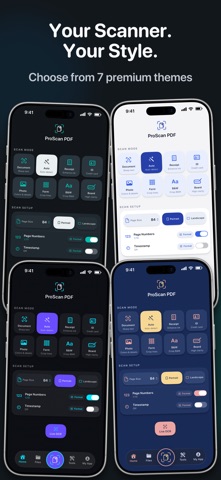
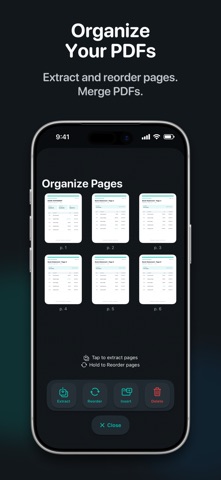
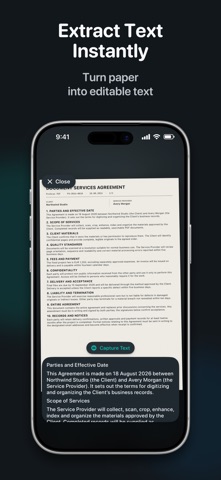
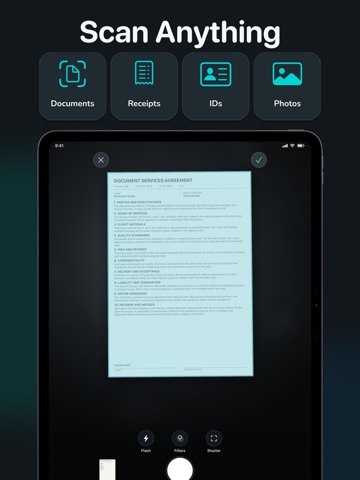
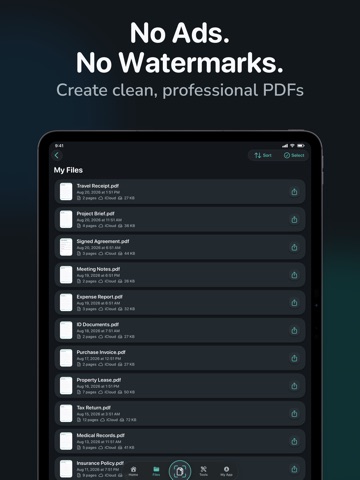
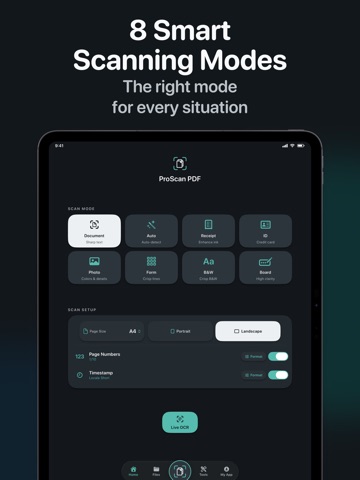
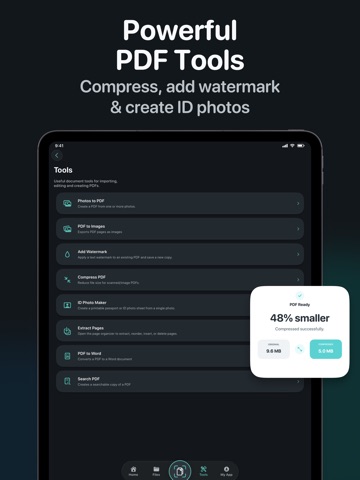
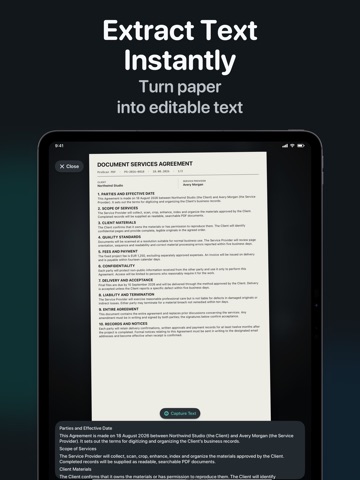
ProScan PDF turns your iPhone or iPad into a fast, private document scanner and complete PDF toolkit. Scan documents, receipts, IDs, notes, whiteboards and photos, then organize, edit, sign, protect and share them, all in one app. No ads. No watermarks. Your documents are processed on your device, not uploaded to our servers. SCAN ANYTHING • Choose from 8 smart scanning modes: Document, Auto, Receipt, ID, Photo, Form, B&W Text and Whiteboard • Create PDFs in A4, Letter, Legal and other standard page sizes • Choose portrait or landscape orientation • Add page numbers and timestamps while scanning • Import photos and turn them into polished PDFs PDF TOOLS • Photos to PDF: Turn one or more photos into a polished PDF • PDF to Images: Export every PDF page as an image, then save or share it • Add Watermark: Apply a colored text watermark and save a new PDF copy • Compress PDF: Reduce the size of scanned and image-based PDFs • ID Photo Maker: Crop and check photos, choose exact sizes, and export individual photos or printable sheets • Extract Pages: Save selected pages as a new PDF, or reorder, insert and delete pages • PDF to Word: Create editable Word documents while preserving the layout where possible • Search PDF: Create searchable copies and find text directly in the PDF viewer • Merge multiple PDFs into one document OCR AND TEXT • Capture text instantly with Live OCR • Extract editable text from scanned documents SIGN, PROTECT AND SHARE • Add signatures and text fields to PDFs • Lock sensitive PDFs with a password • Share documents directly from the app • Keep local copies available for fast access, with iCloud backup when available DESIGNED AROUND YOU Version 2.7 introduces a cleaner, more modern interface built for both iPhone and iPad. Choose from 7 premium themes, each with a matching app icon, and use ProScan PDF in 14 supported languages. Whether you are digitizing class notes, managing receipts, signing a contract, organizing family records or preparing business documents, ProScan PDF keeps the workflow simple and focused. FREE AND PRO Get 3 free scans every day. Upgrade to Pro for unlimited scanning and access to all Pro tools. Choose a monthly, 3-month or yearly plan based on your workflow. PRIVACY BY DESIGN Document processing happens locally on your device. Your files remain in your local library and, when available, your private iCloud storage. We do not upload your documents to our servers. Download ProScan PDF for a cleaner, faster and more private way to scan and manage documents. Free Daily Scans. No ads. No watermarks. Contact and support: https://proscanpdf.com Privacy Policy: https://paulcrp.com/proscanpdf_privacypolicy.html End User License Agreement (EULA): https://www.apple.com/legal/internet-services/itunes/dev/stdeula/
Latest release
What’s New
• Completely redesigned interface with a cleaner, more modern layout • Choose from 7 premium themes with matching app icons • Now available in 14 languages • New PDF tools: PDF to Word, PDF to Images and searchable PDF creation • Improved Photos to PDF, watermarking, compression, page extraction and ID Photo Maker • Faster document previews and smoother My Files performance • More reliable saving with fast local access and iCloud backup • Improved PDF organization, action confirmations and success messages • Better iPad layouts, accessibility and localization • Performance improvements and bug fixes
Audience growth
Ratings growth
Baseline captured. Growth appears after the crawler observes a changed rating count.
Momentum comes from crawler snapshots for the tracked storefront. “Viral growth signal” means unusually fast recent rating gains; it is an indicator, not download data.
Price tracking
Price intelligence
First snapshot captured. The trend line starts after the next crawler price observation.
- First observed Aug 28, 2026 · 5:39 PM Free
Screenshots