About this app
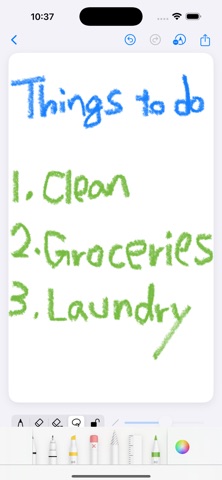
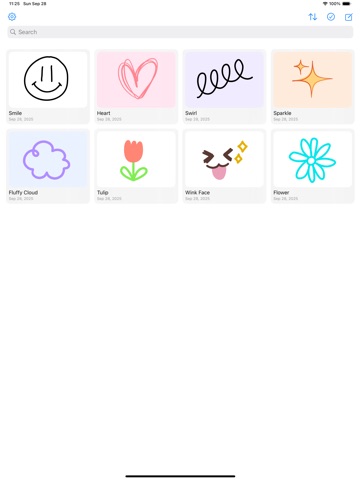
A simple, easy-to-use drawing board app. Also works great for quick handwritten notes. Sketch ideas, diagram concepts, jot notes, or use it like a lightweight whiteboard—instantly. ● Features [Simple workflow] • Open → Draw → Save/Share in three steps • One-tap switch: pen / eraser / partial erase / lasso • Intuitive controls for pen thickness and color • Change the canvas background color [Built for smooth drawing] • Pinch to zoom, pan to move the canvas • When locked, drag with one finger to pan (prevents accidental strokes) • Undo/Redo for worry-free editing [Preview & edit] • Palette changes apply instantly • Save with a title; rename anytime • Share at high quality (export as image) [Board management (Home)] • Grid view to organize your drawings • Search and sort (Newest / Oldest / Title / Manual) • Multi-select for bulk delete; duplicate supported [Export & share] • Share directly to social apps, messages, or email • Crisp exports that preserve resolution [Use cases] • Meeting notes, quick sketches, diagrams and flowcharts • Drafts for presentations or UI ideas • Fast whiteboard-style sketches you can share right away
Latest release
What’s New
Added a one-time purchase option to remove ads. You can purchase it or restore your purchase from Settings.
Audience growth
Ratings growth
Baseline captured. Growth appears after the crawler observes a changed rating count.
Momentum comes from crawler snapshots for the tracked storefront. “Viral growth signal” means unusually fast recent rating gains; it is an indicator, not download data.
Price tracking
Price intelligence
- First observed Aug 20, 2026 · 3:25 PM Free
Screenshots