About this app
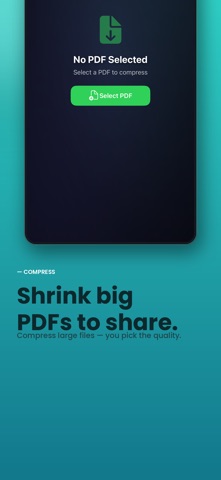
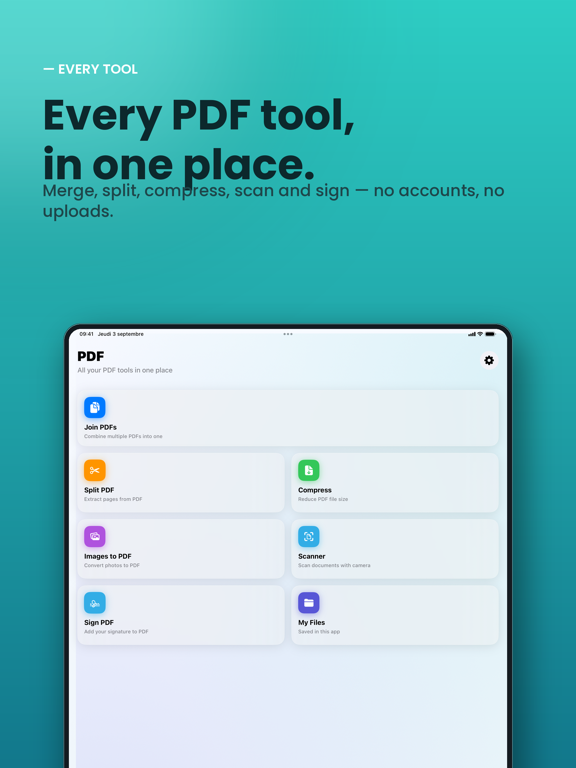
PDF is the simplest, most beautiful way to work with PDF documents on iPhone and iPad. Every tool you need in one place — no accounts, no uploads, 100% on your device. MERGE Combine multiple PDFs into one. Drag to reorder, preview, and save in seconds. SPLIT Extract exactly the pages you need into a new document. COMPRESS Shrink large PDFs to share them easily — with a choice of quality levels. IMAGES TO PDF Turn your photos into a clean, page-sized PDF. SCAN Scan paper documents with your camera straight into a PDF. SIGN Draw your signature and place it anywhere on the page. PRIVATE BY DESIGN Your documents never leave your device. No cloud, no sign-up, no tracking. Beautifully designed, fast, and satisfying to use. Download PDF and get things done.
Latest release
What’s New
A beautiful new design, smoother animations, and a faster, quieter experience across every tool.
Audience growth
Ratings growth
Baseline captured. Growth appears after the crawler observes a changed rating count.
Momentum comes from crawler snapshots for the tracked storefront. “Viral growth signal” means unusually fast recent rating gains; it is an indicator, not download data.
Price tracking
Price intelligence
First snapshot captured. The trend line starts after the next crawler price observation.
- First observed Oct 16, 2026 · 10:28 AM $3.99
Screenshots