About this app
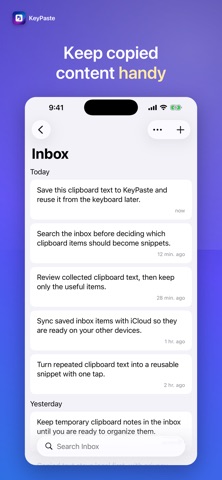
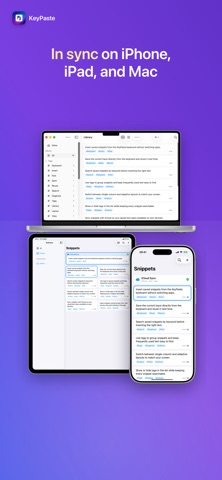
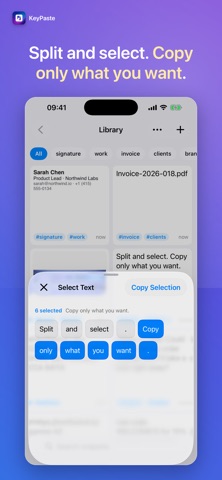
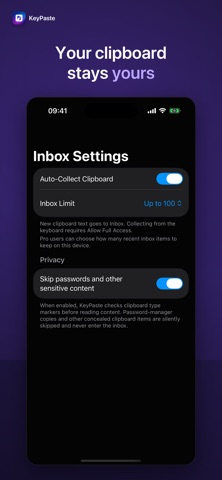
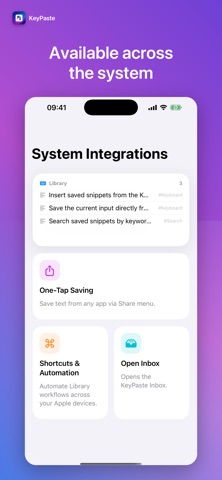
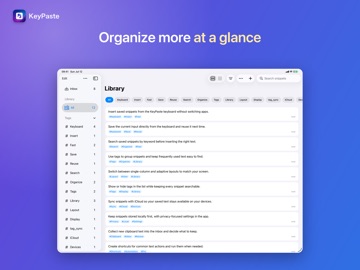
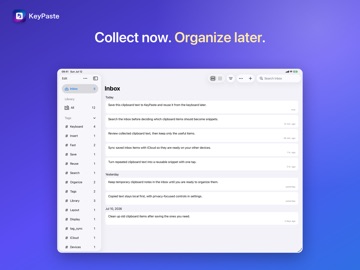
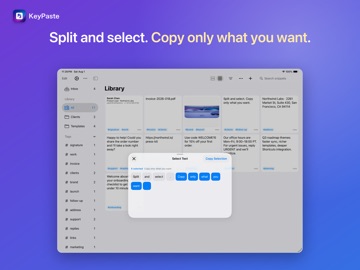
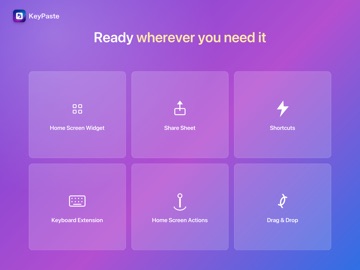
Copied something important — and lost it to the very next copy? That paragraph from last week, that image: can you still find them? KeyPaste helps you collect, organize, and reuse clipboard content across iPhone, iPad, and Mac. Find saved text, rich text, images, and files in seconds, then use them wherever you need them. YOUR CLIPBOARD CONTENT, READY TO COLLECT • Enable Auto-Collect to send new clipboard items to the Inbox while KeyPaste is open on iPhone or iPad, or running on Mac • Save text, rich text, images, and files supported by your device • Save from the share sheet, Shortcuts, Siri, widgets, and Control Center ONE LIBRARY, THREE DEVICES • Supported content stays up to date across your devices with iCloud sync • Keep KeyPaste within reach from the Mac menu bar; drag in to save and drag out to paste • A single KeyPaste Pro purchase applies to iPhone, iPad, and Mac STORED IS GOOD — FOUND IS BETTER • Organize saved content with tags and folders, and keep frequent items close at hand • Full-text search helps you find the right item among hundreds in seconds • Tidy the Inbox as you go: save what matters as snippets and swipe away the rest WHEN YOU NEED IT: ONE TAP • On iPhone and iPad, switch to the KeyPaste keyboard and tap to insert; long-press to preview • Browse and insert saved snippets without granting Full Access — you stay in control • On Mac, double-click to copy or drag content straight into the target window WHO IT’S FOR • Cross-device workers: find content on your Mac and paste it from your phone • Support and sales teams: keep replies, links, and quotes as snippets to respond faster • Collectors: save passages, ideas, and screenshots for later YOUR DATA STAYS YOURS • Content is stored on your device and, for supported content, in your own iCloud • Clipboard items marked as sensitive, such as passwords from password managers, are skipped automatically • Export a full backup at any time for free — no lock-in • No ads and no tracking ABOUT PRO The core features are free to try. KeyPaste Pro is a one-time purchase that removes the library capacity limit and offers higher Inbox limits across supported devices — no subscription. Download KeyPaste and give useful clipboard content a place to live.
Latest release
What’s New
• Copied items go to a waiting area first, then you file them in the Library. Saving a duplicate takes you to the one you already have. • Filter links by website to see just one site. • Named snippets show that name first in the list. • Weekly review is on by default. It only reminds you how many you saved this week and how many are still waiting. • On Mac, clicking and switching sidebars feels snappier.
Audience growth
Ratings growth
Baseline captured. Growth appears after the crawler observes a changed rating count.
Momentum comes from crawler snapshots for the tracked storefront. “Viral growth signal” means unusually fast recent rating gains; it is an indicator, not download data.
Price tracking
Price intelligence
First snapshot captured. The trend line starts after the next crawler price observation.
- First observed Sep 18, 2026 · 2:27 AM Free
Screenshots