About this app
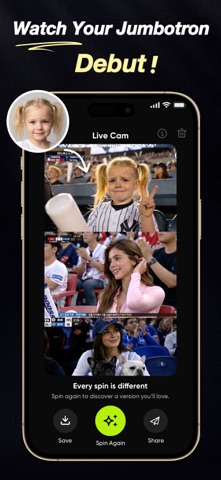
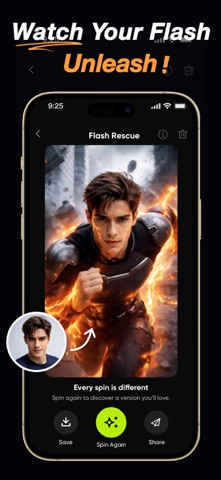
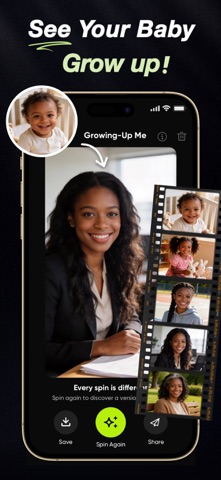
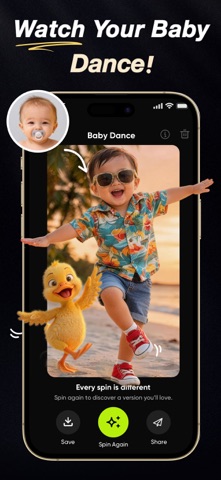
Make an AI video from a single photo. Baby Dance, Grow Up, Pet Talk—turn images into short videos in minutes. Boom Video helps you create fun, shareable videos without a timeline editor. Pick a template, upload a photo, and generate. What you can make • Baby Dance: turn a baby photo into a dancing video • Grow Up: create a growing-up timeline video from one photo • Pet Talk: make a pet photo talk and react • Couples & more effects How it works 1. Choose a template 2. Upload one photo 3. Generate your video (usually in a few minutes) 4. Save and share Why Boom • Designed for one-tap creation • New templates added regularly • Made for sharing Subscription Information Payment: Subscription payments will be charged to your iTunes account at confirmation of purchase and at the beginning of each renewal period. The subscription automatically renews unless canceled. Cancellation: You can cancel your subscription in your iTunes settings at least 24 hours before the end of the current billing cycle. Cancellation will take effect the day after the last day of the current subscription period. Privacy Policy: https://www.theappcreek.com/boomvideo-privacy.html Terms of Use: https://www.theappcreek.com/boomvideo-term-user Support: support@theappcreek.com
Latest release
What’s New
Smoother than ever. We polished a bunch of little things to make creating your videos feel even better. Lights. Camera. Boom.
Audience growth
Ratings growth
Baseline captured. Growth appears after the crawler observes a changed rating count.
Momentum comes from crawler snapshots for the tracked storefront. “Viral growth signal” means unusually fast recent rating gains; it is an indicator, not download data.
Price tracking
Price intelligence
First snapshot captured. The trend line starts after the next crawler price observation.
- First observed Sep 7, 2026 · 10:43 AM Free
Screenshots