About this app
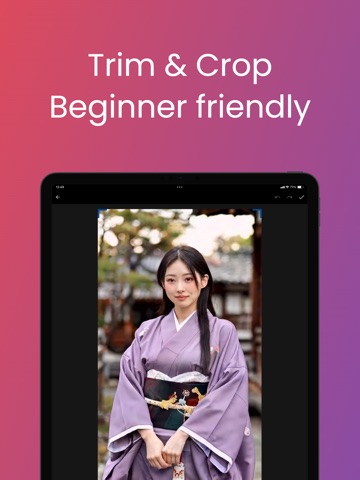
Get from clip to share in minutes. MoonCut puts trim, crop, text, filters and paint in one place—so you can cut the right part, fit the frame and add your style without switching apps. ► TRIM & CUT VIDEO Set start and end on the timeline and keep only what you need. Thumbnail preview makes trim and cut quick. Perfect for vlog clips, story highlights or removing unwanted head and tail. ► CROP & ROTATE Crop to square, 16:9, 9:16 or custom ratio. Rotate and flip. One step to fit Instagram, TikTok, YouTube or story format. ► ADD TEXT Add text with fonts and colors. Move and resize anywhere. Use it for captions, titles and on-screen text. ► FILTERS & TUNE Apply filters like Vintage, Noir, Warm and tune brightness, contrast, saturation and exposure. Make your video look the way you want. ► PAINT & DRAW Draw on video: freehand, arrows, lines, shapes. Emphasize or annotate. Eraser and layers supported. ► BLUR & EMOJI Blur areas for privacy or focus. Add emojis. All inside one editor. ► SPEED & AUDIO Change playback speed and mute or keep original audio. Export as MP4 and save or share to gallery. MoonCut—trim video, cut video, crop and edit in one app. Simple interface, no account needed to start. Pick a video, edit, export. For everyone who edits video for the first time or every day.
Latest release
What’s New
1. Fixed export so your chosen playback speed is applied correctly 2. More reliable video export results 3. Improved overall stability
Audience growth
Ratings growth
Baseline captured. Growth appears after the crawler observes a changed rating count.
Momentum comes from crawler snapshots for the tracked storefront. “Viral growth signal” means unusually fast recent rating gains; it is an indicator, not download data.
Price tracking
Price intelligence
First snapshot captured. The trend line starts after the next crawler price observation.
- First observed Aug 25, 2026 · 8:36 AM Free
Screenshots