About this app
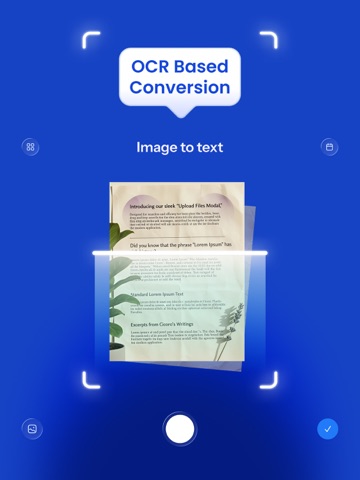
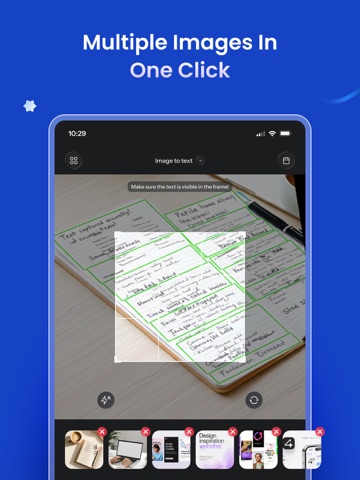
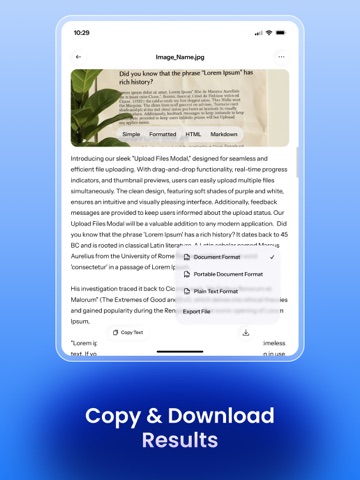
Use this image to text scanner OCR app to instantly extract text from any type of image with a single click. Our Image to Text converter app is designed to help you easily convert images, scanned documents, handwritten notes, and screenshots into editable text. It removes the hassles of manual typing, allowing you to streamline your document processing tasks. Powered by advanced OCR, our picture to text app precisely scans text embedded in images and converts it into an editable form. The photo to text scanner is a beneficial app for marketers, researchers, students, and data entry professionals to automatically copy digital text from physical or scanned documents. How to Use Picture to Text Scanner App Our photo to text scanner OCR app is easier to use; just follow these steps • Alternatively, you can capture the images directly using the app's built-in Camera. • Then click the Tick Icon to start the image to text conversion app. • Our OCR text scanner will take no time to turn images into text. • Finally, you can Edit, Copy, and Download the extracted text. Why Choose this Image to Text Extractor App? Here are the key reasons to choose our picture to text app: • Simple UI: The user interface of the app is designed straightforwardly with easier navigation. Even new users can use it without going through a learning curve. • Latest OCR Technology: The picture to text scanner app uses the latest OCR technology to ensure maximum accuracy. It precisely converts even mathematical terms, handwritten notes, and complex texts from images. • Batch Image Processing: It allows you to upload multiple images and convert them into editable text with a single click. This feature is useful for handling bulk conversions. • Fast Conversion: Our app offers instant image to text conversion. It barely takes a few seconds to process even bulk images. • Formatted Text: This premium feature of the text scanner lets you preserve the actual text formatting, like headings, bold words, number lists, and bullets, during the conversion. • Multilingual: The OCR text scanner supports a wide range of images. So, do not worry if your image contains mixed text; our app will precisely convert it. • Editable, Copy, & Download Options: After photo to text conversion, our app lets you edit the extracted text. Once done, you can copy the text to the clipboard or download it as a TXT, PDF, or DOCX file. Now, it is your turn to download and install our image to text scanner and boost productivity. Privacy Policy: https://www.imagetotext.info/privacy-policy.php Terms & Conditions: https://www.imagetotext.info/terms-of-services.php
Latest release
What’s New
Bug fixes improve stability
Audience growth
Ratings growth
Baseline captured. Growth appears after the crawler observes a changed rating count.
Momentum comes from crawler snapshots for the tracked storefront. “Viral growth signal” means unusually fast recent rating gains; it is an indicator, not download data.
Price tracking
Price intelligence
First snapshot captured. The trend line starts after the next crawler price observation.
- First observed Sep 29, 2026 · 9:42 AM Free
Screenshots