About this app
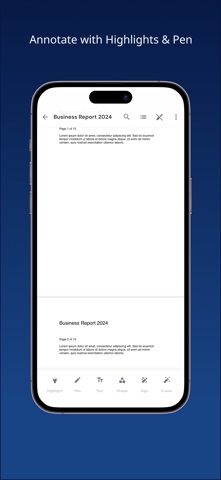
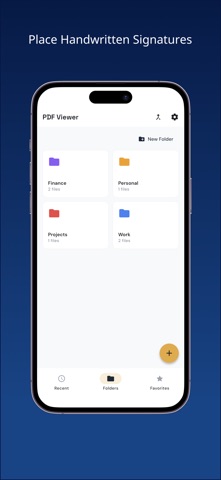
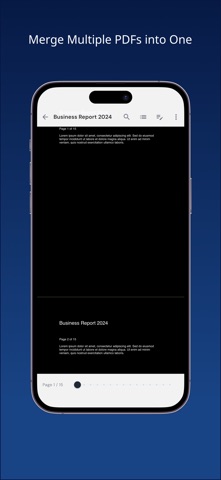
PDF Viewer - Reader & Editor is a simple and lightweight PDF reader app. Key Features: Fast PDF Display Smoothly display even large PDF files. Switch between scroll mode and page mode for comfortable reading. Remembers your last read page so you can resume right where you left off. Annotations Add text highlights (4 colors), freehand pen drawing, text memos, shapes (arrows, rectangles, circles, lines), underlines, and strikethroughs on your PDFs. Non-destructive editing keeps your original PDF unchanged. Handwritten Signatures Draw signatures on a canvas and save them. Place saved signatures on PDFs with drag and resize. Save multiple signatures for different uses. PDF Merge Combine multiple PDF files into one. Drag to reorder pages and delete unwanted pages. Text Search Quickly search text within PDFs. Navigate between search results with ease. Table of Contents View the PDF outline and jump to any section instantly. Night Mode Switch to a dark background for eye-friendly reading. Perfect for nighttime reading. File Management Create folders to organize your PDFs. Use favorites for quick access to frequently used files. Easily rename and share files.
Audience growth
Ratings growth
Baseline captured. Growth appears after the crawler observes a changed rating count.
Momentum comes from crawler snapshots for the tracked storefront. “Viral growth signal” means unusually fast recent rating gains; it is an indicator, not download data.
Price tracking
Price intelligence
First snapshot captured. The trend line starts after the next crawler price observation.
- First observed Aug 31, 2026 · 9:00 AM Free
Screenshots