About this app
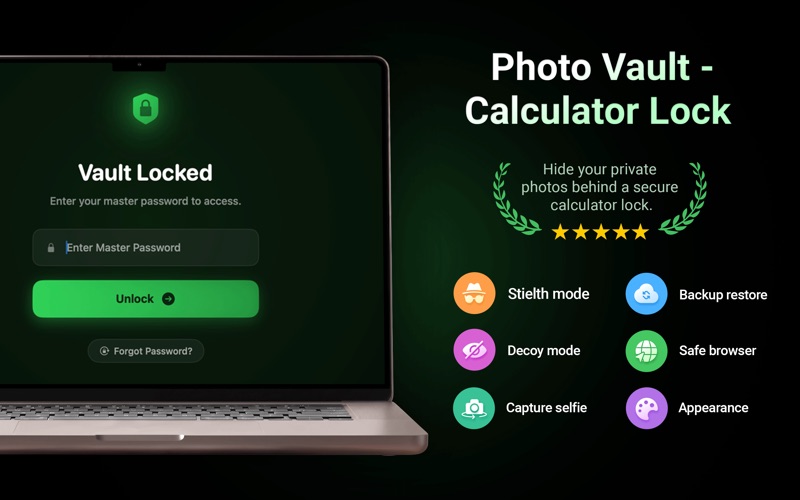
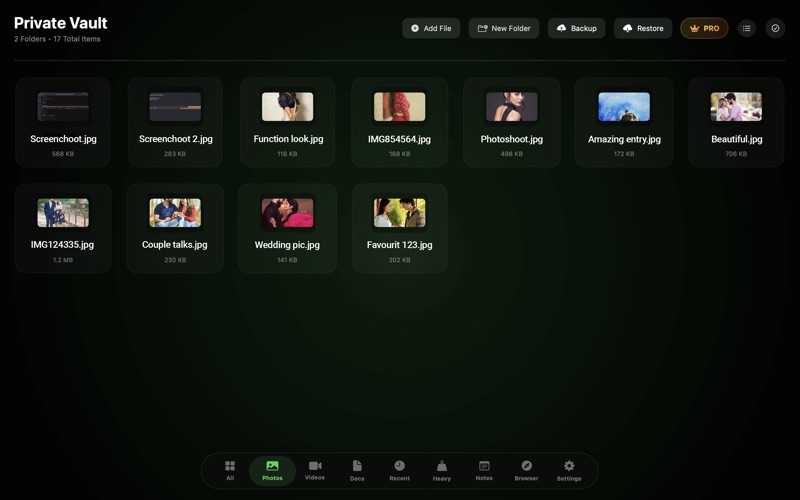
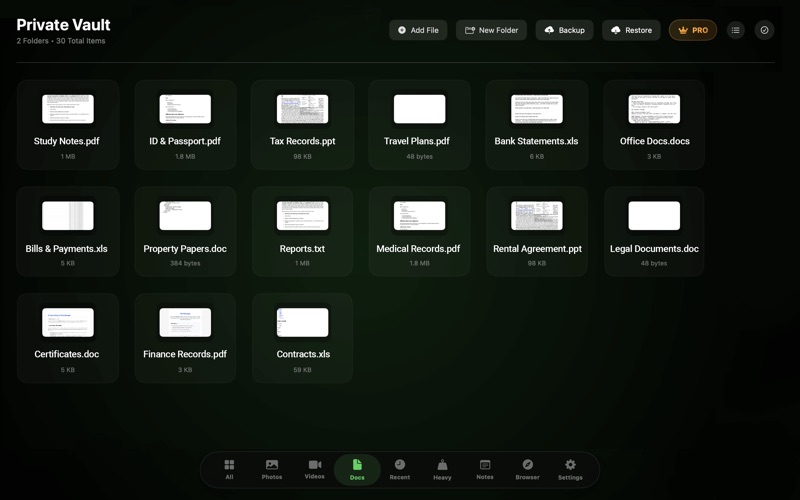
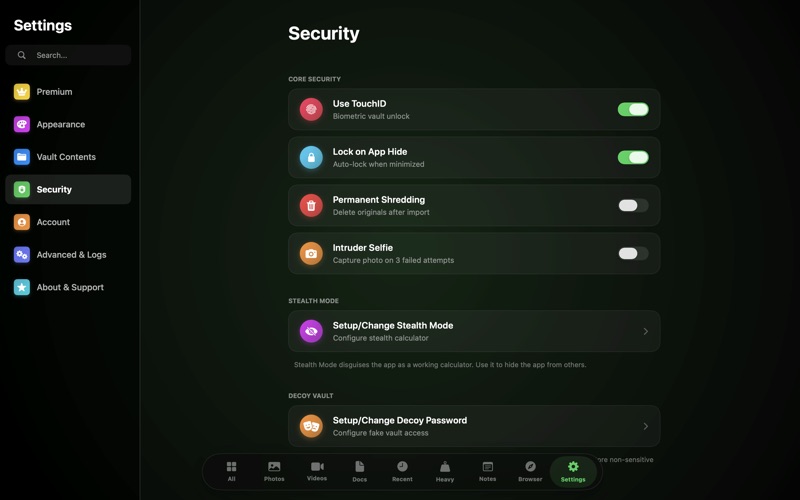
Photo Vault – Calculator Lock Keep your personal files safe with Photo Vault – Calculator Lock, a powerful privacy app designed to protect your important data behind a fully functional calculator. Whether you want to hide private photos, videos, documents, PDFs, ZIP files, text files, or other personal content, this app provides a secure and easy-to-use solution for keeping everything protected. The app looks like a normal calculator, making it discreet and helping keep your private files hidden from anyone using your Mac. Simply enter your secret passcode on the calculator to access your secure vault. Protect your privacy with a strong passcode that only you know. For additional security, the app includes a decoy passcode feature. If you are ever required to unlock the app, you can enter your decoy passcode to open a separate vault with different content while your real files remain completely hidden. The built-in intruder detection feature helps you know if someone tries to access your vault. Whenever an incorrect passcode is entered, the app automatically captures a selfie using the Mac camera and securely stores the photo inside the app. Never worry about losing your important files. Photo Vault includes secure cloud backup and restore support, making it easy to back up your encrypted data and restore it whenever you switch to a new Mac or reinstall the app. Features • Functional calculator lock for discreet protection • Hide unlimited photos and videos • Secure PDFs, documents, ZIP files, and text files • Strong passcode protection • Decoy passcode for extra privacy • Intruder selfie capture after incorrect password attempts • Secure cloud backup and restore Your privacy is important. Photo Vault – Calculator Lock gives you complete control over your personal files with advanced security features, reliable cloud backup, and a simple experience that keeps your private data protected every day. Top Security Features: • Optional Calculator Disguise: Want extra privacy? Turn on Stealth Mode in settings to disguise the app as a fully functional calculator. Only your custom secret passcode entered on the calculator will reveal your hidden vault. • Secure Media Vault: Import and hide your private photos, videos, and documents securely. • Instant iCloud Backup: Your hidden files are securely backed up to your personal iCloud Drive, ensuring you never lose your data even if you delete the app or change devices. • Intruder Selfie: If someone tries to guess your passcode, the app silently captures a photo of the intruder using your Mac's camera. • Decoy Vault: Create a fake secondary vault with a different passcode to show anyone who forces you to open the app. • Zero-Knowledge Privacy: Your files are encrypted locally. We never upload your files to our servers and we do not have access to your private data. Take control of your digital privacy today with the ultimate stealth Photo Vault! [Photo Vault - Calculator Lock] - Photo Vault - Calculator Lock - Pro subscription is billed weekly, monthly or annually at the rate corresponding to the selected plan. In addition, a one-time payment will be offered if needed, which is not one of the subscription plan. - Payment will be charged to iTunes Account at confirmation of purchase. - Subscription automatically renews unless auto-renew is turned off at least 24-hours before the end of the current period. - Account will be charged for renewal within 24-hours prior to the end of the current period, and identify the cost of the renewal. - Subscriptions may be managed by the user and auto-renewal may be turned off by going to the user's Account Settings after purchase. - Any unused portion of a free trial period, if offered, will be forfeited when the user purchases a subscription to that publication, where applicable. [Terms of Use] https://skyinfotechdeveloper.com/terms_and_condition_ios.html [Privacy Policy] https://skyinfotechdeveloper.com/privacy_policy_ios.html
Latest release
What’s New
- Fixed minor bugs - Overall performance improvements
Audience growth
Ratings growth
Baseline captured. Growth appears after the crawler observes a changed rating count.
Momentum comes from crawler snapshots for the tracked storefront. “Viral growth signal” means unusually fast recent rating gains; it is an indicator, not download data.
Price tracking
Price intelligence
First snapshot captured. The trend line starts after the next crawler price observation.
- First observed Aug 25, 2026 · 7:41 PM Free
Screenshots