About this app
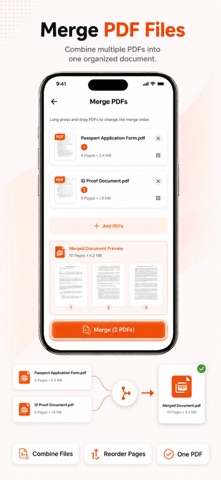
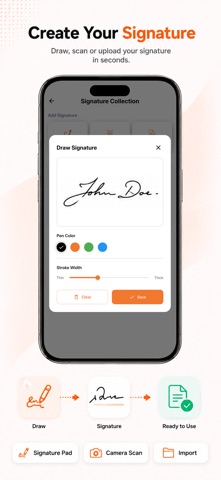
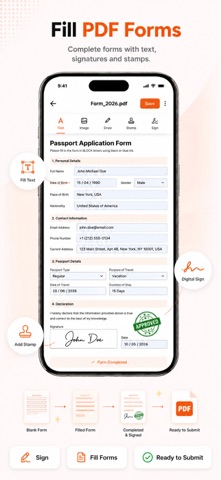
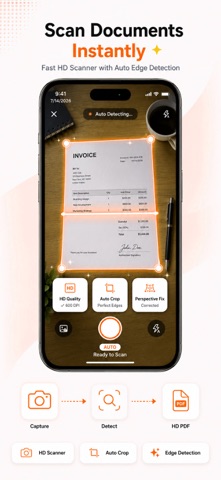
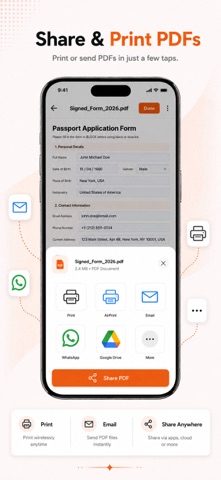
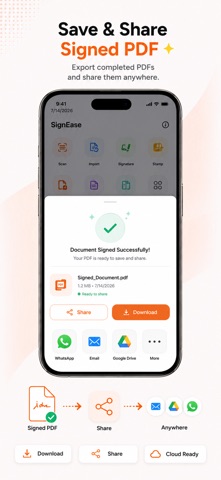
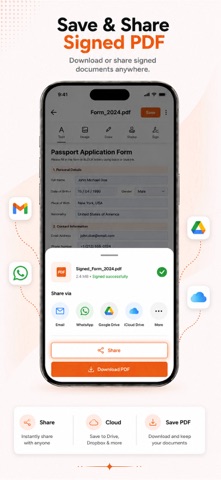
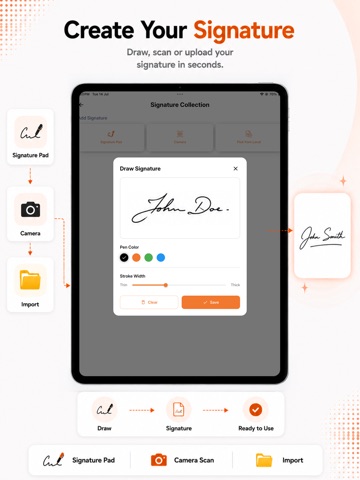
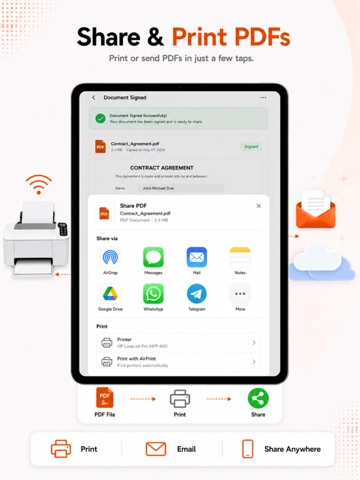
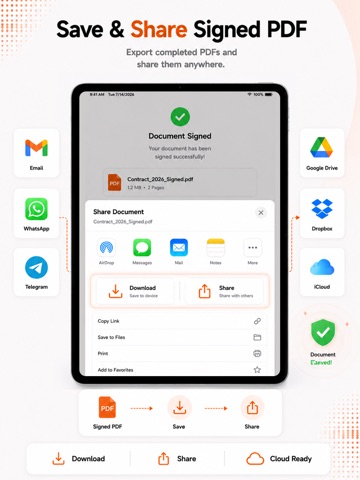
Esign & Fill PDF Doc - SignOB App is the fast and simple way to sign, edit, and send documents anytime, anywhere. Skip printing, scanning, and paperwork delays. With QuickSign, you can create signatures, sign forms, add stamps, and send documents for others to sign in just a few taps. Whether you need to sign a business contract, fill out common forms, or send documents for approval, QuickSign: eSign Document App makes document signing easy and professional. CREATE YOUR SIGNATURE COLLECTION Create and manage multiple signatures for personal or business use. Choose your preferred signing method: • Draw your signature by hand • Import signature image from your device • Scan your signature using camera • Save and reuse signatures anytime SIGN DOCUMENTS & FORMS Quickly sign PDFs, contracts, and common forms with ease. • Add signature to documents • Add stamps for approval or verification • Insert images into forms or files • Fill and sign everyday forms instantly • Edit and finalize documents in seconds SEND DOCUMENTS FOR SIGNATURE Need someone else to sign? QuickSign helps you send files securely. • Send documents to others for signing • Receiver can add signature • Receiver can add stamp • Receiver can insert image • Fast and simple document sharing flow COMMON FORMS READY TO USE Access commonly used forms in daily life and complete them quickly. • Sign ready-made forms • Add image attachments • Apply stamp and signature • Save completed copies instantly WHY CHOOSE QUICKSIGN? • Easy and clean interface • Fast document signing process • Multiple signature options • Ideal for business & personal use • Save time and avoid printing Whether you work remotely, run a business, or need quick signatures on the go, Esign & Fill PDF Doc - SignOB App gives you a smarter way to handle paperwork. Download Esign & Fill PDF Doc - SignOB App today and sign documents anywhere, anytime. SUBSCRIPTION INFORMATION: Payment will be charged to your iTunes account upon confirmation. The subscription automatically renews unless auto-renewal is turned off at least 24 hours before the end of the current billing period. Manage your subscription in Account Settings after purchase. Privacy Policy: https://craox.com/privacy-policy/sign-ease Terms of Service: https://craox.com/terms-of-use/sign-ease
Latest release
What’s New
sign and fill pdf documents, esign doc
Audience growth
Ratings growth
Baseline captured. Growth appears after the crawler observes a changed rating count.
Momentum comes from crawler snapshots for the tracked storefront. “Viral growth signal” means unusually fast recent rating gains; it is an indicator, not download data.
Price tracking
Price intelligence
- First observed Aug 18, 2026 · 9:01 PM Free
Screenshots